Enhance CarPlay navigation using Google Maps
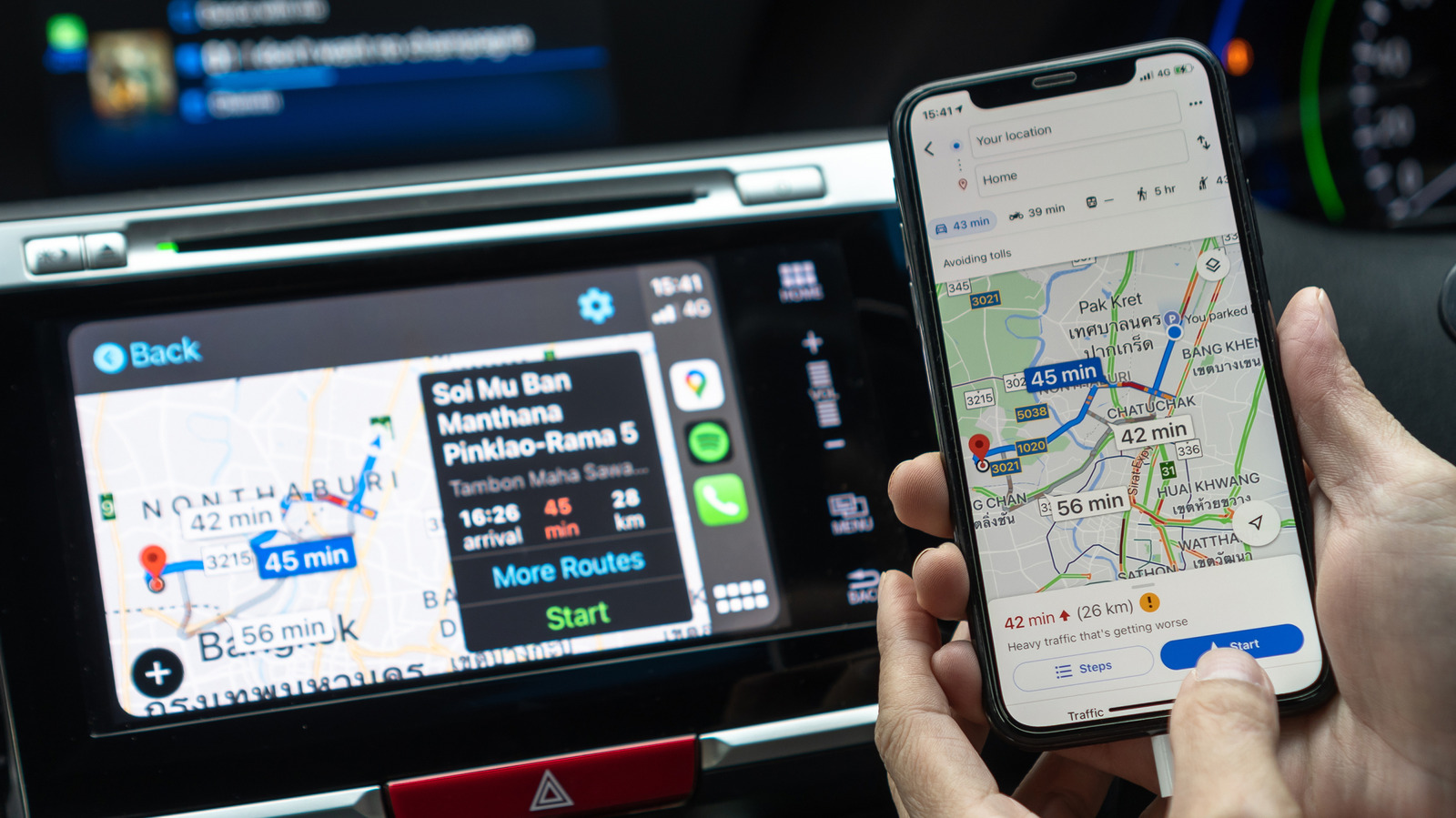
While Google Maps can't be set as the default GPS app in CarPlay, there are ways to optimize its use.
Integrating Google Maps into CarPlay may not be as straightforward as using Apple Maps, as in most regions, users cannot set Google Maps as the default navigation app. However, there are methods to make it easier to use while driving, which can significantly enhance the user experience.
## Why it matters This limitation can be frustrating for users who prefer Google Maps for its accuracy and real-time updates. Knowing how to optimize its use in CarPlay is essential for those looking for a more efficient and personalized navigation experience.
## What we know Despite the restrictions, users can still access Google Maps through the app interface in CarPlay. This includes viewing routes, receiving directions, and utilizing other navigation features that Google offers, such as traffic information and points of interest.
## What remains unclear The company has not detailed whether there will be future changes allowing Google Maps to be set as the default GPS app in CarPlay. Therefore, users will have to continue adapting to the current limitations while waiting for possible updates.
Read at the original source:
Engadget →Related news
 Mobile
Top feature request for the upcoming A20 Pro iPad mini
A refreshed iPad mini is anticipated with significant upgrades.
 Mobile
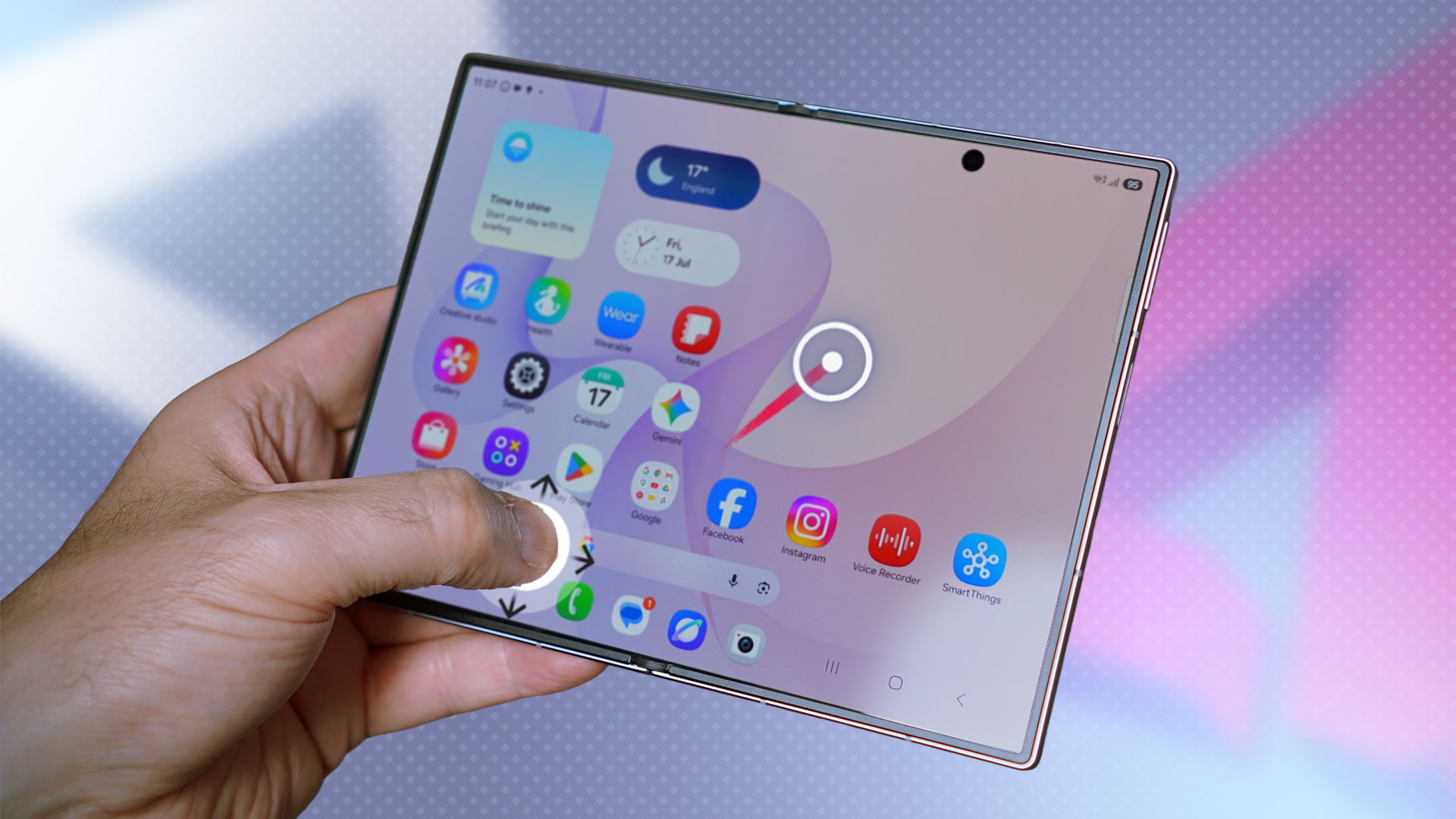
This app makes the Galaxy Z Fold 8 a one-handed device
A user reveals how a free app has enhanced their Galaxy Z Fold 8 usability.
 Mobile
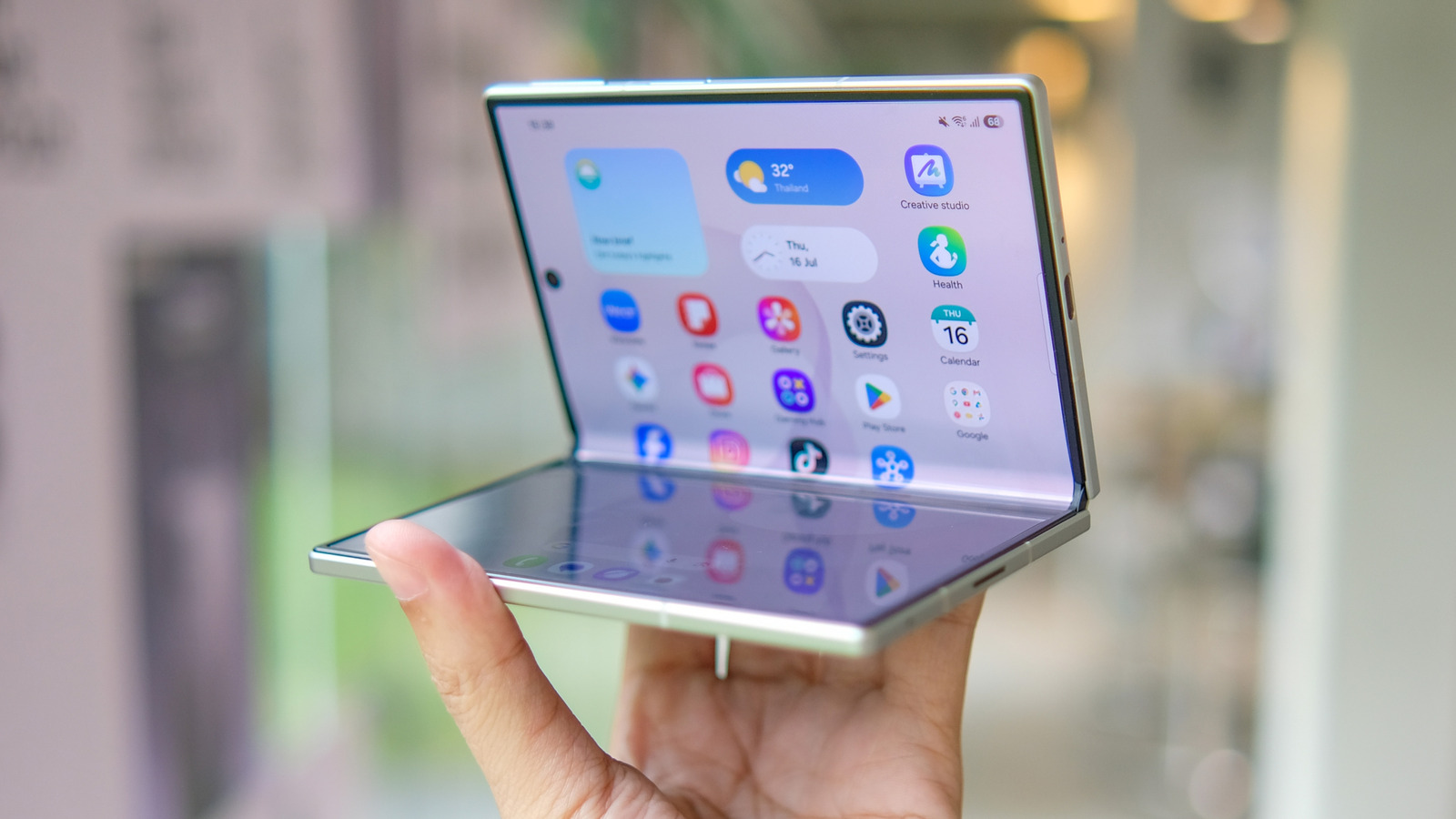
Pros and cons of using a foldable phone
Foldable phones are gaining traction but face significant challenges.