Gemini for Android rolls out redesign of side panel and settings
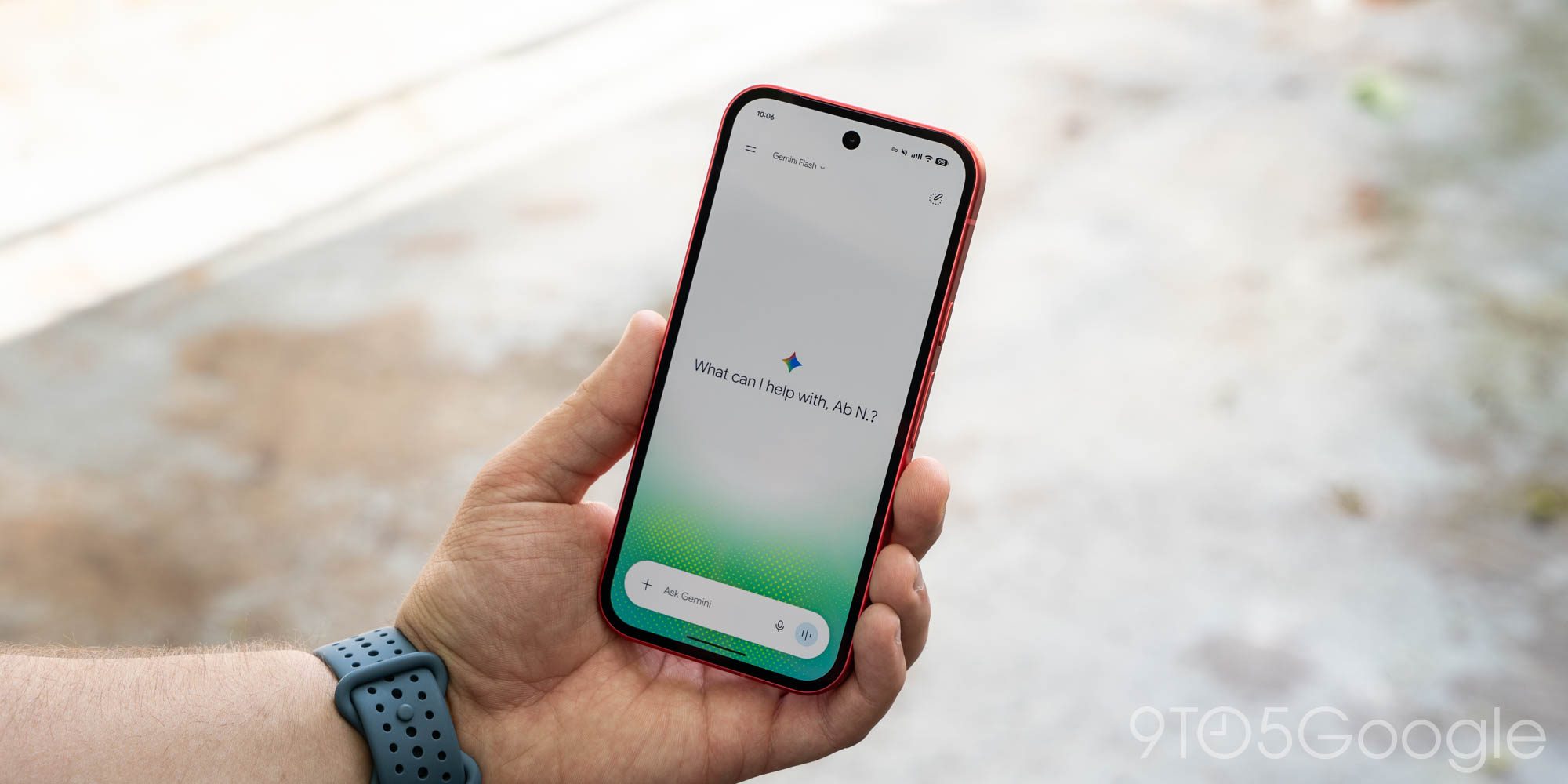
The Gemini app has updated its design on Android, enhancing user experience with a new side panel and settings.
The Gemini application has begun rolling out a significant redesign for its Android version, specifically targeting the side panel and settings section. This change follows the Spark-to-Task update, which introduced improvements aimed at enhancing productivity and task organization.
## Why it matters The redesign of the side panel and settings in Gemini responds to user needs for a more intuitive and accessible interface. These enhancements could facilitate navigation within the app, allowing users to manage their tasks more efficiently and quickly.
## What we know So far, the changes have been confirmed and are available for Android users. The new interface aims to make features more visible and accessible, potentially improving the overall user experience.
## What’s still unclear It is not yet clear whether these improvements will be implemented on other platforms or if there are more updates planned for the near future. The company has not provided a specific timeline for upcoming modifications or new features in the app.
Read at the original source:
9to5Google →Related news
 Apps
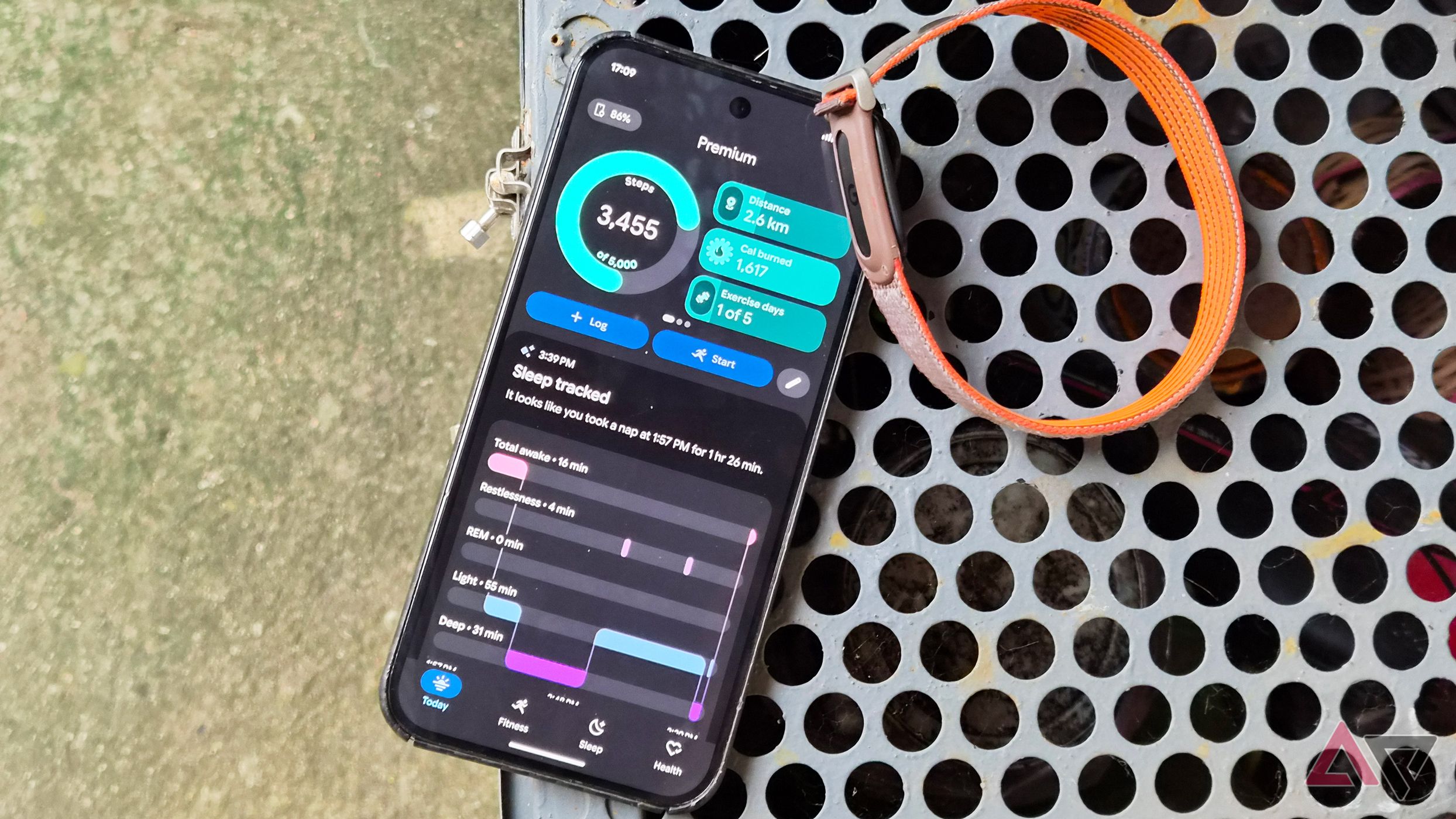
AppsGoogle Health 5.11: automatic tracking for over 100 workouts
The latest update to Google Health introduces automatic tracking for more than 100 workouts. Available for Pixel Watch 3 and newer models.
 Apps
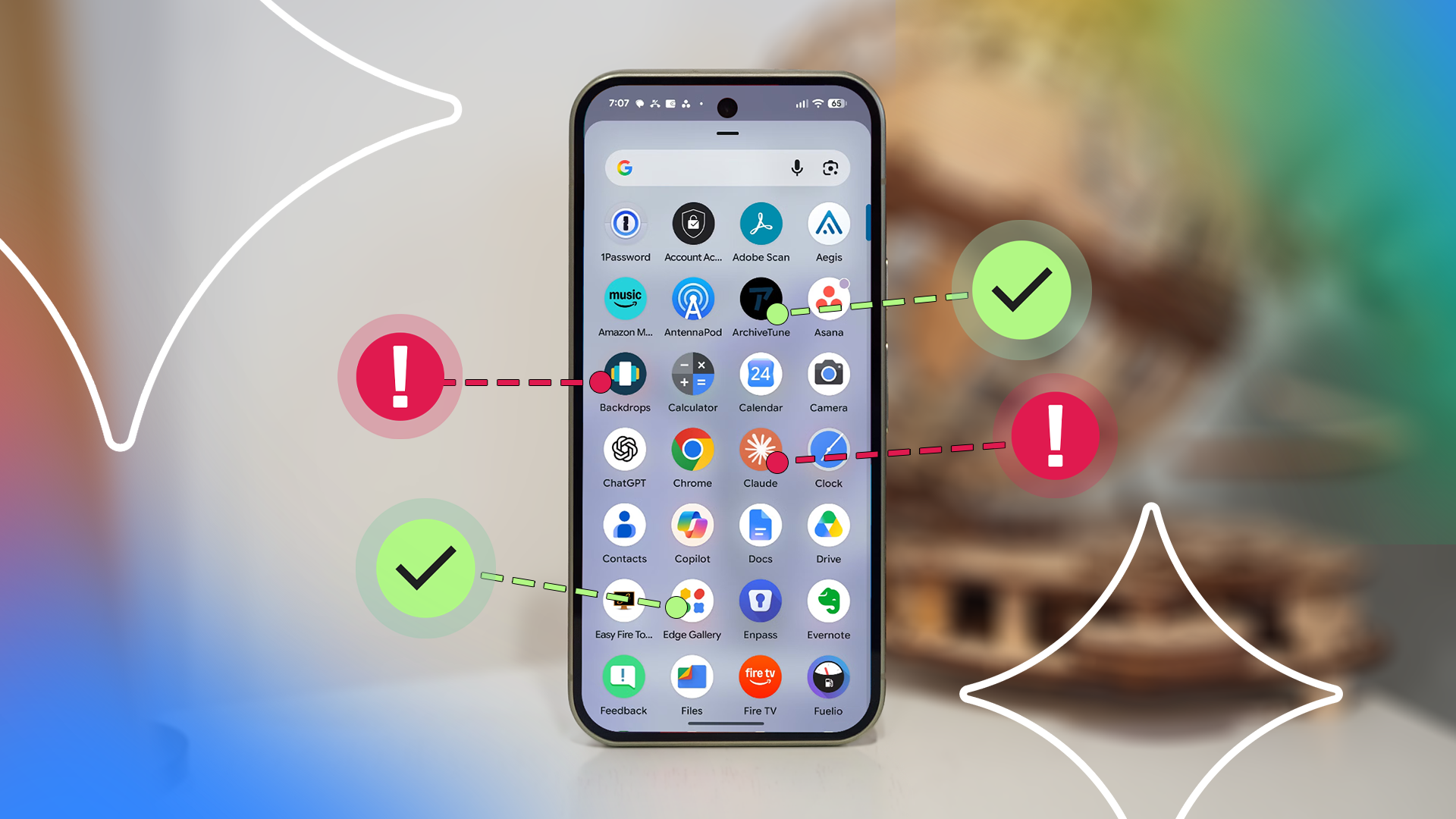
AppsGemini exposes flaws in popular Android apps
An audit by Gemini reveals problematic apps in the Android ecosystem.
 Apps
AppsGoogle Health 5.11 enhances activity tracking features
The new version of Google Health expands automatic activity tracking to over 100 types. This update is now available for devices like Fitbit Air and Pixel Watch.