Google explains how to adjust time zones on Android
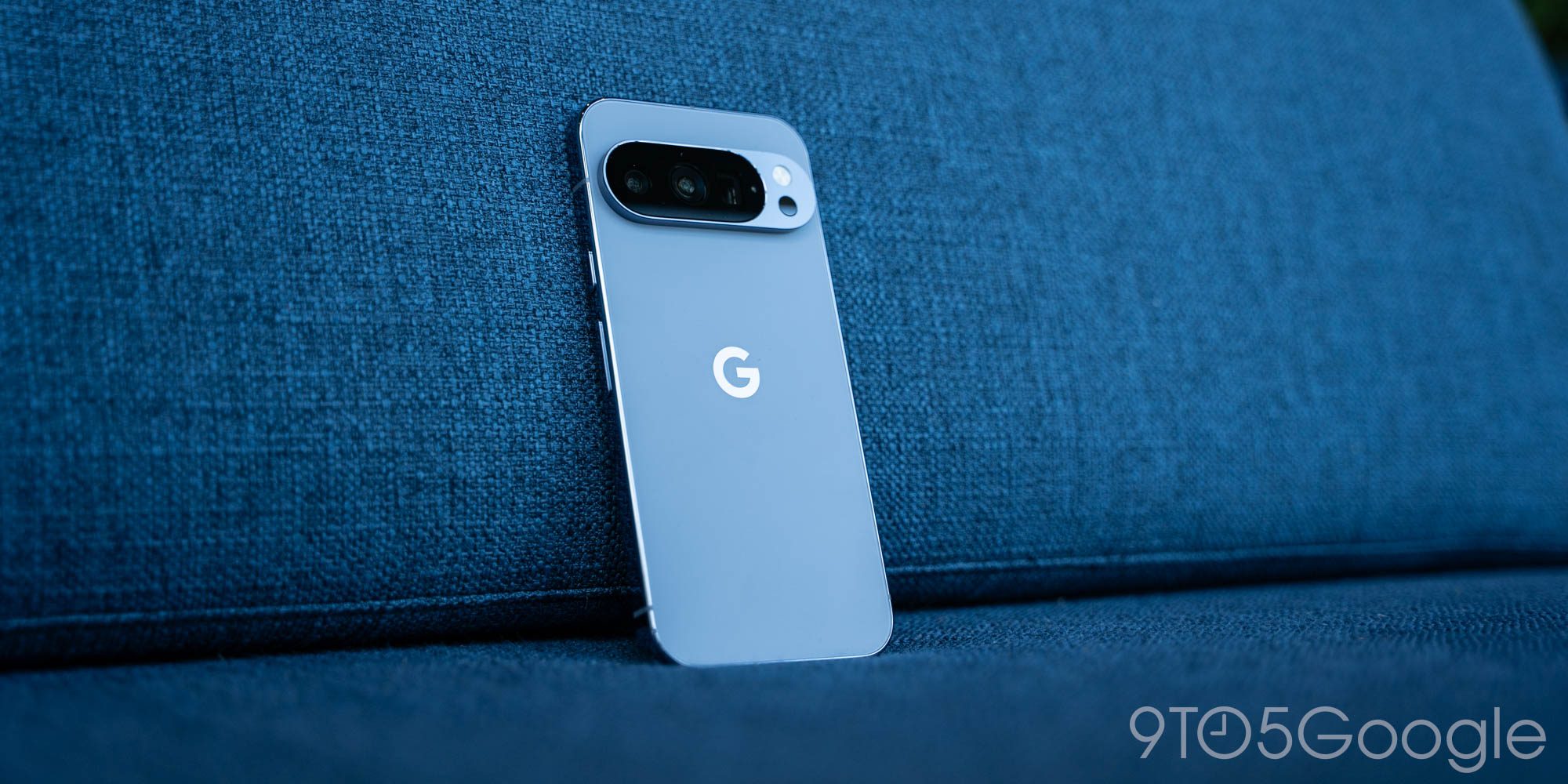
Google provides instructions for adjusting time zones on Android following changes in Canada.
Recently, Canada has implemented changes to its Daylight Savings time, prompting Google to offer solutions for Android users who may be affected. These changes in time zones can lead to confusion in scheduling events and alarms, as well as in the synchronization of applications that rely on accurate time.
## Why it matters Correctly setting the time zone is crucial for the proper functioning of mobile devices. An error in time can result in missed appointments, alarms that do not ring on time, and an overall impact on user productivity. With more people working remotely, time synchronization has become even more relevant.
## What we know Google has provided detailed instructions for Android users to manually adjust their time zone or enable automatic adjustment. This will allow users to ensure their devices accurately reflect the local time after the changes implemented in Canada.
## What is still unclear It has not yet been confirmed whether these adjustments will affect other countries or if further changes will be implemented in the future. Additionally, there are no details on how these changes could impact specific applications that depend on time, leaving users uncertain about potential inconveniences.
Read at the original source:
9to5Google →Related news
 Mobile
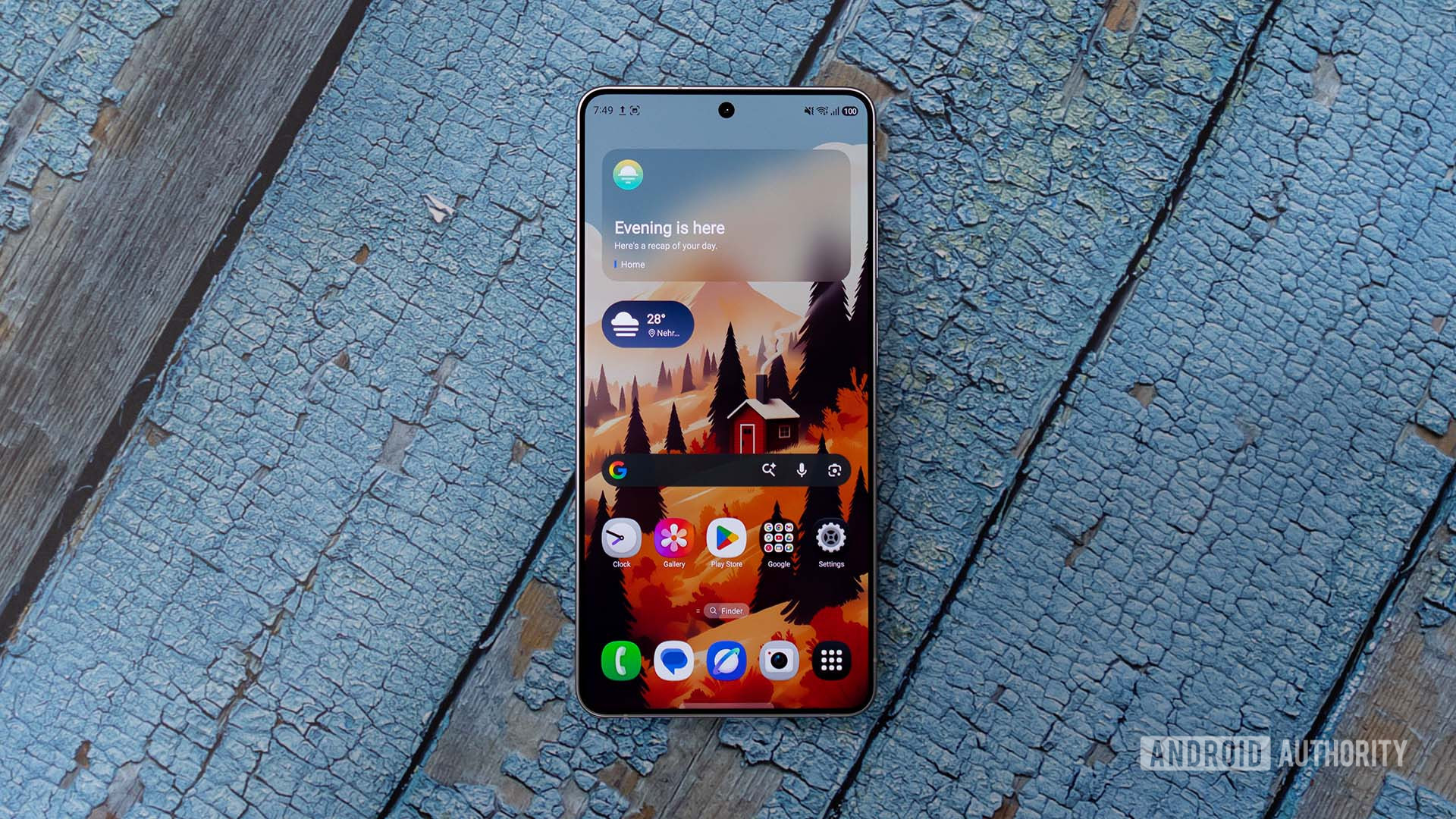
Samsung gears up for One UI 9.5 beta release
Samsung may be on the verge of launching the public beta for One UI 9.5. The company has updated the beta program banner in its Samsung Members app.
 Mobile
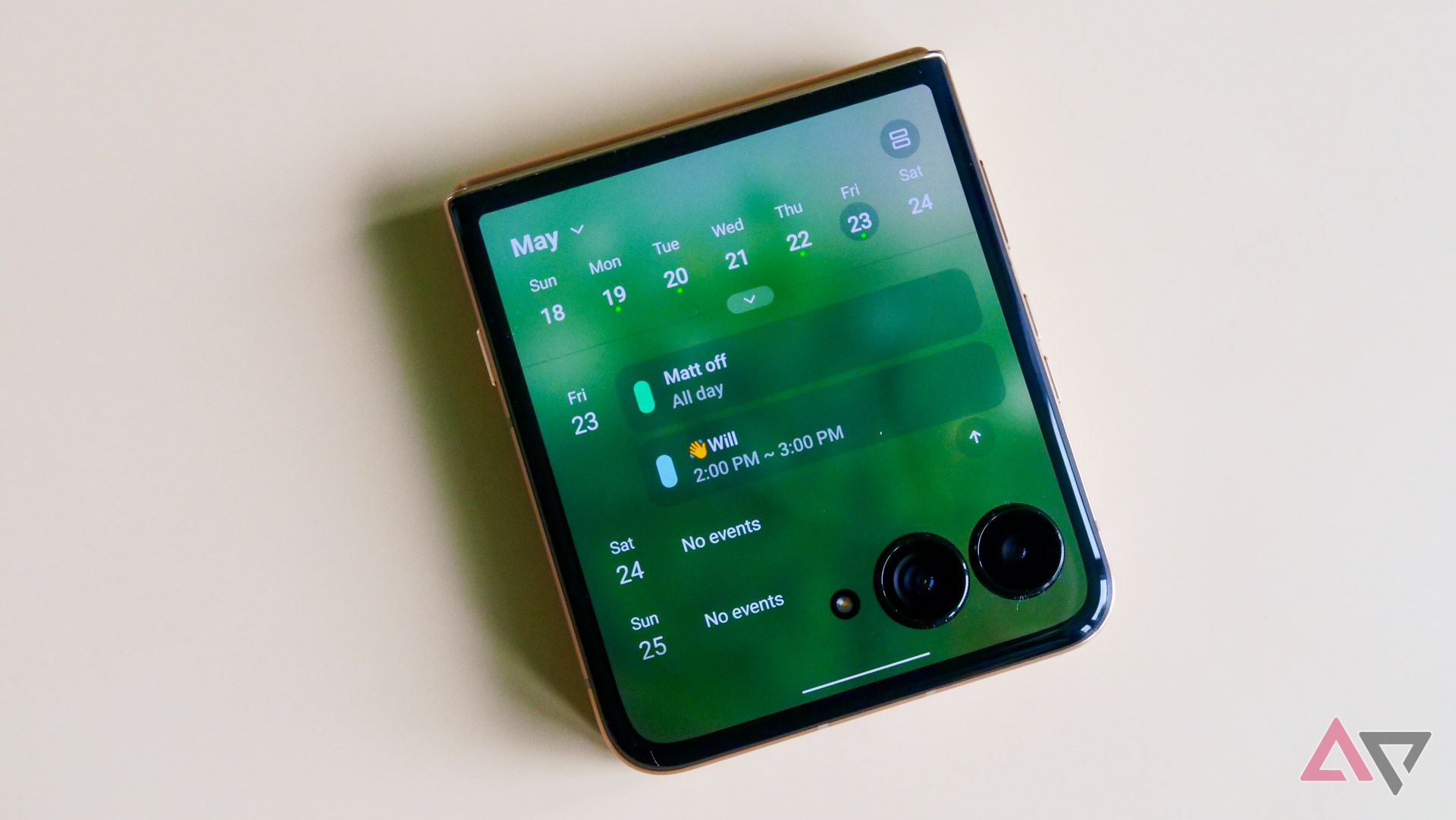
Android 17 finally lands on the Motorola Razr Ultra 2025
The Motorola Razr Ultra 2025 receives the Android 17 update, enhancing its performance and features.
 Mobile
iPhone Duo hands-on review and Apple event announcement
Chance shares his experience with the new iPhone Duo while Apple announces an upcoming event.