Best webcams for video calls in 2026
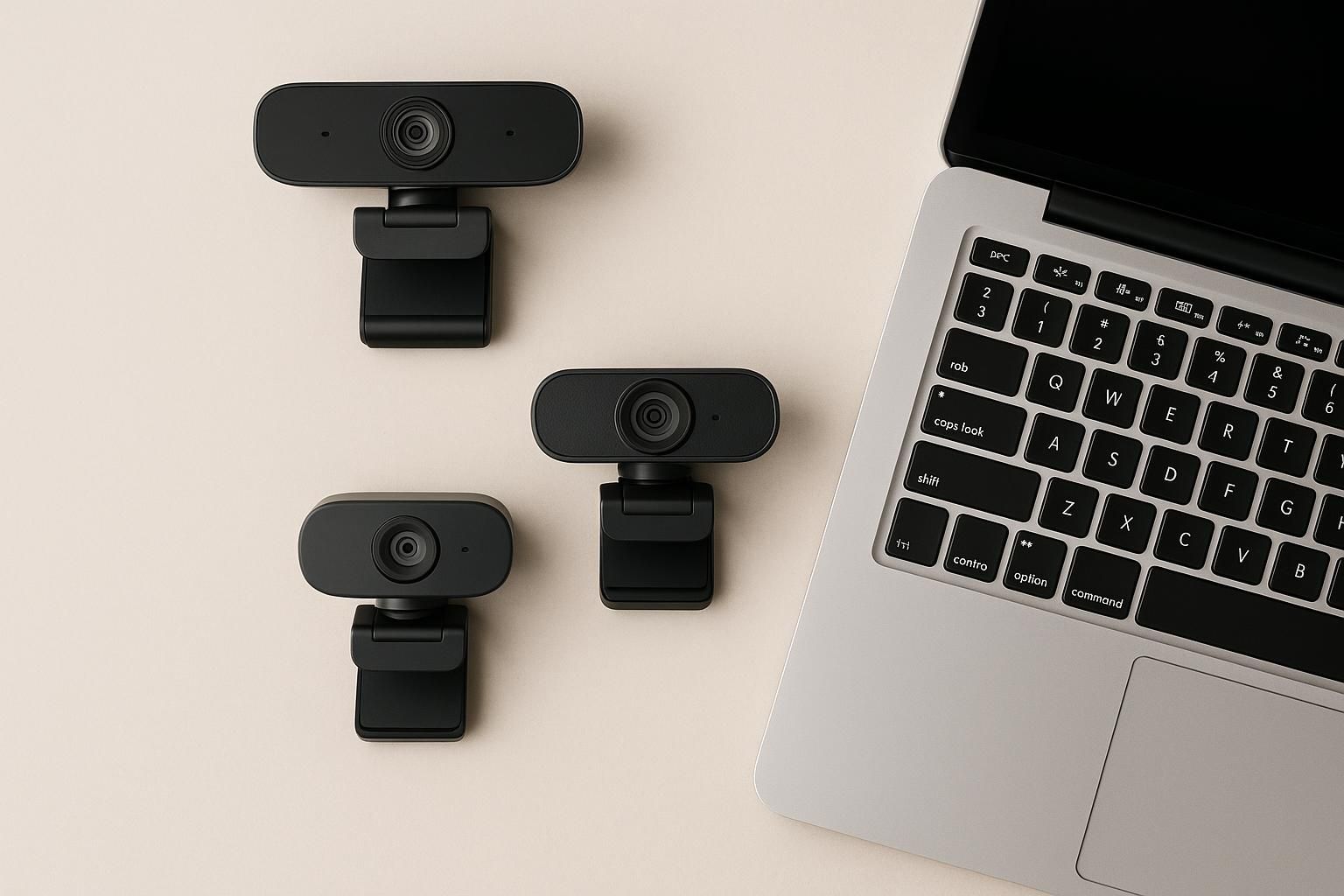
Discover the best webcams to enhance your video calls in 2026. Find the perfect option for you.
*Technofera participates in the Amazon Associates Program. As an Associate, we earn from qualifying purchases, at no extra cost to you. Prices and availability are shown live on Amazon.*
Best webcams for video calls in 2026
In an increasingly connected world, video calls have become an essential part of our daily lives, whether for work, study, or keeping in touch with friends and family. Having a good webcam is crucial to ensure your video conferences are of high quality. In this guide, we will help you choose the best webcam for your needs and present some of the best options on the market.
How to choose
When selecting a webcam, there are several factors you should consider:
1. Resolution: Image quality is crucial. Look for webcams that offer at least 1080p (Full HD) for good clarity. 2. Field of view: A wider field of view will allow you to better frame multiple people if necessary. Webcams typically offer between 60° and 90°. 3. Microphone: A good built-in microphone can significantly improve audio quality. Some webcams feature noise-cancellation technology. 4. Compatibility: Ensure that the webcam is compatible with the software you use for video calls (Zoom, Skype, Teams, etc.). 5. Ease of use: Look for models that are plug-and-play, meaning they don’t require complicated installations.
Best options
### 1. Logitech C920 The Logitech C920 is one of the most popular webcams on the market. It offers 1080p resolution and features a stereo microphone that provides clear sound. Its 78° field of view is perfect for framing one or two people. It is compatible with most video call platforms. see on Amazon
### 2. Razer Kiyo The Razer Kiyo is perfect for those looking for a webcam with built-in lighting. Its adjustable light ring enhances image quality in low-light conditions. It offers 1080p resolution and is ideal for streamers and gamers who also make video calls. see on Amazon
### 3. Microsoft LifeCam HD-3000 This option is more affordable and offers good image quality with a 720p resolution. Its noise-cancelling microphone ensures your voice is heard clearly. It’s ideal for those looking for an economical yet functional option. see on Amazon
### 4. Logitech StreamCam The Logitech StreamCam is an excellent option for content creators. It offers 1080p resolution at 60 fps, providing a smooth and high-quality image. Additionally, it is compatible with live streaming software and comes with an adjustable mount. see on Amazon
### 5. Aukey PC-LM1E The Aukey PC-LM1E is a budget-friendly option that doesn’t sacrifice quality. It offers 1080p resolution and a noise-cancelling microphone. Its compact design makes it easy to transport and ideal for occasional use. see on Amazon
### 6. Elgato Facecam Designed for content creators and streamers, the Elgato Facecam offers exceptional image quality with 1080p resolution at 60 fps. Its autofocus and improved image sensor make it perfect for video calls and recordings. Additionally, its software allows you to customize camera settings. see on Amazon
Frequently asked questions
1. What webcam is best for streaming? The Logitech StreamCam and Elgato Facecam are excellent streaming options, as they offer high image quality and features tailored for content creators.
2. Do I need an external microphone if I have a good webcam? Not necessarily. Many quality webcams, such as the Logitech C920 and Razer Kiyo, have built-in microphones that are good enough for most video calls. However, for superior audio quality, an external microphone may be beneficial.
3. Can I use a webcam on my laptop? Yes, most webcams are compatible with laptops. Make sure your operating system recognizes the webcam and that you have the necessary drivers installed.
Related news
 Gadgets
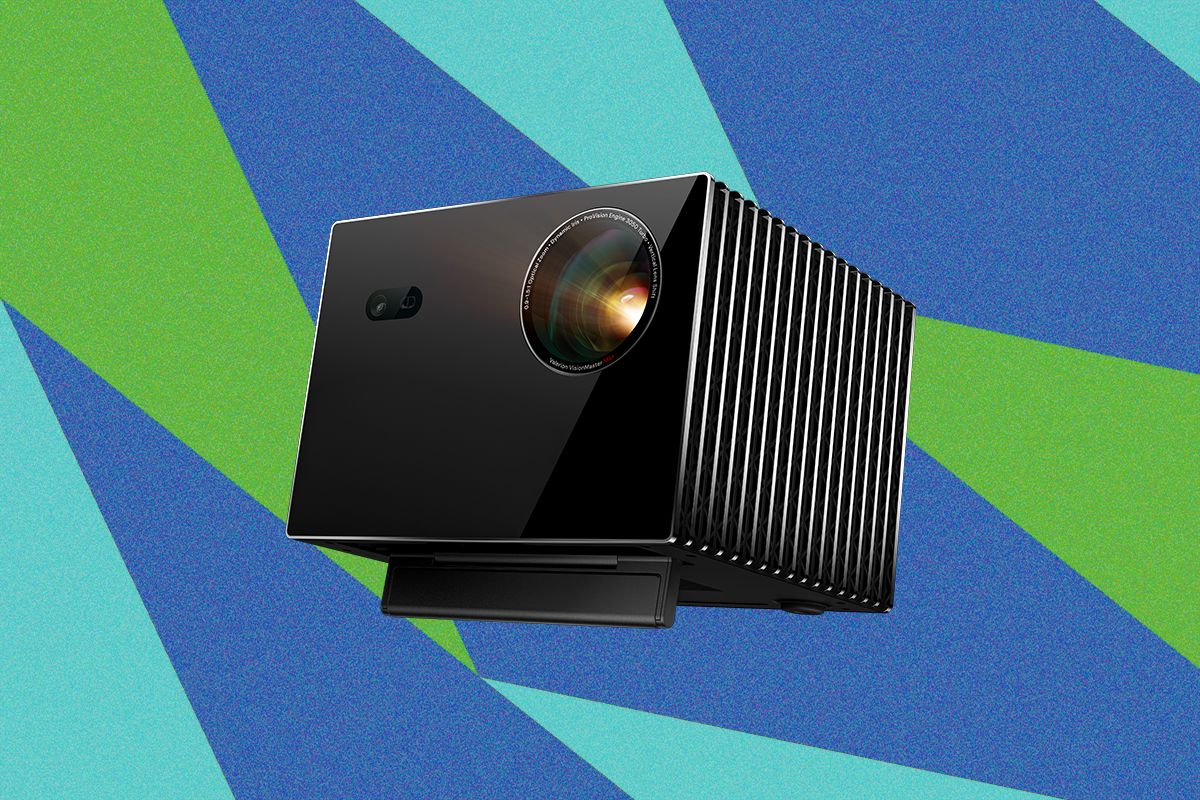
Valerion VisionMaster Max 4K Projector Review
The Valerion VisionMaster Max 4K projector offers impressive image quality but falls short in sound performance. It provides extensive adjustment options.
 Gadgets
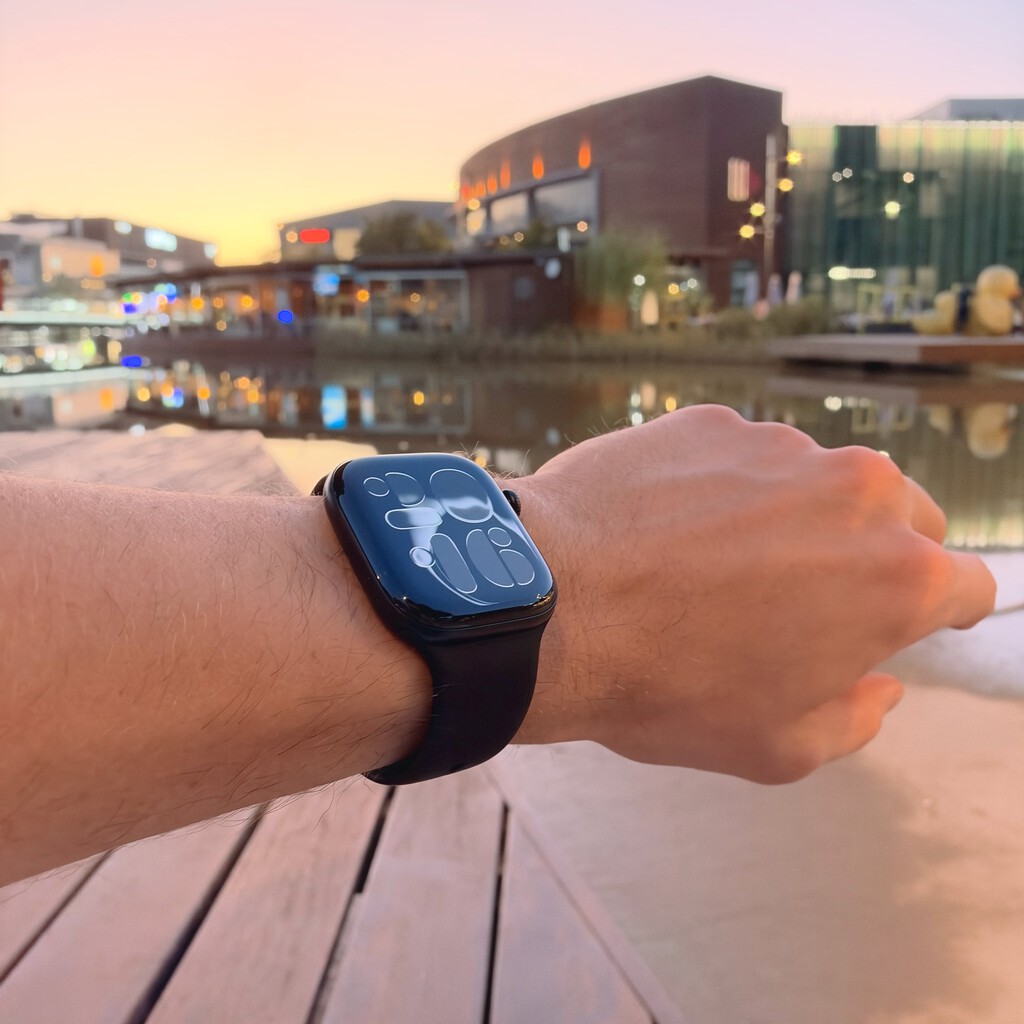
30 Days with the Apple Watch Series 12: Likes and Dislikes
A user shares their experience after a month with the Apple Watch Series 12, highlighting its merits and flaws.
 Gadgets
The Best AirPods Cases We've Tested
Discover how AirPods cases can personalize and protect your headphones.