How to easily free up space in Google Photos
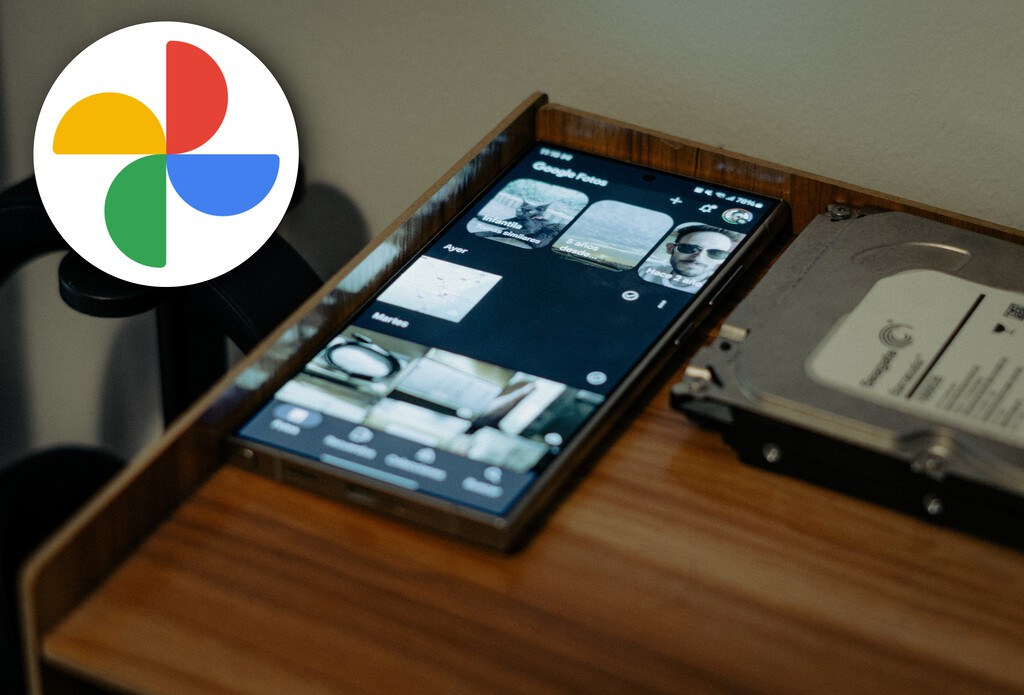
Learn how to manage storage in Google Photos and free up space in your account.
Google Photos has become one of the most popular apps for storing photos and videos in the cloud, especially among Android users. However, one of the main drawbacks users face is the limited free storage space. Since 2021, Google no longer offers unlimited space for compressed photos, meaning the 15 GB of free storage is shared across Google Photos, Gmail, and Google Drive, and can fill up quickly.
For those who find their Google Photos storage full, there are options to free up space. One of the most effective solutions is to use hidden features in the app that allow users to identify and delete unnecessary photos and videos. This not only helps make room for new images but also facilitates the organization of stored content.
## Why it matters Managing storage in Google Photos is crucial for users who rely on the app to maintain their digital memories. With the increasing quality of smartphone cameras, photos and videos can take up a lot of space, causing the 15 GB to run out quickly. Learning how to free up space can prevent the frustration of not being able to save new images during important moments.
## What we know Google Photos offers various tools to help users manage their storage, including the option to delete duplicate or low-quality photos. Additionally, the app automatically suggests content that could be deleted, making the cleaning process easier.
## What is still unclear It has not yet been confirmed whether Google plans to offer more free storage options or if it will change its storage policy in the future. For now, users need to be proactive in managing their space.
Read at the original source:
Xataka Móvil →Related news
 Apps
AppsFirefox on Android outshines Chrome and Brave with add-ons
Firefox for Android offers thousands of add-ons unavailable on Chrome and Brave.
 Apps
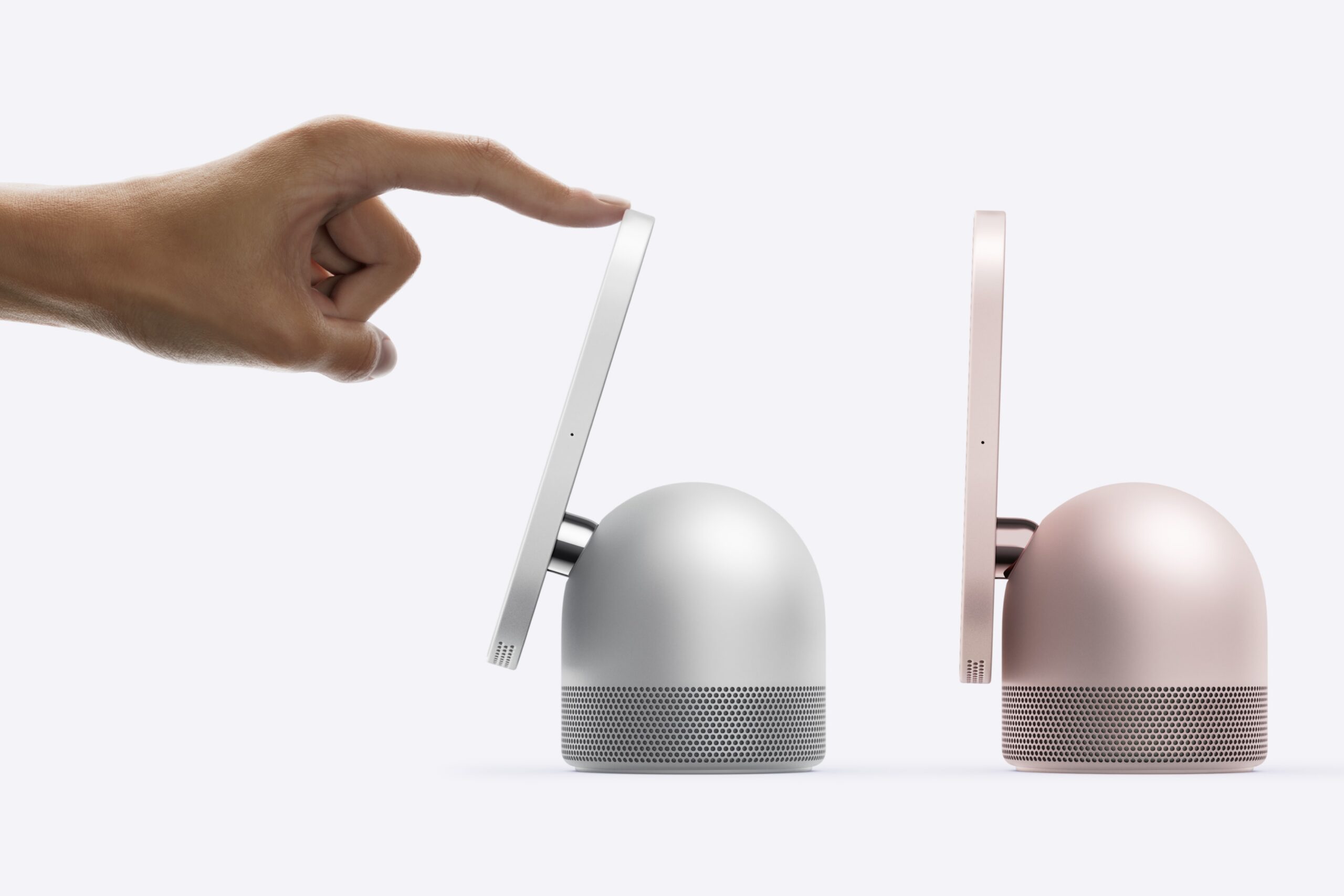
AppsApple HomeView: a game-changer for smart homes
Apple's new smart display promises to revolutionize connected homes.
 Apps
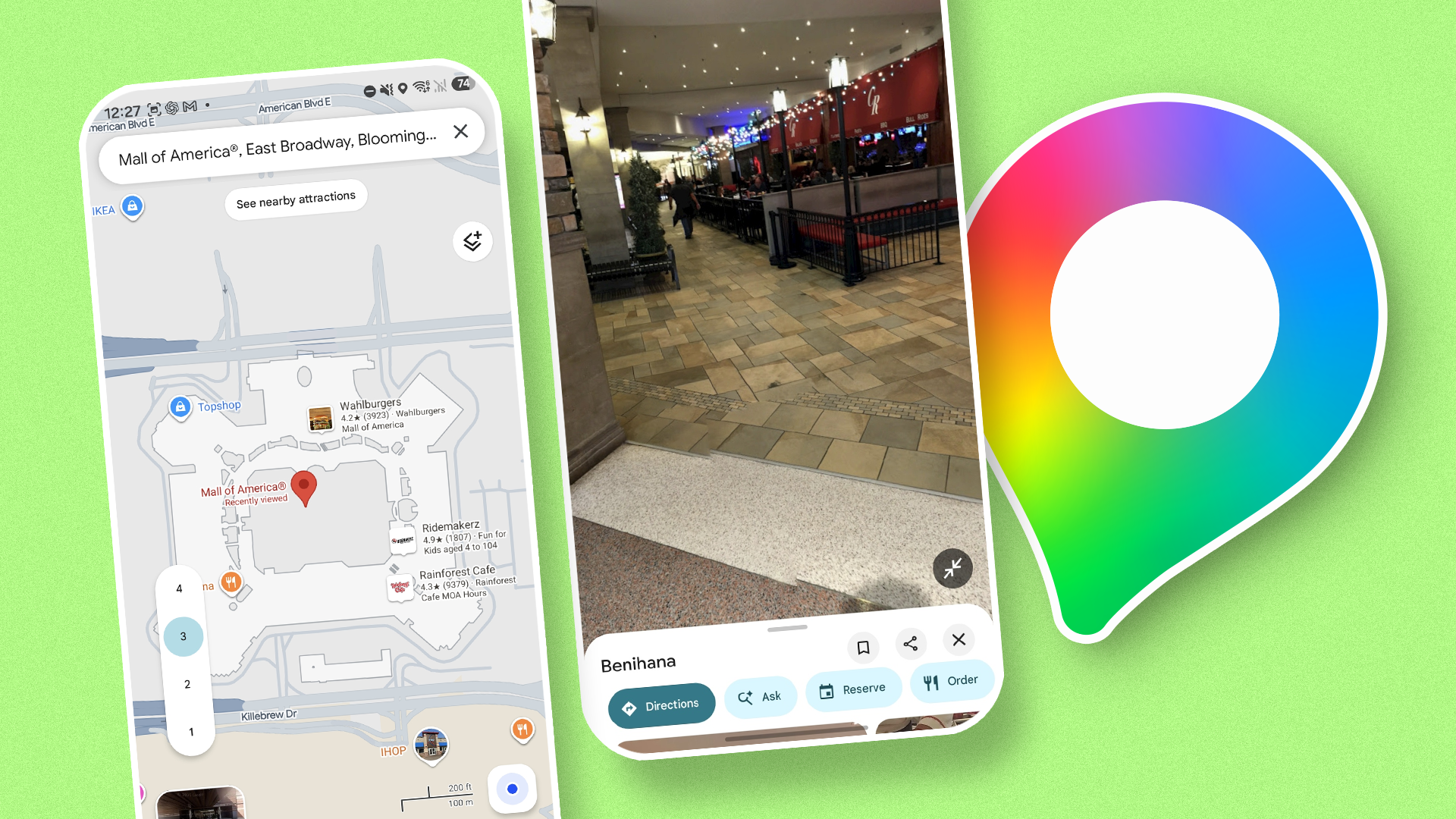
AppsGoogle Maps: Indoor Navigation for Buildings
Google Maps is not just for outdoor routes; it helps navigate inside buildings too.