How to enable dark mode in Google Docs on the web
While Google Docs lacks a dark mode on the web, there are simple workarounds available.
Google Docs, one of the most widely used word processing tools, offers a dark mode in its mobile app. However, users working in the web version have found the absence of this feature, which can be uncomfortable for those spending long hours in front of the screen.
The good news is that there are ways to achieve a dark mode effect in Google Docs on the web, even though the platform does not officially support it. This can be done through browser extensions that allow users to change the background and text color, providing a more visually friendly experience.
## Why it matters This functionality is particularly relevant for those working in low-light environments or who simply prefer a darker interface for comfort and aesthetic reasons. Dark mode can help reduce eye strain and improve focus, which is crucial for productivity in writing and editing tasks.
## What we know So far, users have discovered various extensions that enable dark mode in Google Docs, although there is no official solution from Google. This means that the implementation of these extensions may vary in effectiveness and may require additional adjustments from the user.
## What is still unclear It has not been confirmed whether Google plans to introduce an official dark mode for the web version of Google Docs. Many users hope that the company will heed their requests and enhance the user experience on its desktop platform.
Read at the original source:
Engadget →Related news
 Apps
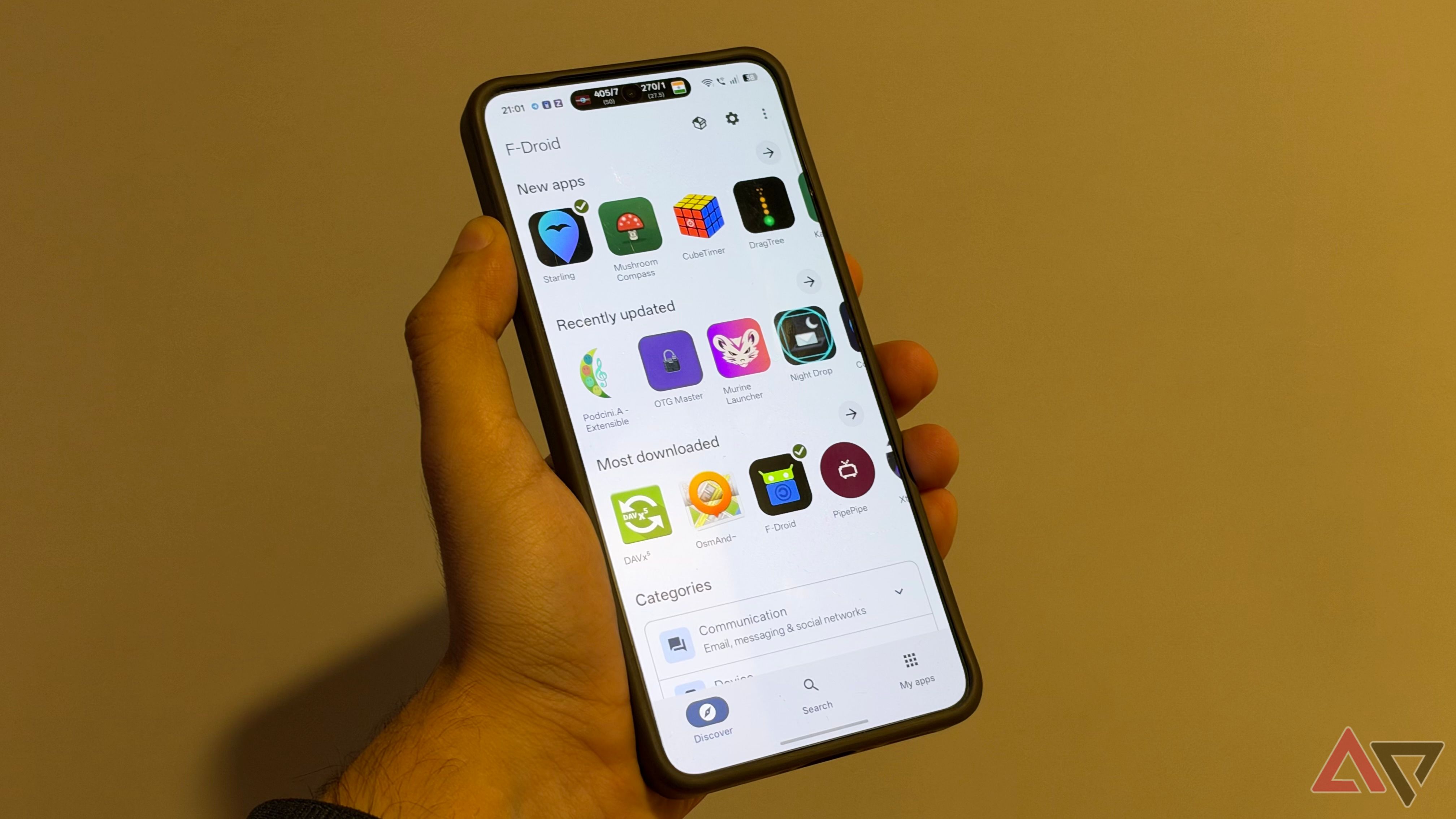
AppsF-Droid 2.0 enhances open source app experience
The new version of F-Droid resolves common issues with installing open source apps on Android. This expands options for users seeking alternatives to Google Play.
 Apps
AppsAI agents that can live in your text messages
A list of notable AI agents that can be integrated into messaging apps is now available, covering various use cases.
 Apps
AppsCarrie Release on Prime Video: When and Where to Watch?
Mike Flanagan's adaptation of Carrie arrives on Prime Video in October. The new version tackles bullying in the digital age.