How to Improve Call Quality on Your iPhone

If you're experiencing call quality issues on your iPhone, there are solutions to try. Learn how to optimize your calling experience.
Your iPhone should handle calls reliably, but sometimes users encounter issues such as not being able to hear the other person or experiencing unstable connections. If you find yourself facing these problems, it's important to consider some adjustments and solutions that can enhance the quality of your phone communications.
## Why it Matters Call quality is essential for effective communication, especially in a world where we rely on our mobile devices to stay connected. Improving call quality not only increases user satisfaction but can also prevent misunderstandings and frustrations during important conversations.
## What We Know There are several solutions that users can try to improve call quality on their iPhone. These include adjustments in device settings and the use of specific features such as 'voice isolation', which helps filter background noise and enhance conversation clarity.
## What’s Still Unclear It has not yet been detailed whether these methods are effective for all iPhone models or if they will depend on the operating system version. Additionally, it has not been confirmed whether these adjustments also affect call quality on different cellular networks.
Read at the original source:
Engadget →Related news
 Mobile
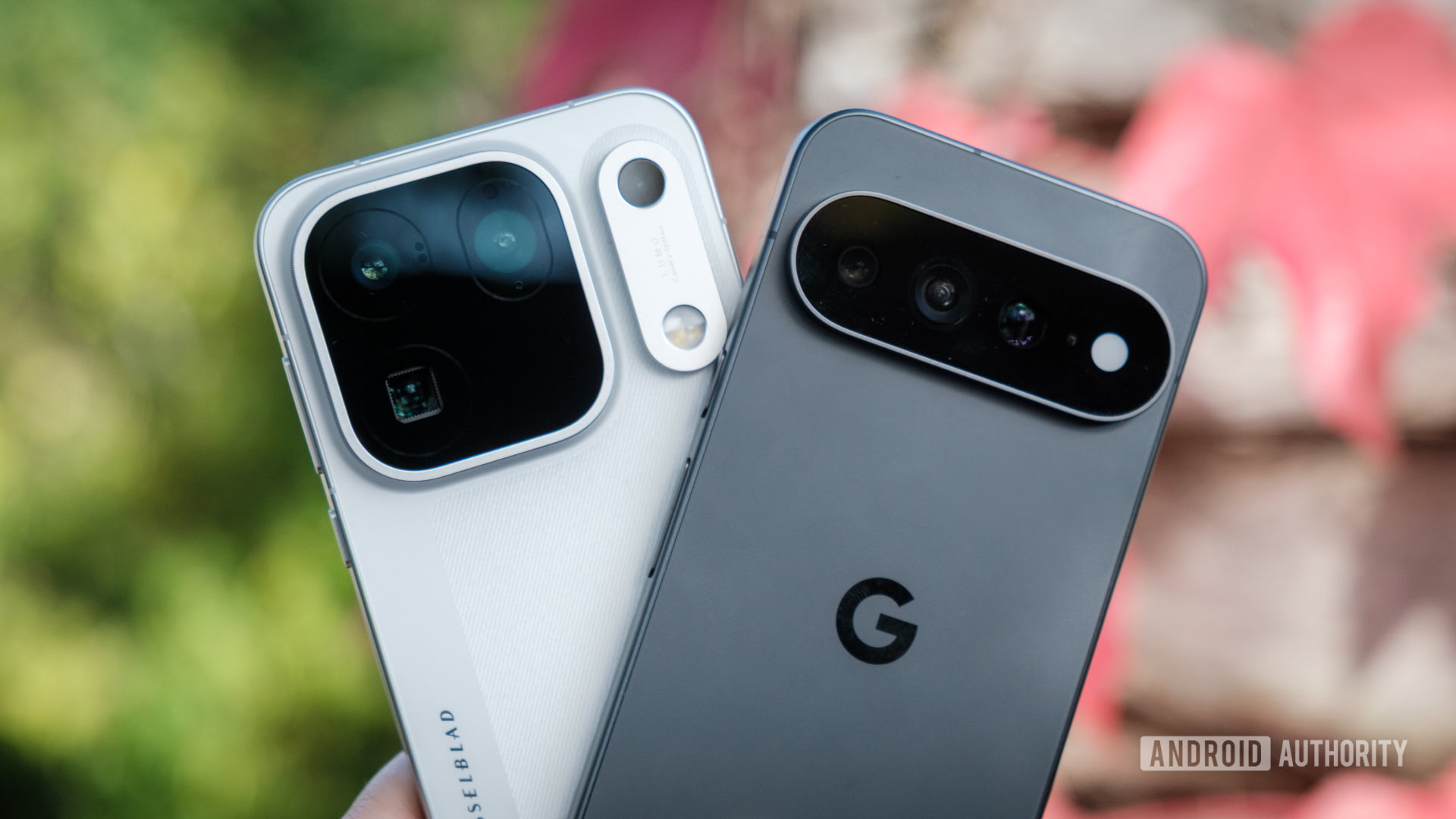
Comparison of the best camera phones this year
The OPPO Find X10 Pro Max and Google Pixel 11 Pro XL excel in photography. Both models offer outstanding features that position them as market leaders.
 Mobile
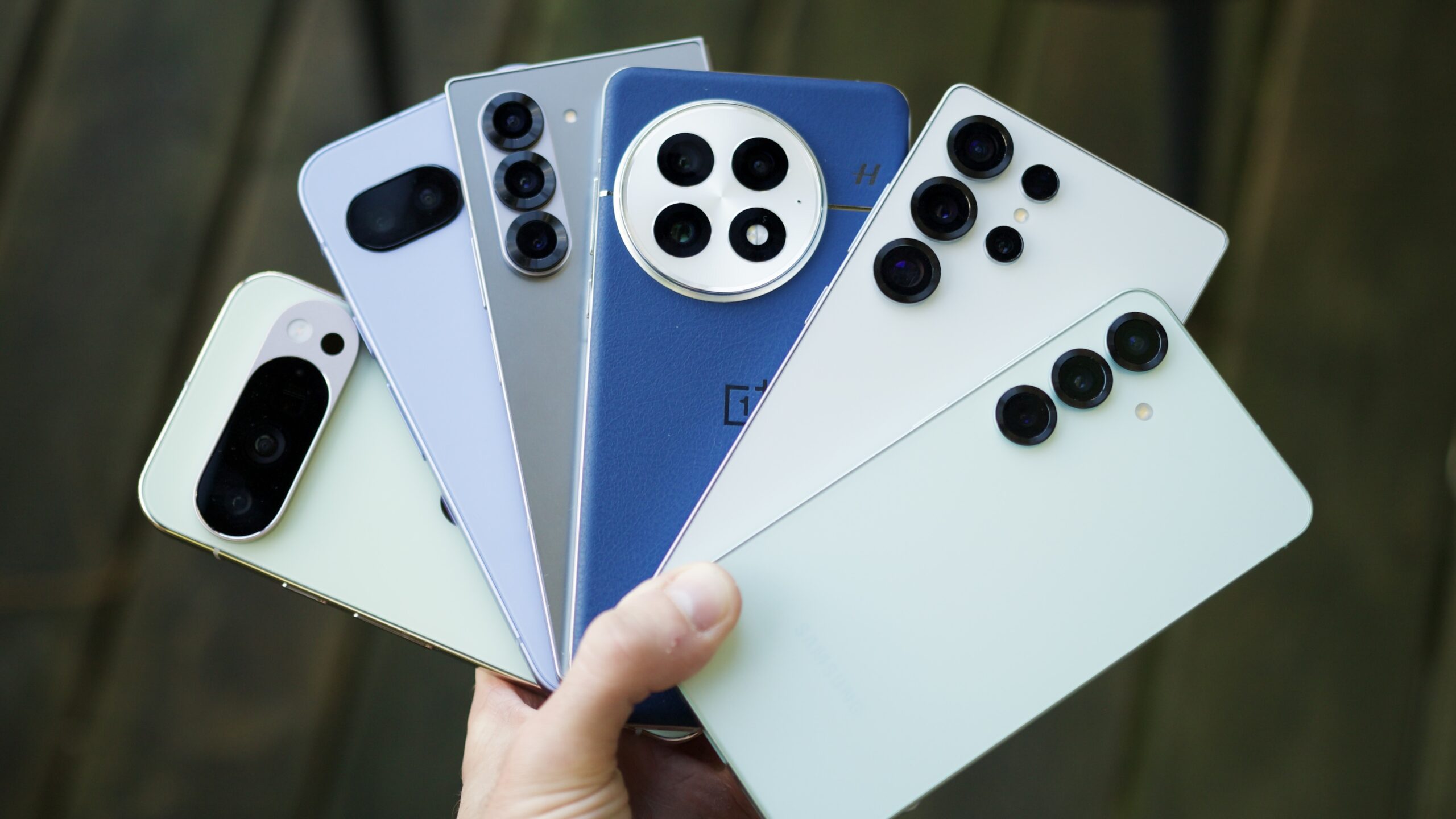
AI Debate: Which is the Best Android Phone?
An analysis of how ChatGPT and Gemini debated the best smartphone. The results were surprising to many.
 Mobile
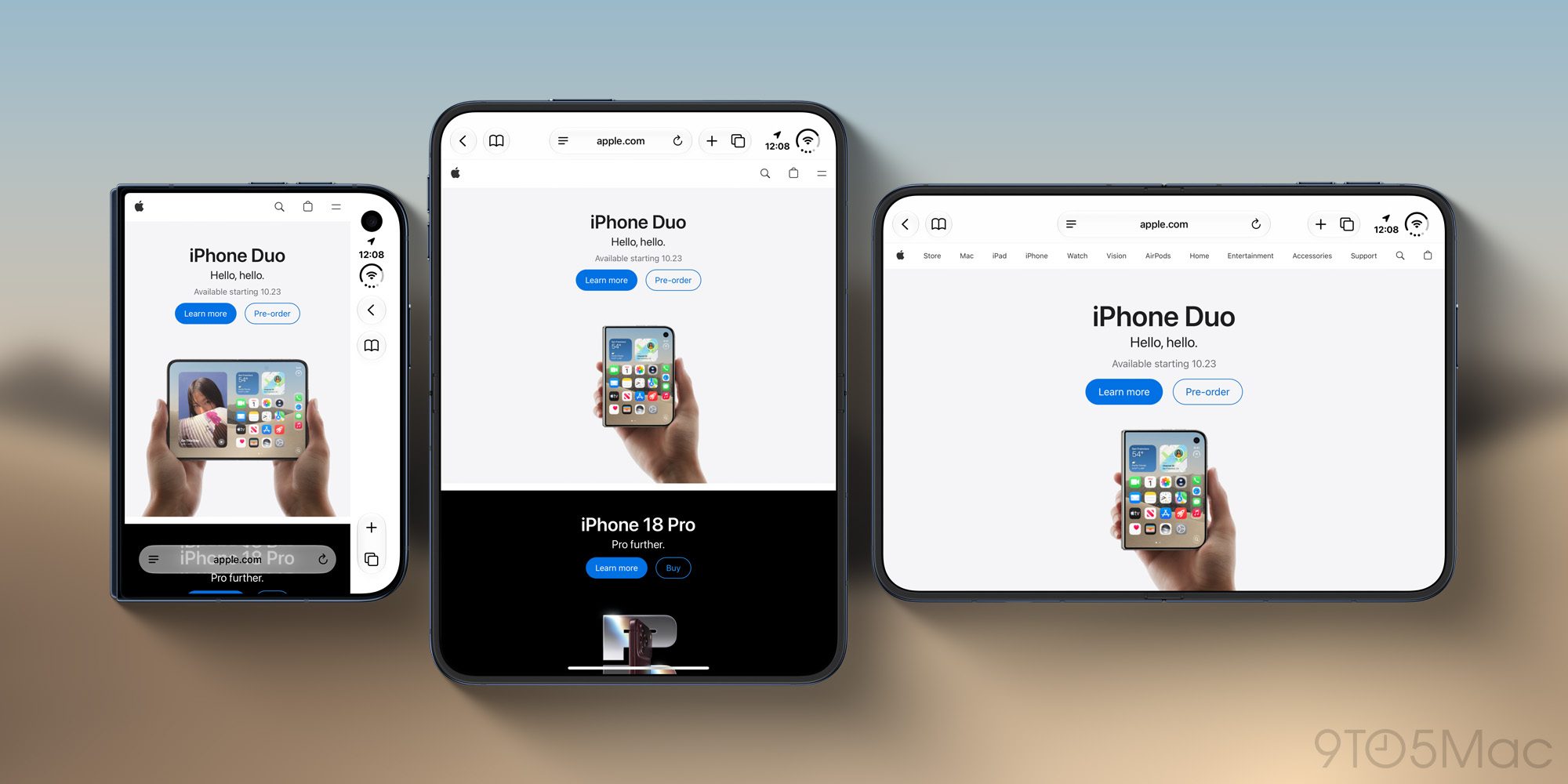
The iPhone Duo and its Impact on Mobile Technology
The iPhone Duo is setting a new course in mobile device design and functionality. Despite initial challenges, its innovative potential is undeniable.