iPhone Duo: Open Two Apps Side by Side

The iPhone Duo introduces multitasking with dual app functionality.
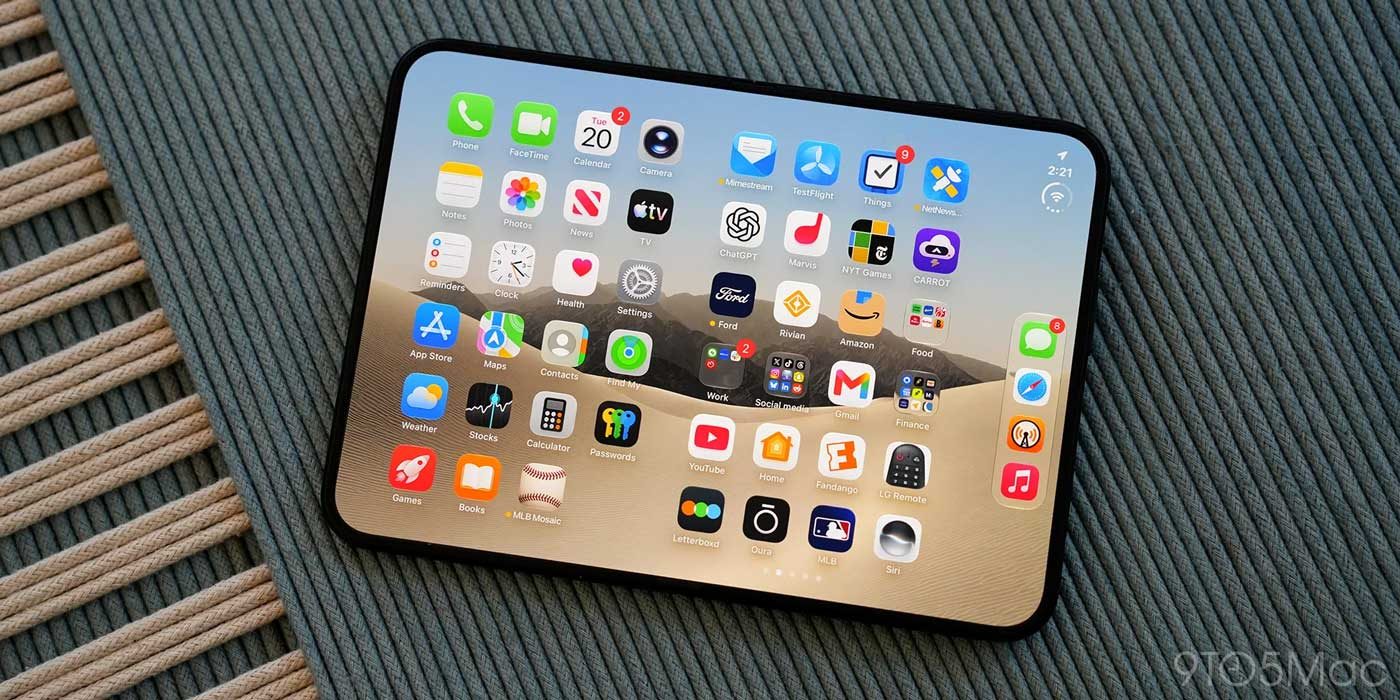
The iPhone Duo has debuted as Apple's first device that allows users to run two apps simultaneously on its screen. By unfolding the phone in landscape orientation, the Split View feature places two apps side by side on its 7.6-inch inner display. This functionality is particularly useful for everyday tasks, such as keeping Messages open next to Maps, or Safari alongside Notes.
Furthermore, the iPhone Duo allows users to create a combination of frequently used apps and 'lock' them as an app pair. This means that whenever they are launched, both apps will open together, further facilitating multitasking and enhancing efficiency.
## Why it matters The introduction of the Split View feature on the iPhone Duo marks a significant advancement in how iPhone users can interact with their apps. It not only boosts productivity but also provides a smoother and more organized experience, something many users have been seeking for years.
## What we know To activate Split View on the iPhone Duo, it is necessary to be in landscape orientation, which can be done in two ways: from an already open app by swiping up from the bottom of the screen and dragging the app to one side, or by selecting an app from the home screen. This flexibility in multitasking is a change that many users will appreciate.
## What is still unclear It has not yet been confirmed whether this functionality will be available for older iPhone models, which could create expectations about future software updates for other devices. Additionally, there are no details on the limitations regarding which apps are compatible with this new feature.
Read at the original source:
MacRumors →Related news
 Mobile
iPhone Duo faces criticism for restrictive software
Apple's new iPhone Duo is receiving criticism not just for its hardware, but also for software restrictions that affect user experience.
 Mobile
iOS 27.1 is exclusive to iPhone Duo: Why it matters
The latest iOS 27.1 update is only available for the iPhone Duo, raising questions about Apple's exclusivity strategy.
 Mobile
Surprise discount on MacBook Neo at Amazon UK
The MacBook Neo sees a price drop at Amazon UK, but stock is limited.