iPhone Duo: skip swipe after Touch ID authentication

The iPhone Duo allows users to skip the swipe up after using Touch ID. Here's how to enable this feature.
Apple has introduced the iPhone Duo, which relies on traditional Touch ID authentication rather than Face ID. The sensor is integrated into the side button, much like on the iPad. By default, after authenticating with your fingerprint, you need to swipe up to unlock the home screen, but there is an option to eliminate this extra step.
## Why it matters This new functionality enhances the user experience by making device unlocking more agile and convenient. By removing the need to swipe the screen, users can access their iPhones more quickly, which is particularly beneficial in situations where immediate access is required.
## What we know To enable this option, users must ensure they have set up Touch ID during the initial configuration. The feature is called "Rest Finger to Open" and allows users to simply place their finger on the side button to unlock the device without needing to swipe, as long as the screen is awake. This option is found in two places within the Settings app: under "Touch ID & Passcode" and "Accessibility ➝ Side Button."
## What is still unclear It has not yet been confirmed whether this functionality will be available on other iPhone models or if it will be exclusive to the iPhone Duo. Additionally, the security implications of this direct access option have not been detailed.
Read at the original source:
MacRumors →Related news
 Mobile
iOS 27.1 is exclusive to iPhone Duo: Why it matters
The latest iOS 27.1 update is only available for the iPhone Duo, raising questions about Apple's exclusivity strategy.
 Mobile
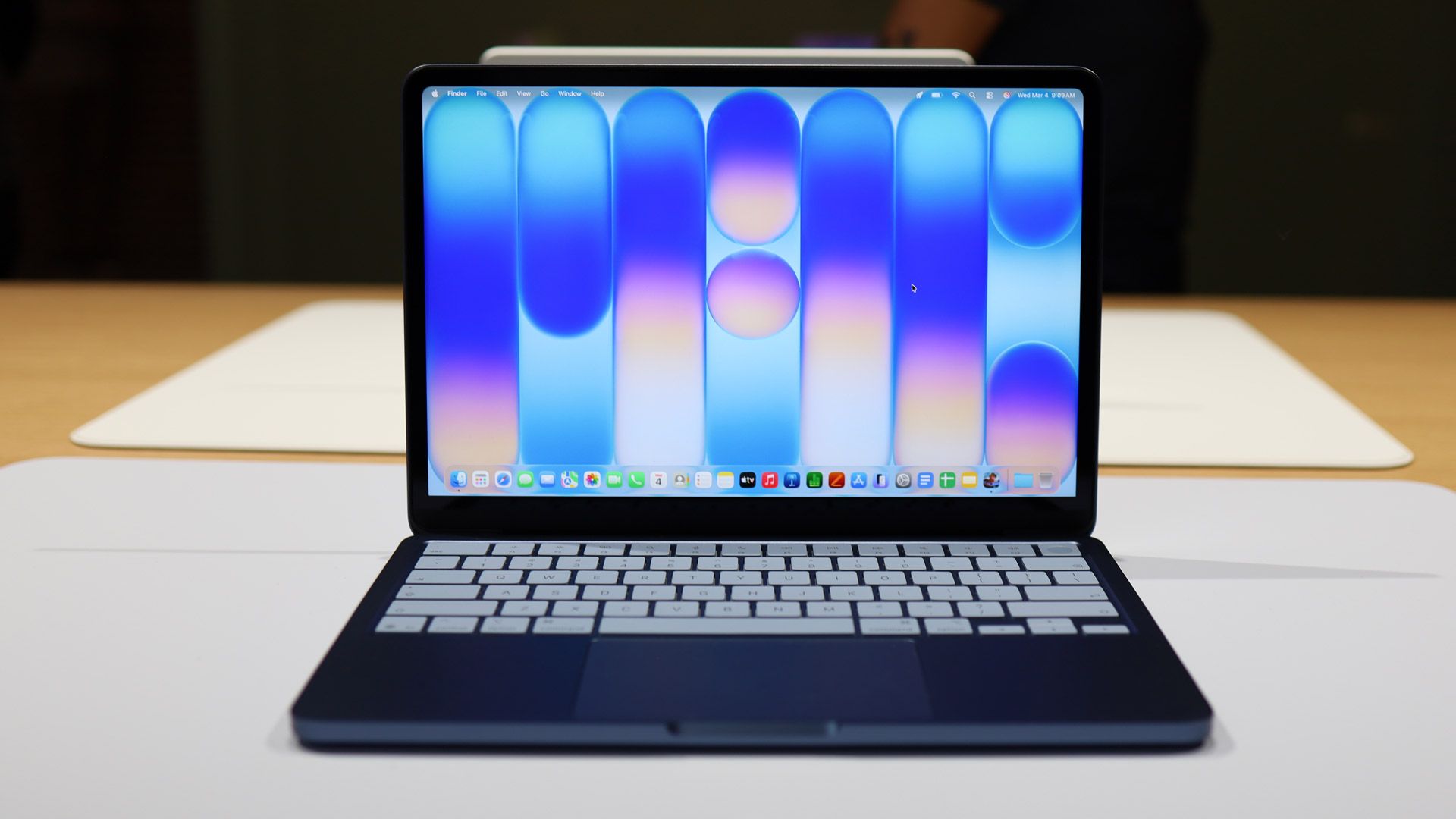
Surprise discount on MacBook Neo at Amazon UK
The MacBook Neo sees a price drop at Amazon UK, but stock is limited.
 Mobile
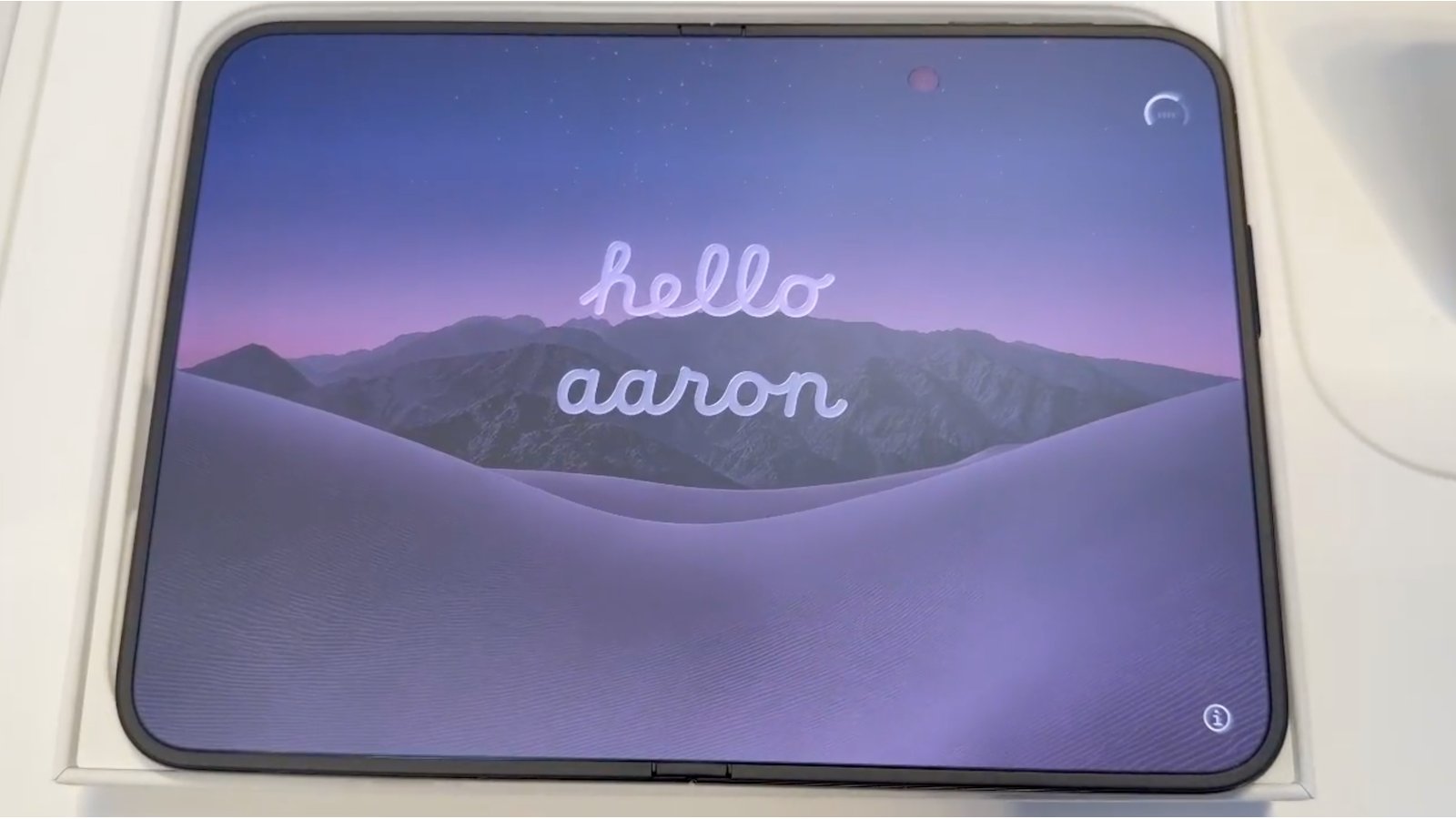
iPhone Duo Greets You Personally
The new iPhone Duo features a personalized greeting when turned on, displaying the user's name. This showcases Apple's attention to detail.