Quick fix for unwanted screenshots on Samsung phones
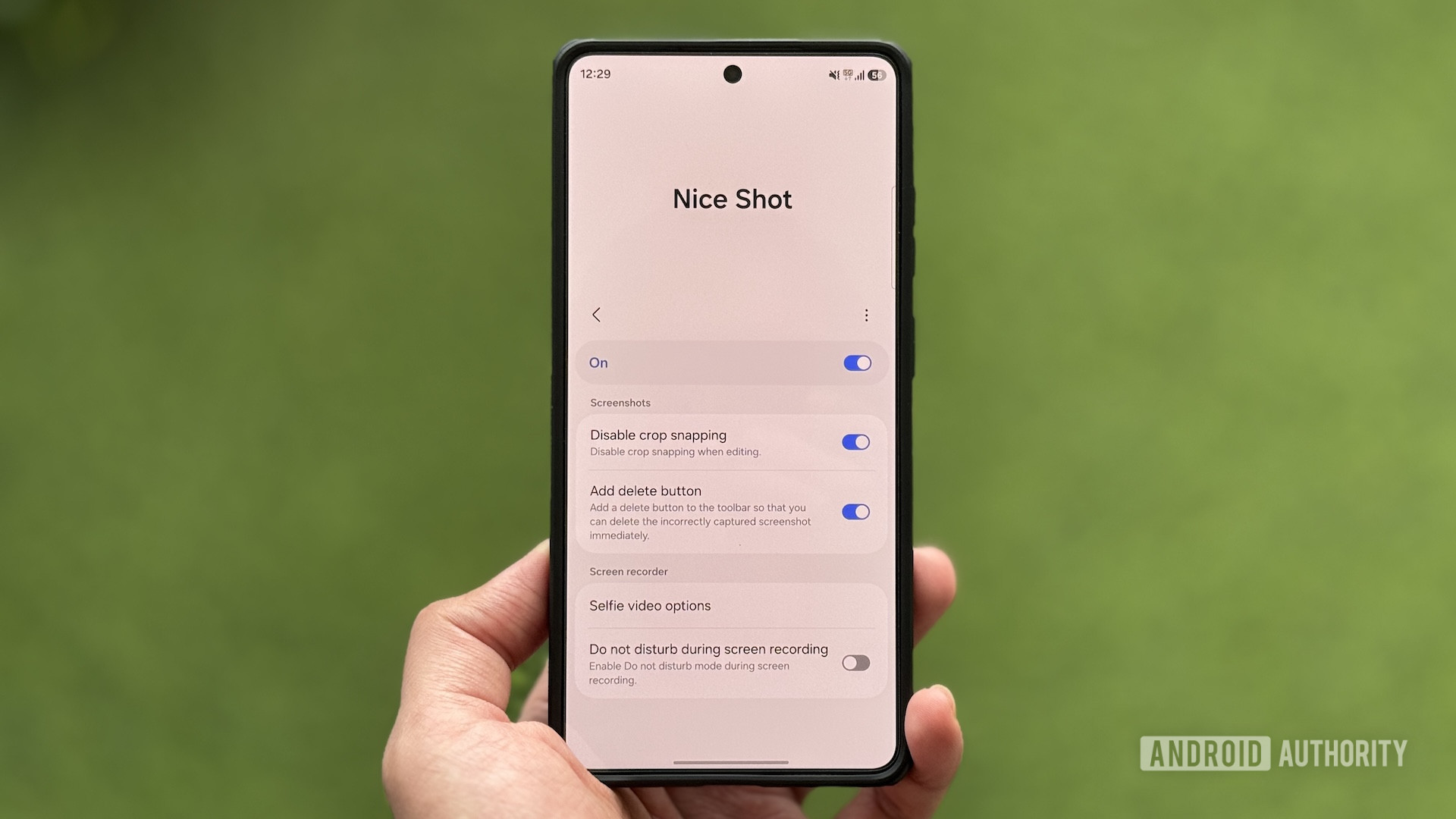
A user has discovered a clever way to manage unwanted screenshots on their Samsung Galaxy. By using the Good Lock module, they have turned the back of their phone into a virtual button.
A user shared their experience with the RegiStar module of Good Lock on their Samsung Galaxy S26 Ultra, which allows them to use the back of the phone as a virtual button for taking screenshots. While this feature simplifies capturing images, it has also led to an inconvenience: accidental activation of the function when rotating the phone, resulting in an unnecessary accumulation of screenshots in their gallery.
This has forced the user to manually delete unwanted captures, which can be frustrating and time-consuming. Such errors are common in devices that allow for customized gestures, where the system's sensitivity can trigger unintended actions.
## Why it matters The solution presented is not only useful for those using the Good Lock module but also highlights the importance of personalization in smartphones. Users increasingly seek ways to optimize their experience, and accidental gestures can become a significant issue if not properly managed.
## What we know The RegiStar module of Good Lock enables advanced customization, including assigning gestures to different phone functions. The user's experience underscores how these innovations can lead to unforeseen situations, emphasizing the need for a balance between functionality and usability.
## What remains unclear It has not been specified whether there is an option within Good Lock to adjust gesture sensitivity or temporarily disable the screenshot function. This could be a viable solution for users facing similar issues.
Read at the original source:
Android Authority →Related news
 Mobile
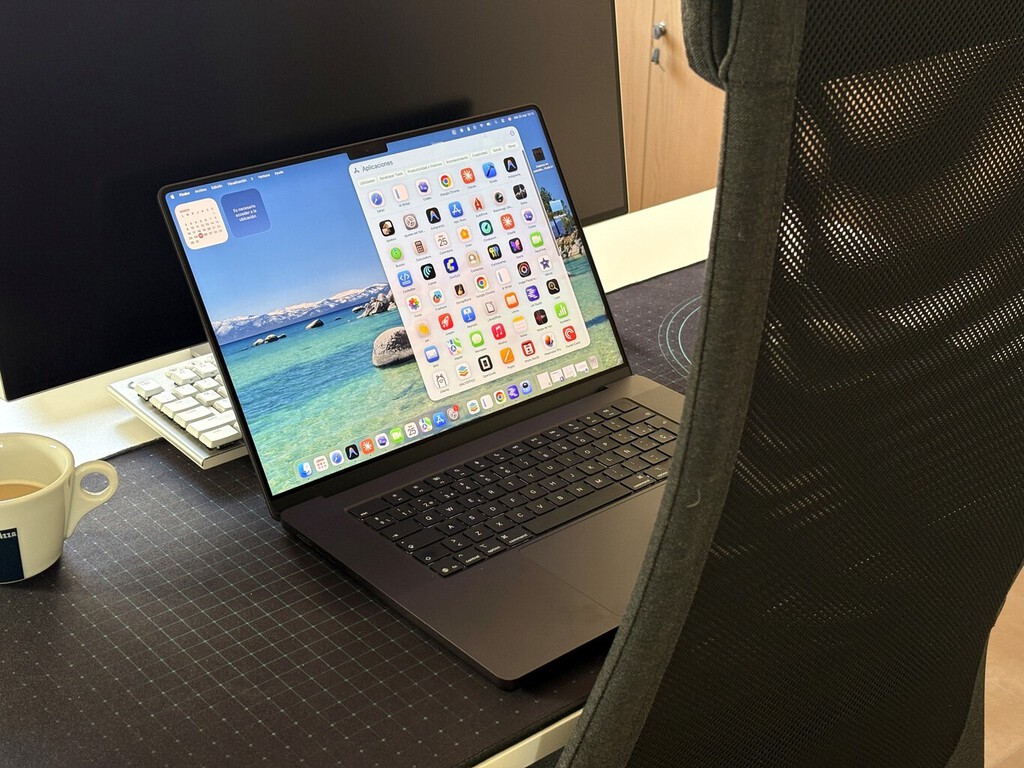
New MacBook Pro available at MediaMarkt for a great price
MediaMarkt offers a new MacBook Pro with 2 TB of storage at an attractive price. Ideal for those seeking quality and performance.
 Mobile
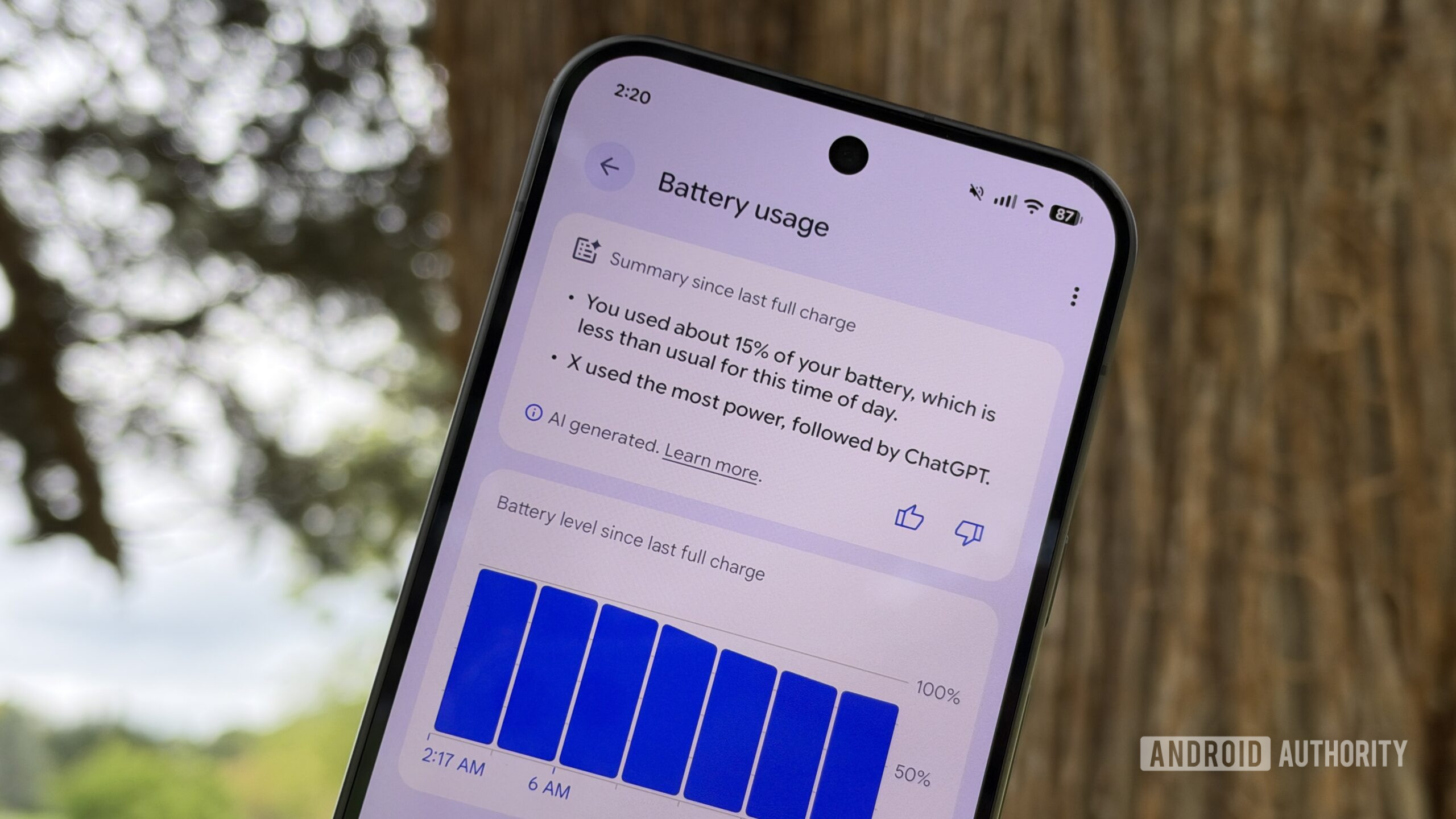
Review of Pixel's new battery summaries feature
Google introduces battery summaries for Pixel phones, but improvements are needed.
 Mobile
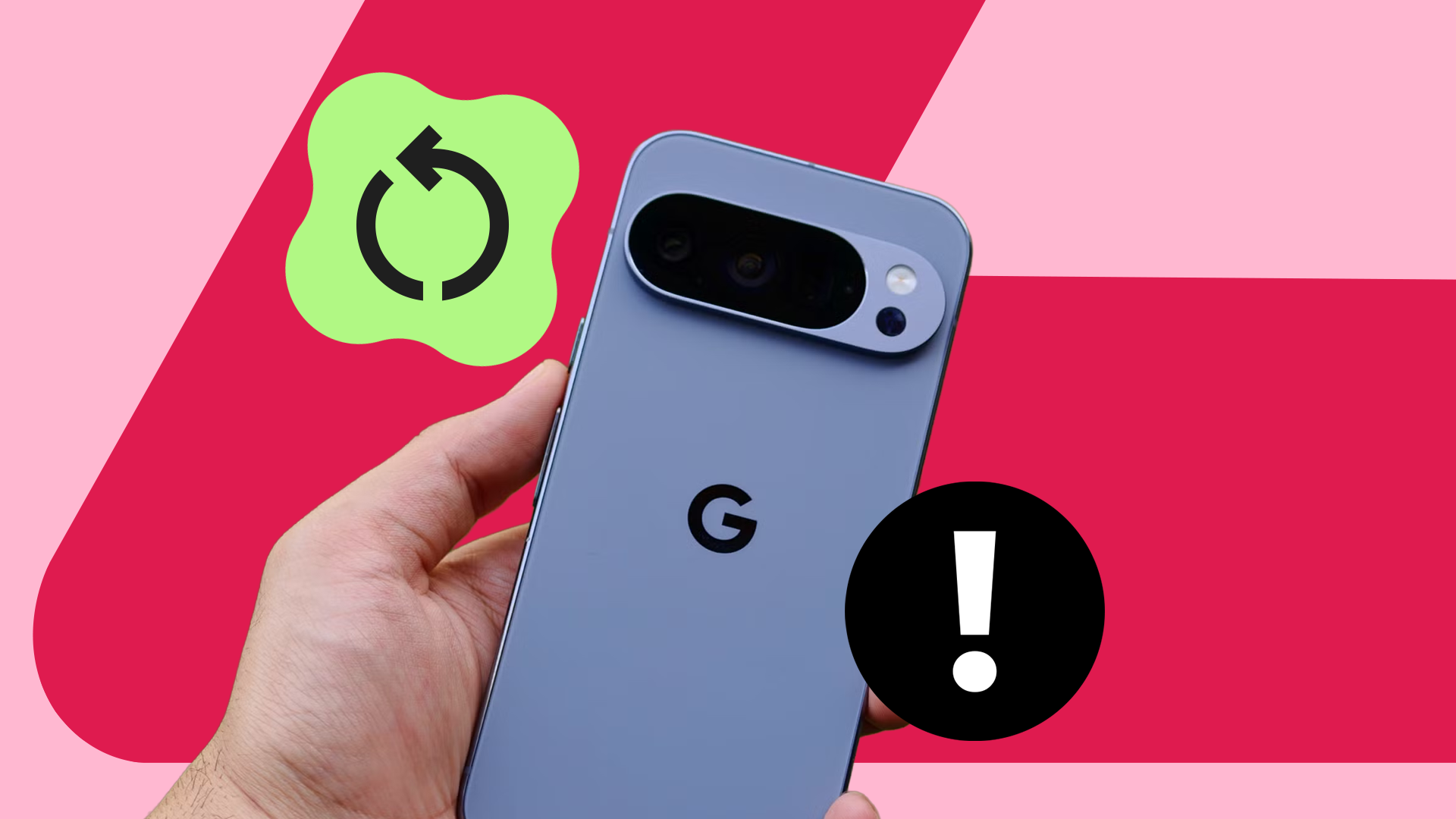
Ongoing issues with Google's Pixel 10 Pro
A user reports frequent restarts on their Pixel 10 Pro. Google has yet to address this issue.