watchOS 27: 12 new features for your Apple Watch
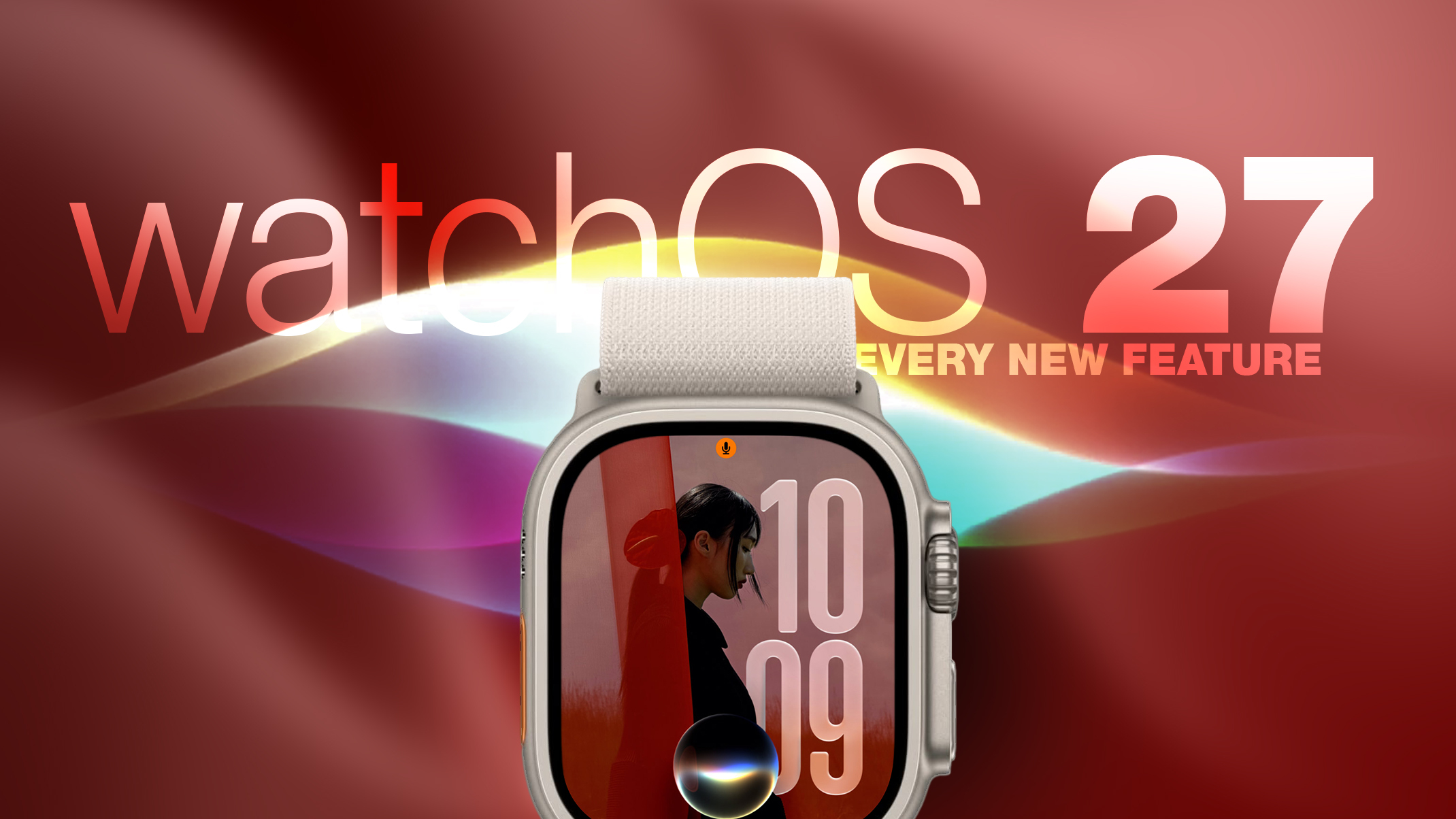
Apple released watchOS 27 on September 14, introducing new features. Compatible model users can enjoy significant improvements, including a new Siri app.
Apple officially launched watchOS 27 on September 14, an update that benefits not only owners of the new Apple Watch Series 12 and Apple Watch Ultra 4 models but also other compatible models. This new version of the operating system brings 12 features and changes that users can explore after installation. To update, users must open the Watch app on their iPhone, go to General ➝ Software Update, connect their watch to a charger, and follow the on-screen instructions.
## Why it matters The arrival of watchOS 27 is great news for all Apple Watch users, as it not only enhances the functionality of the device but also optimizes the user experience with Siri, a key tool in interacting with technology. The new Siri app promises to make communication and task management more efficient directly from the wrist.
## What we know Among the standout new features is the dedicated Siri app, which now allows users to have a more organized access to their conversations and private synchronization via iCloud. With this feature, users can start a conversation thread on their iPhone and continue it on their Apple Watch, as well as pin important chats.
## What is still unclear While 12 new features have been mentioned, not all of them have been detailed in depth. There is still more to discover about how these features will integrate with existing applications and whether there will be more surprises in future watchOS updates.
Read at the original source:
MacRumors →Related news
 Mobile
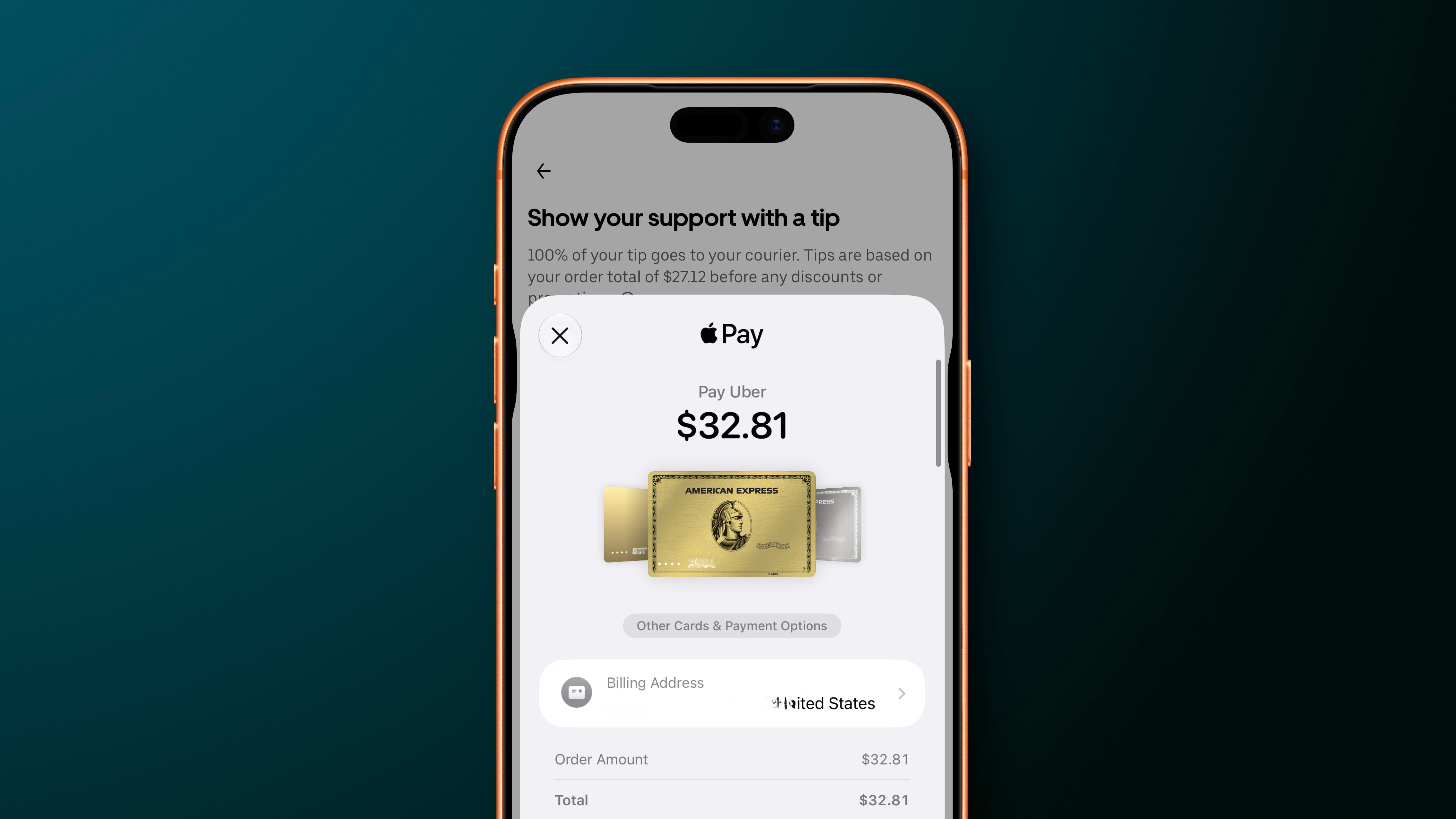
iOS 27 enhances Apple Pay checkout flow on iPhone
Apple has redesigned the Apple Pay checkout process in iOS 27.
 Mobile
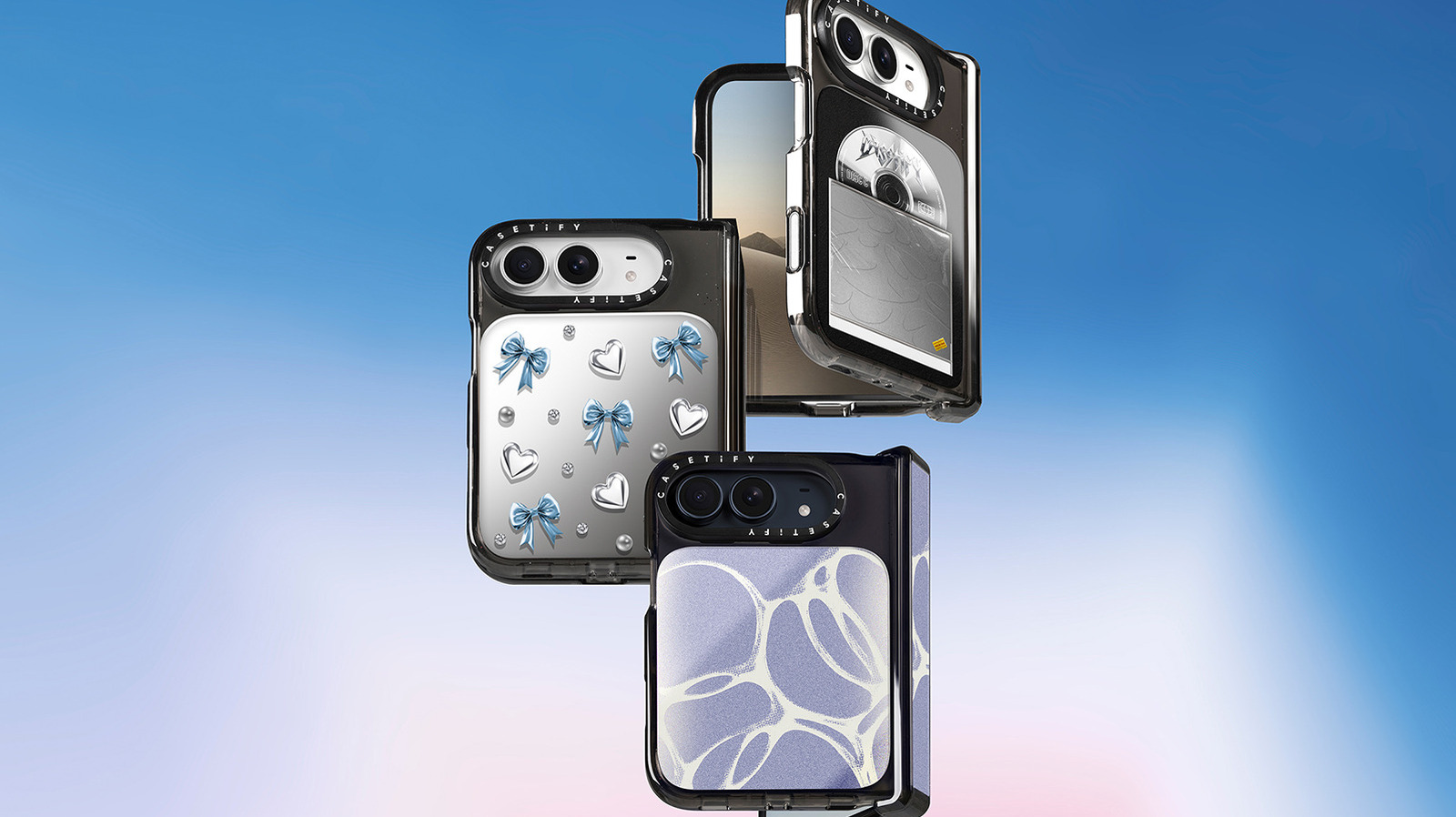
What do foldable phone cases actually protect?
Foldable phone cases are crucial for safeguarding their weak points. Choosing the right case can significantly impact the device's durability.
 Mobile
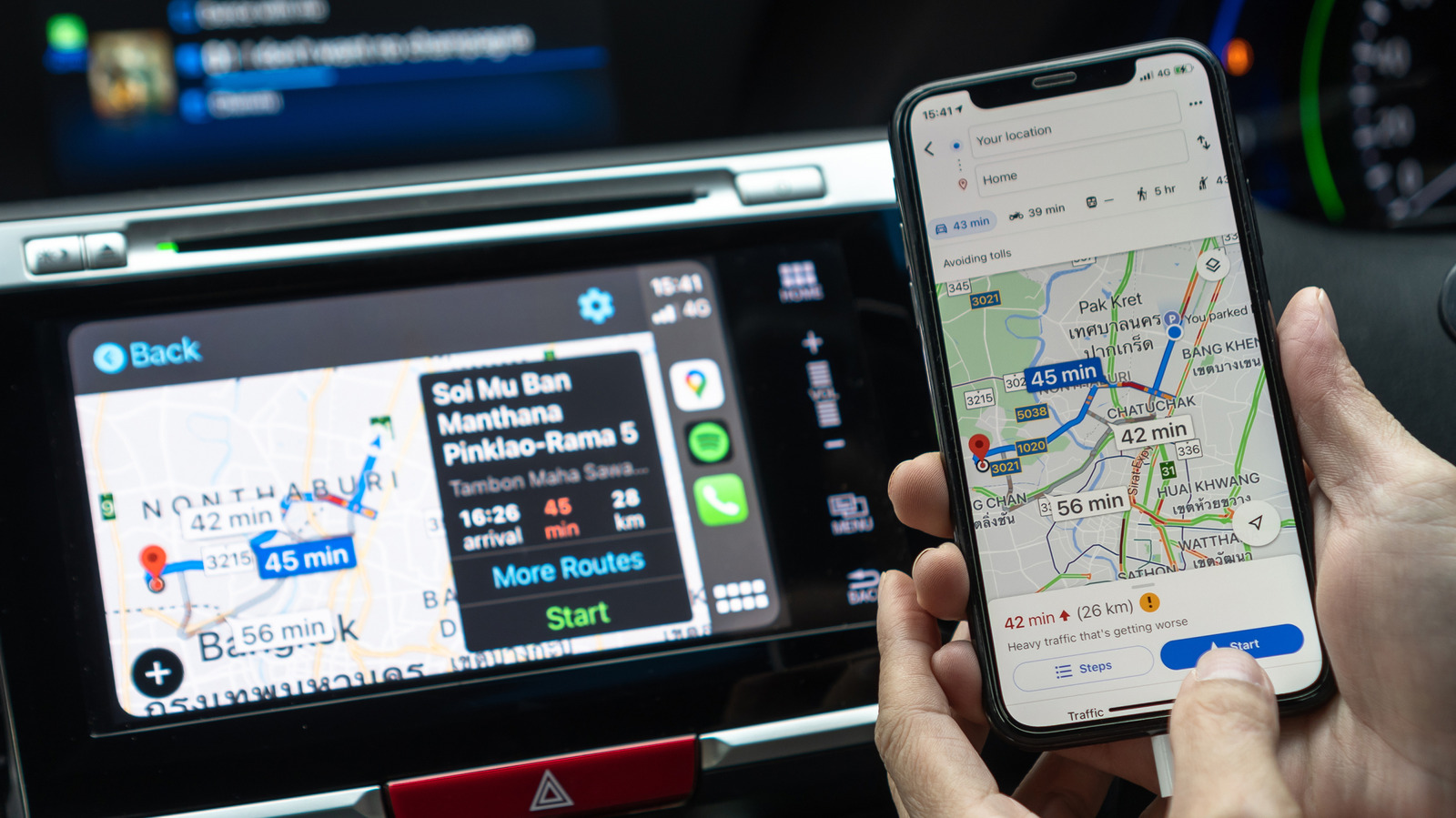
Enhance CarPlay navigation using Google Maps
While Google Maps can't be set as the default GPS app in CarPlay, there are ways to optimize its use.