Auditing Google Photos: reclaim space in your storage

Reviewing your Google Photos storage can free up valuable space. One user managed to recover 5GB after an audit.
Managing cloud storage has become a necessity for many mobile device users. Recently, one user decided to audit their storage in Google Photos, discovering they could reclaim 5GB of wasted space. This action not only allowed them to have more available space but also provided them with a clearer view of their photo library.
The increasing number of photos and videos we accumulate in our digital libraries can lead to a storage crisis. Although this user wasn't in a critical situation, their decision to review their storage serves as a reminder of the importance of keeping our digital collections organized. Google Photos, which offers limited free storage, requires users to be proactive in managing their space.
## Why it matters The ability to manage storage in apps like Google Photos is essential for optimizing the use of our devices. By freeing up space, not only is it easier to store new memories, but it also improves the overall performance of the device. This audit can serve as a good example for other users who may not have taken the time to review their own storage.
## What we know The user managed to recover 5GB of space after a thorough review of their photo library, demonstrating that it is possible to optimize storage without needing to delete valuable memories. This action can be replicated by anyone using Google Photos, allowing for better management of available resources.
## What’s still unclear It has yet to be detailed what specific items were taking up so much space, whether they were duplicate photos, large videos, or unnecessary items. This information could be useful for others to conduct more effective audits.
Read at the original source:
Android Police →Related news
 Apps
AppsGemini adds Google Wallet integration for personalized insights
Google's Gemini app now integrates Google Wallet, providing personalized information and insights based on users' saved data.
 Apps
AppsGemini fully replaces Google Assistant on Android
Google is transitioning from its traditional virtual assistant to Gemini on Android devices. This shift began in early September and is now widely rolling out.
 Apps
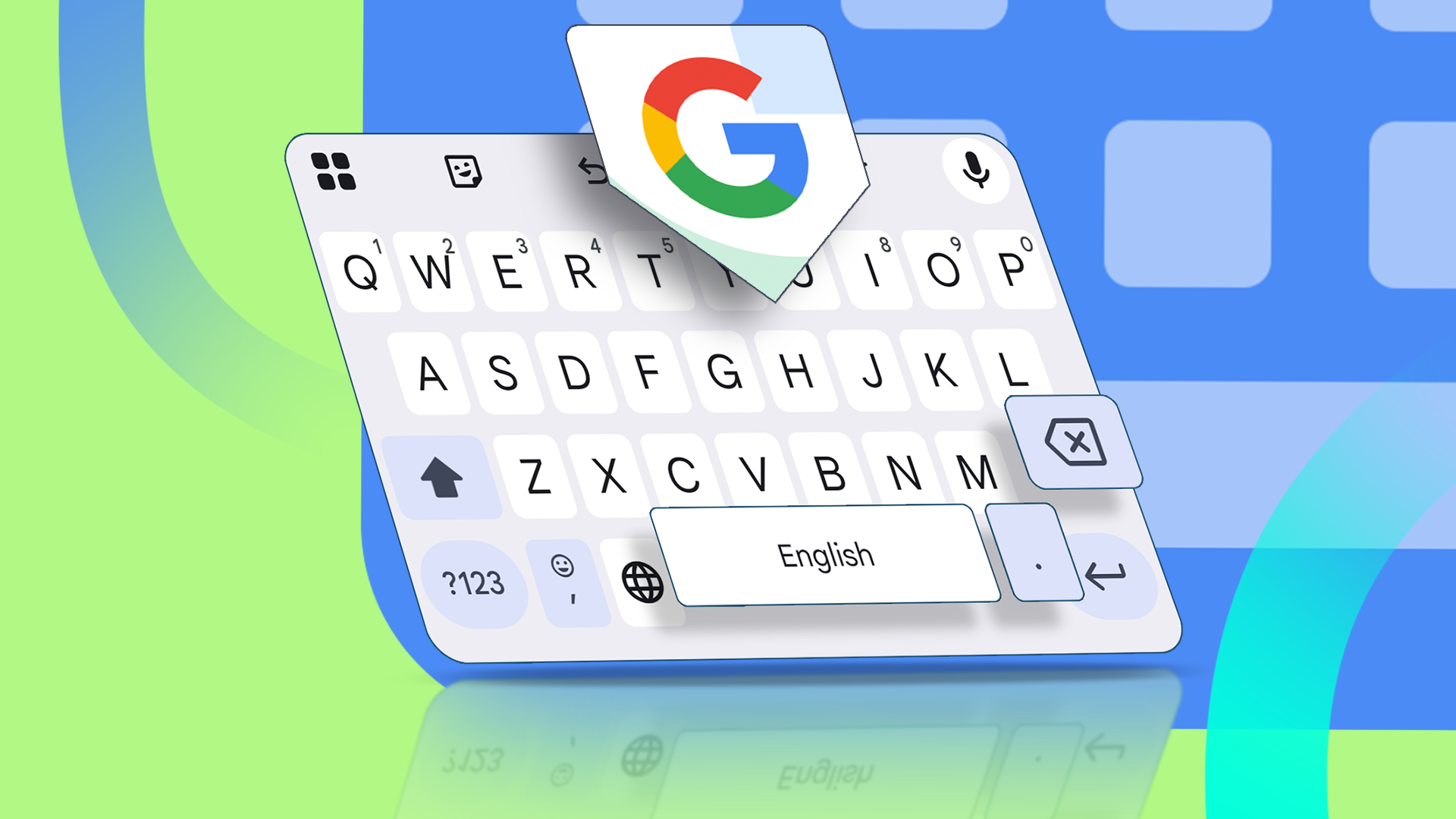
AppsOptimize Gboard for faster typing speed
Adjust Gboard settings for improved typing speed. Enhancing your typing experience is possible with simple configuration changes.