Gemini app update: side panel simplification rollout
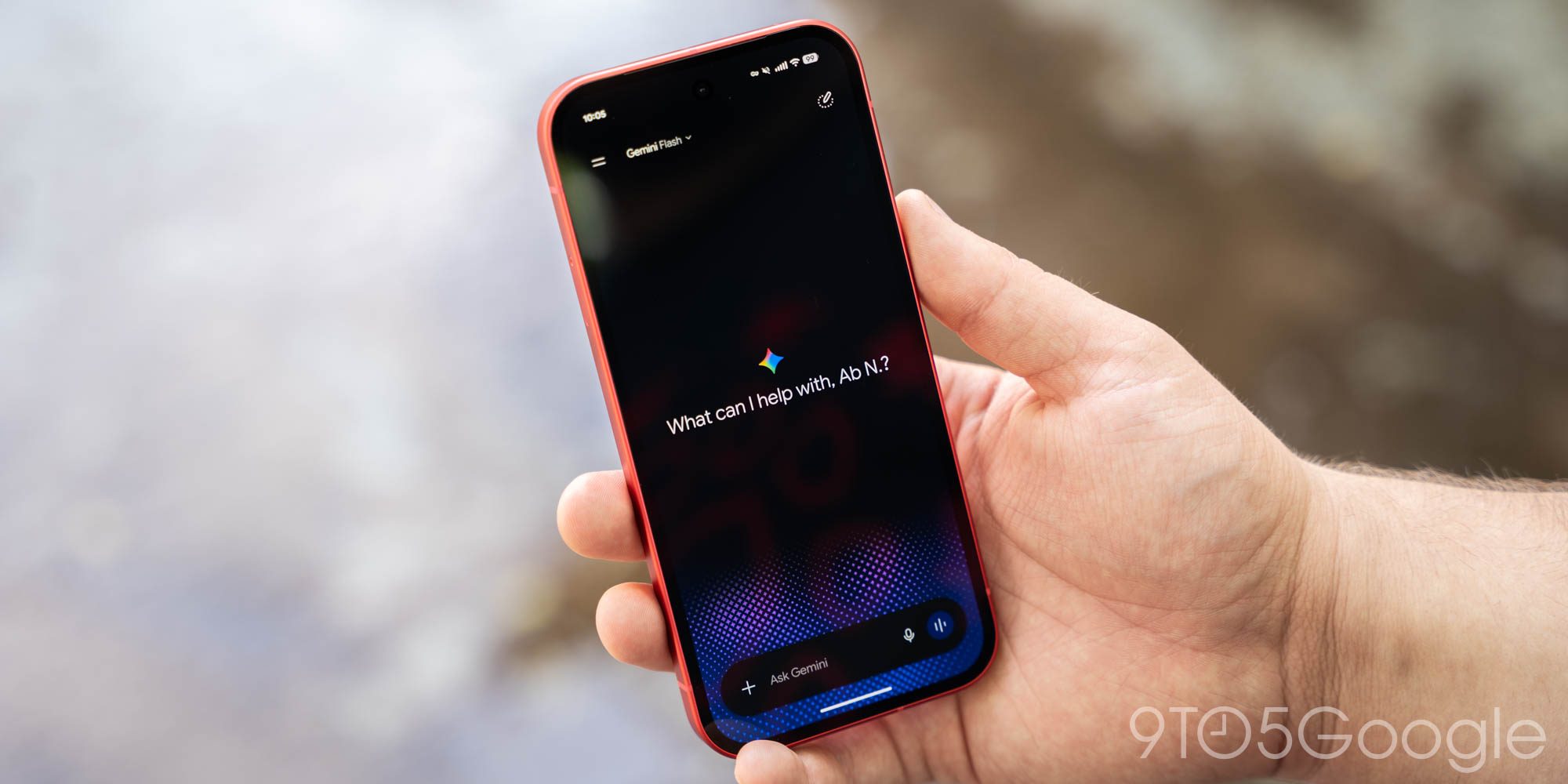
The Gemini app is rolling out a significant update focused on improving navigation and redesigning settings.
The popular Gemini app has begun rolling out a major update on both Android and iOS, focusing on simplifying core navigation. This change aims to enhance user experience by reducing the complexity of the side panel, which is one of the app's key features.
## Why it matters This redesign is crucial as a simpler interface can facilitate access to frequently used features, potentially increasing user satisfaction. In a world where efficiency and speed are essential, every improvement in usability counts.
## What we know So far, it has been confirmed that the update is in the process of being implemented and will focus on redesigning the side panel and settings. Users can expect a more intuitive and less cluttered navigation experience, which should make using the app easier in their daily activities.
## What’s still unclear It remains unclear when the update will be available to all users or if it will include additional features. The company has not provided information on whether this simplification will extend to other parts of the app in future updates.
Read at the original source:
9to5Google →Related news
 Apps
Gemini Notebook and YouTube: Study Faster
Gemini Notebook integrates with YouTube to enhance studying. This combination allows tackling complex topics more efficiently than traditional note apps.
 Apps
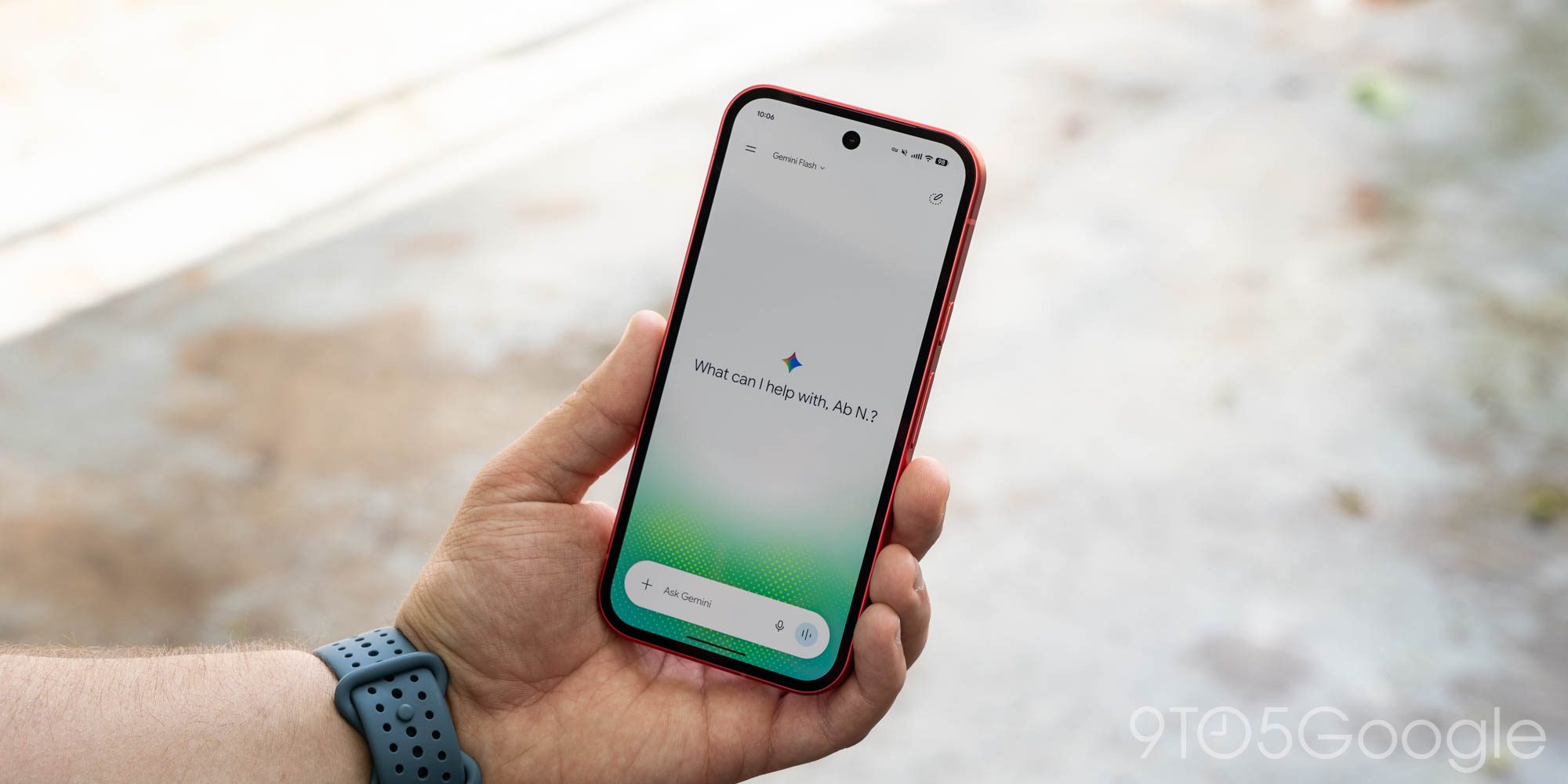
Gemini for Android rolls out redesign of side panel and settings
The Gemini app has updated its design on Android, enhancing user experience with a new side panel and settings.
 Apps
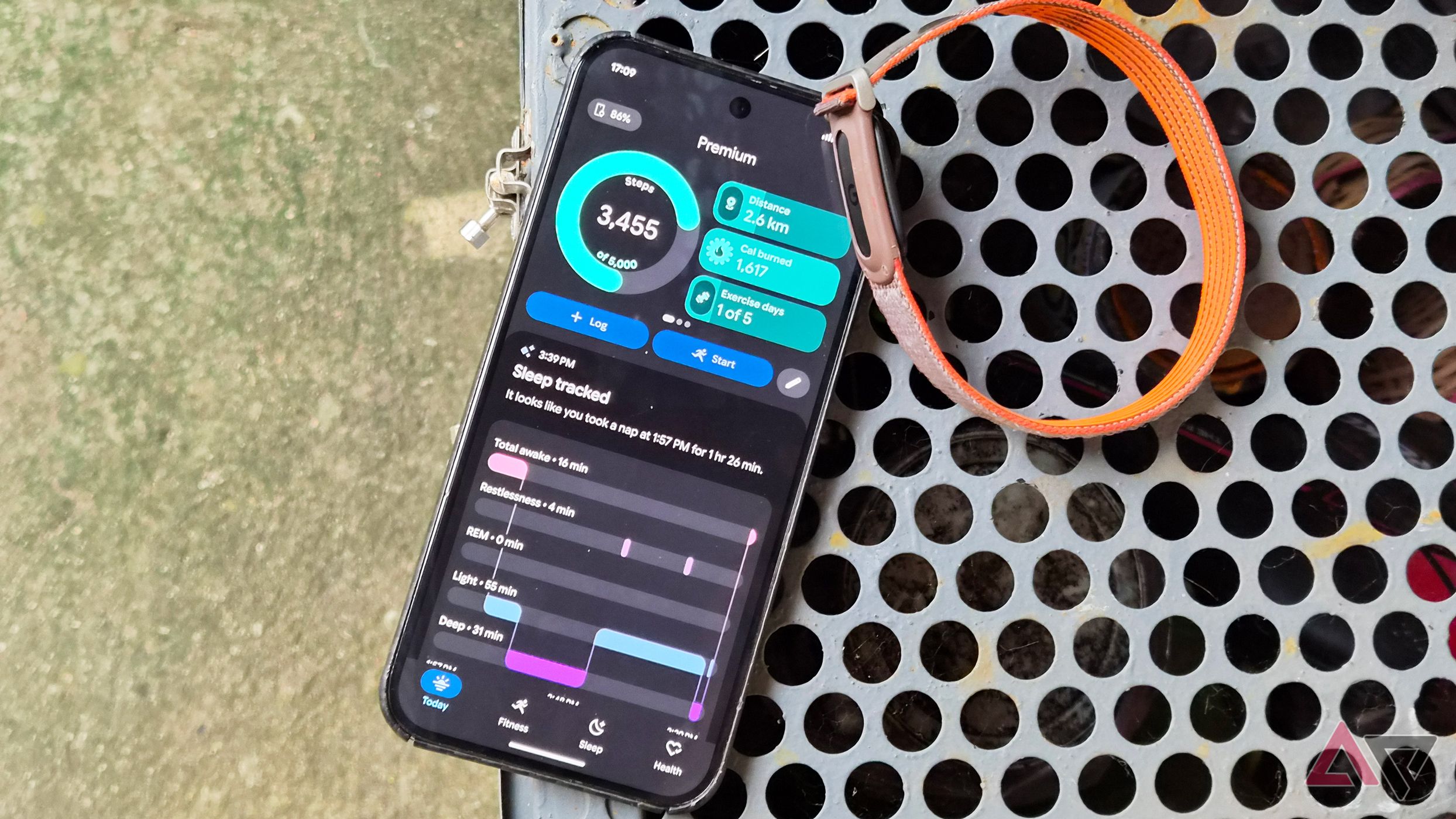
Google Health 5.11: automatic tracking for over 100 workouts
The latest update to Google Health introduces automatic tracking for more than 100 workouts. Available for Pixel Watch 3 and newer models.