How to stop spam calls on iPhone and Android
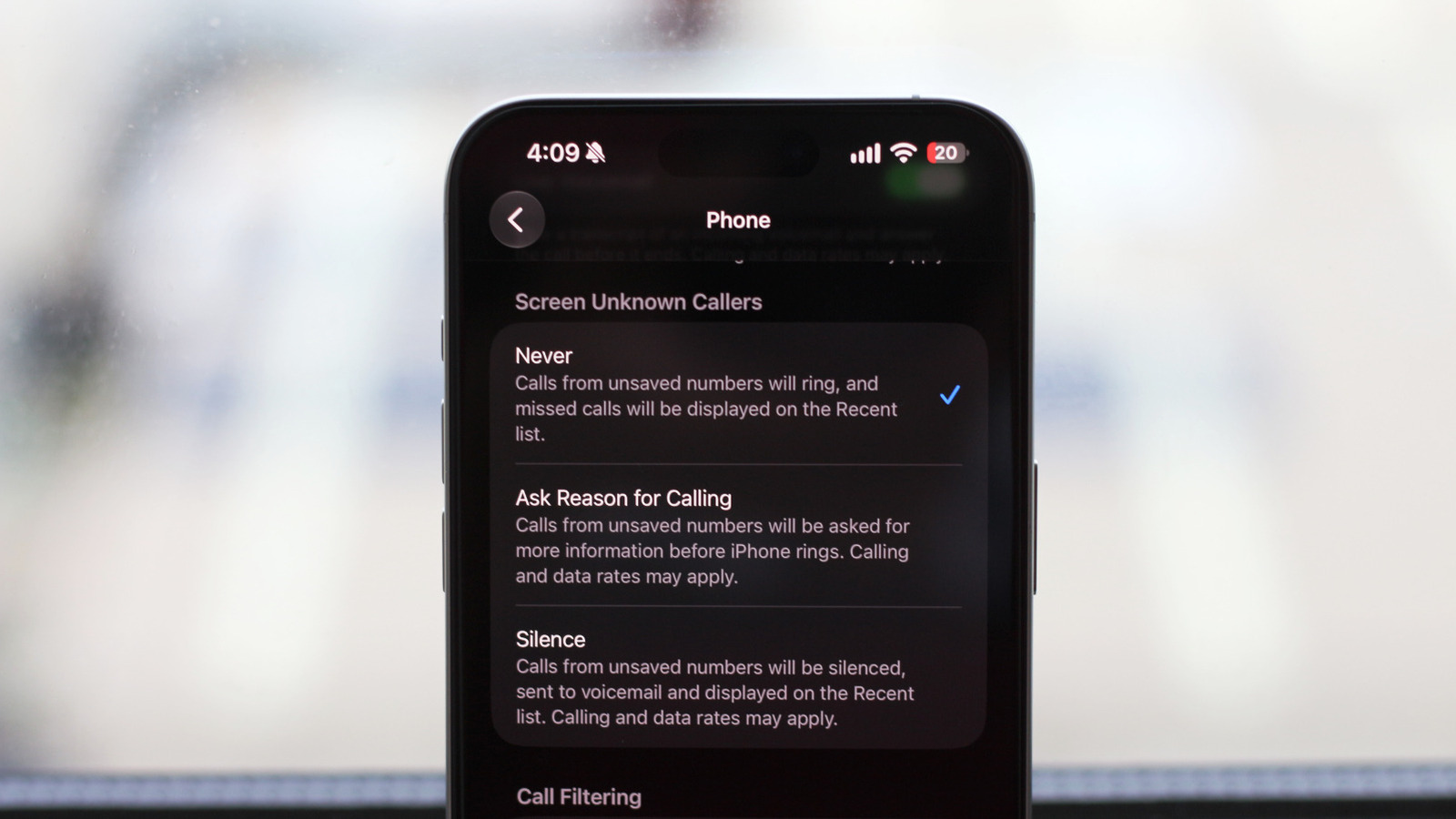
Learn how to block unwanted calls on your mobile.
Spam calls are a growing problem affecting millions of mobile phone users, both iPhone and Android. These annoying contact attempts not only disrupt our daily routine but also pose a potential risk to user privacy. Fortunately, both Apple and Google have implemented built-in options that allow users to silence and block these calls without resorting to third-party apps or paid services.
## Why it matters The ability to block spam calls is essential for enhancing user experience and protecting personal information. With the rise of phone fraud, tools for managing such calls have become indispensable in users' daily lives. It’s not just about avoiding annoyances, but also about safeguarding our security.
## What we know Both operating systems, iOS and Android, offer effective options for dealing with unwanted calls. On iPhone, users can activate the 'silence unknown callers' feature, which allows calls from numbers not saved in the contacts to be automatically silenced. Similarly, Android has a feature that allows users to block calls from numbers reported as spam by other users.
## What is still unclear Despite the effectiveness of these features, it has not yet been confirmed whether further enhancements will be implemented in the future to address new tactics used by spammers. Users hope that over time, these tools will become more sophisticated to adapt to the changing strategies of scammers.
Read at the original source:
Engadget →Related news
 Mobile
Big discounts on Nintendo Switch 2 games during Amazon sale
Amazon has launched a massive sale featuring discounts on Nintendo Switch 2 games. Popular titles like Pokémon and Mario are now more affordable.
 Mobile
macOS 27.2 Suggests Touchscreen MacBook is Coming
The latest macOS 27.2 beta hints at a touchscreen MacBook, expected to be unveiled soon.
 Mobile
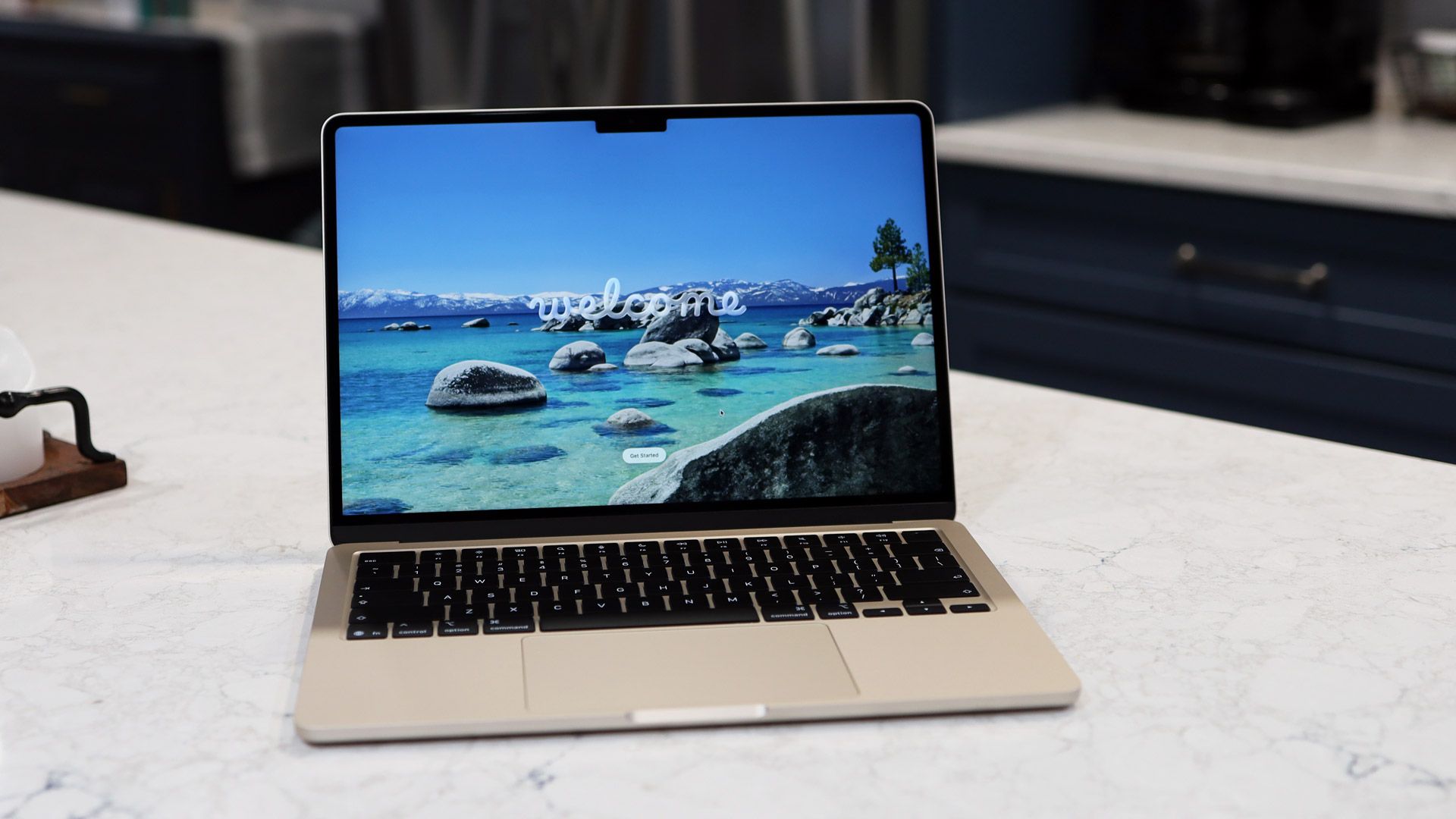
Prime Day Deal: MacBook Air M5 at an Incredible Price
The MacBook Air M5, hailed as the best ultraportable, is now available at a special price for Prime Day.