Improving Google Messages: turning off features for a cleaner experience

Turning off certain features in Google Messages can enhance user experience. A user shares their experience after a week without these characteristics.
Google Messages has evolved over the years, becoming one of the smartest messaging apps available. However, while many of its features, such as read receipts and typing indicators, are valued by users, some find them annoying and intrusive. One user decided to turn off eight of these features and spent a week using the app without them.
The result was surprising: the phone's screen stopped looking chaotic, notifications became less demanding, and overall, the experience felt more aligned with their desires. This suggests that while app customization is key, not all additional features are necessarily beneficial for all users.
## Why it matters The messaging experience can vary significantly from user to user. Disabling features that may be bothersome can improve usability and help users feel more in control of their interaction with technology. This is especially relevant in a world where information overload is increasingly common.
## What we know The user who tried this experience found that by turning off features like read receipts and typing indicators, the app became easier to use and less intrusive. This raises the question of what other features could be disabled to enhance the user experience.
## What is still unclear It has not been detailed which specific eight features were turned off or how these decisions might affect the experience of other users. Additionally, it has not been confirmed whether Google will consider this feedback for future app updates.
Read at the original source:
Android Authority →Related news
 Apps
Gemini Notebook and YouTube: Study Faster
Gemini Notebook integrates with YouTube to enhance studying. This combination allows tackling complex topics more efficiently than traditional note apps.
 Apps
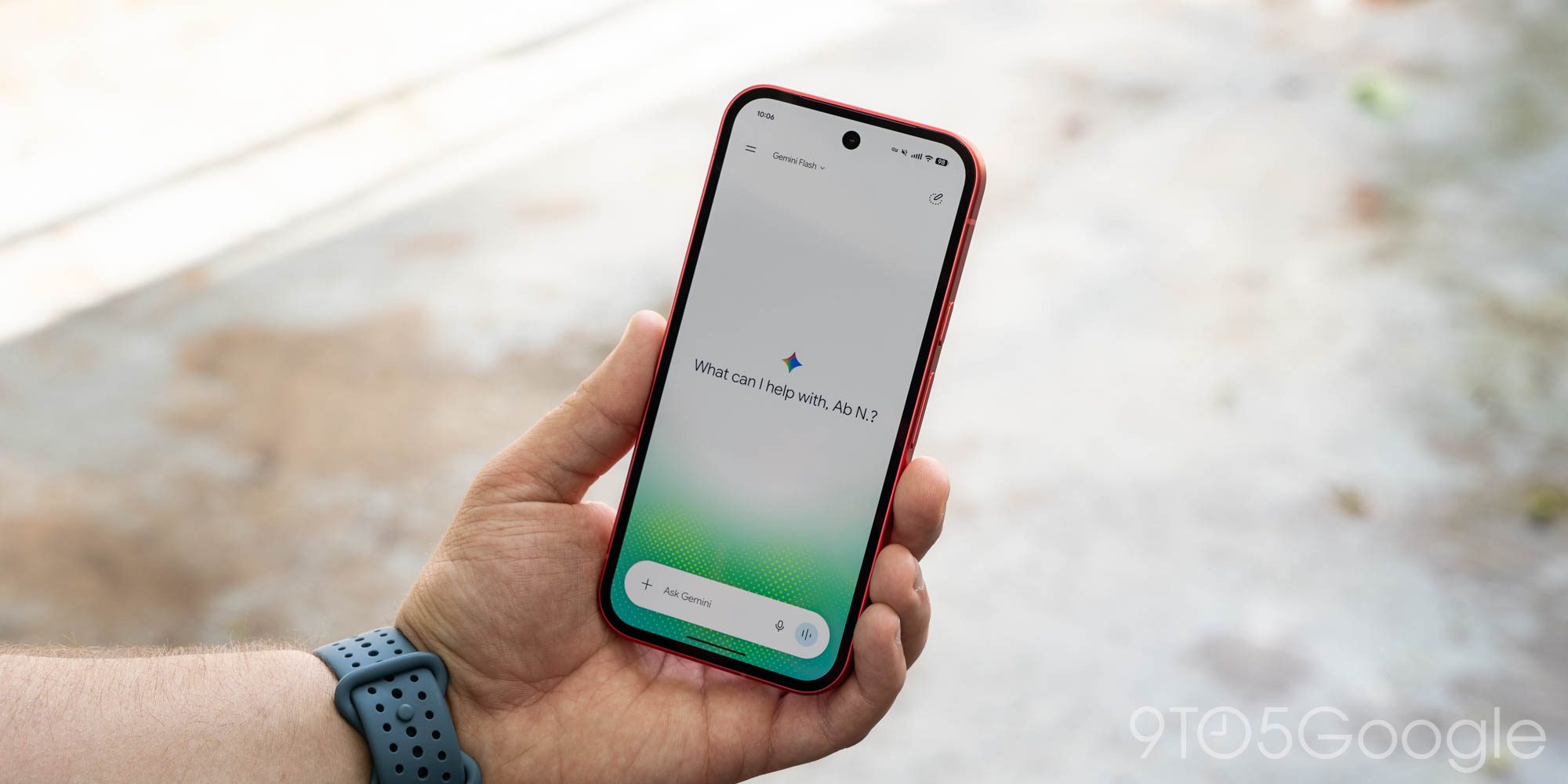
Gemini for Android rolls out redesign of side panel and settings
The Gemini app has updated its design on Android, enhancing user experience with a new side panel and settings.
 Apps
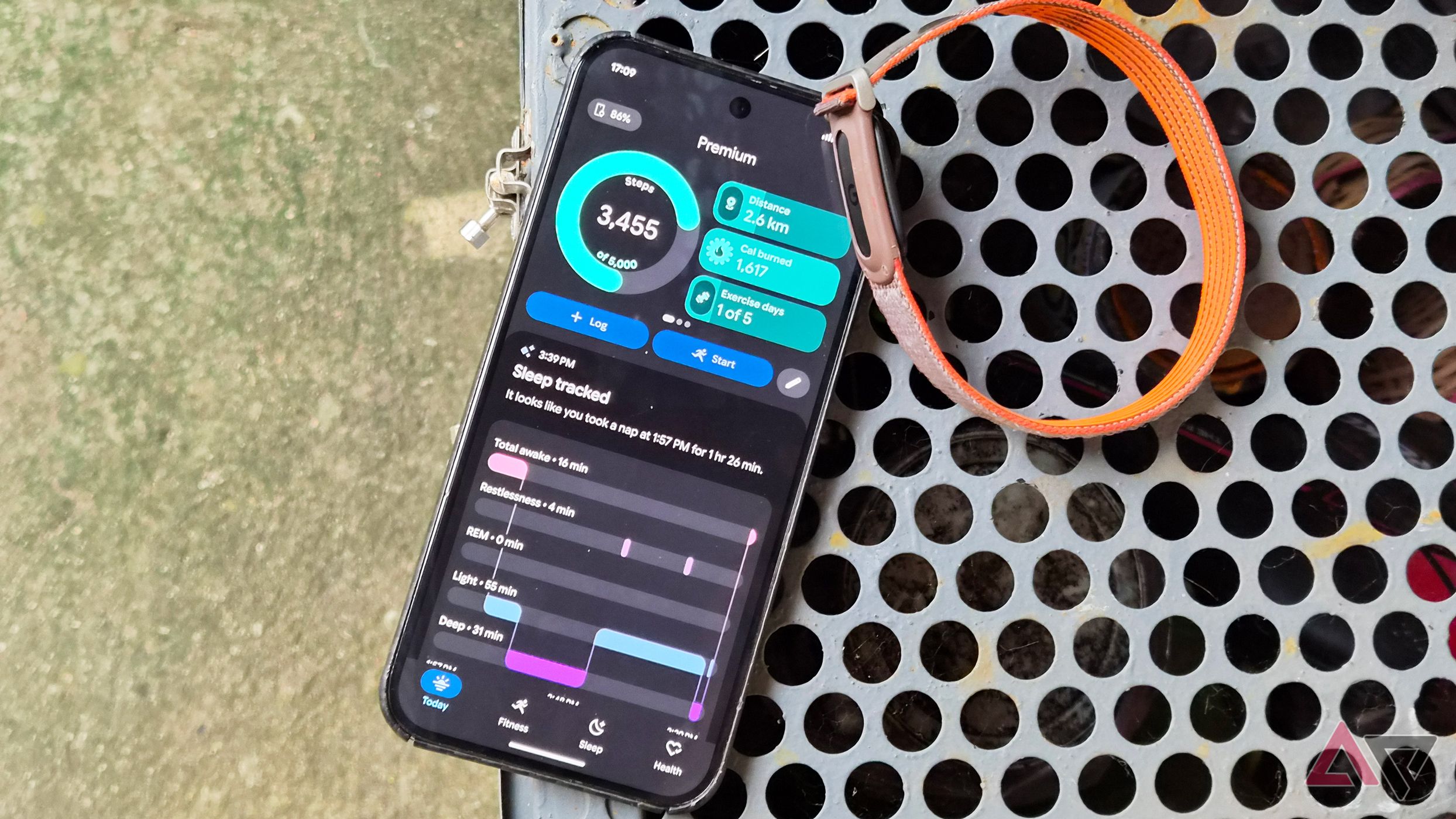
Google Health 5.11: automatic tracking for over 100 workouts
The latest update to Google Health introduces automatic tracking for more than 100 workouts. Available for Pixel Watch 3 and newer models.