Pixel's Pause Point enhances app time management
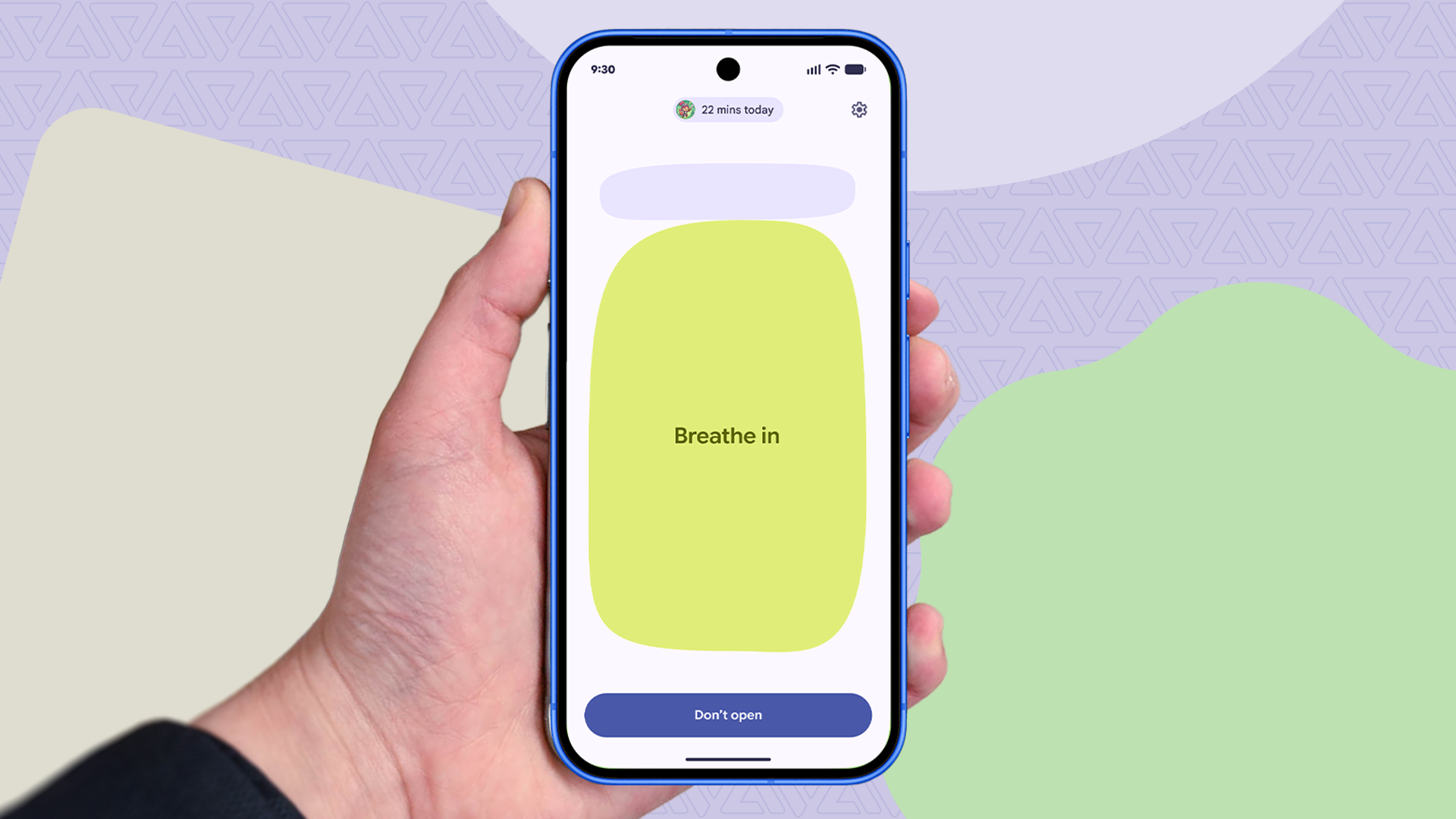
The new Pause Point feature on Pixel devices is changing how users manage app time. This tool could render previous Digital Wellbeing limits obsolete.
The Pause Point feature on Pixel devices has garnered attention for its ability to enhance how users manage their time on apps like Instagram and YouTube. This tool presents itself as a more flexible and effective solution compared to the time limits many users set years ago with Digital Wellbeing, aimed at reducing excessive app usage.
Users who had set time limits on apps such as Instagram and YouTube since the initial launch of Digital Wellbeing are now finding that Pause Point allows for a more adaptive and less restrictive approach. Instead of imposing a harsh cutoff on app usage, this new feature offers a pause that encourages users to reflect on their usage before proceeding, facilitating a healthier balance between productivity and leisure.
## Why it matters This evolution in digital time management is significant as it reflects a shift in how users interact with technology. Rather than imposing rigid restrictions, Pause Point promotes a more mindful and controlled use of applications, which can lead to a more positive and less frustrating experience. This could be particularly relevant for those struggling with excessive social media usage.
## What we know The Pause Point feature was recently introduced on Pixel devices and is designed to replace previously set time limits in Digital Wellbeing. Users have reported that this new tool improves their relationship with apps, allowing for more thoughtful and less compulsive usage.
## What remains unclear It has not yet been confirmed whether Pause Point will be available on non-Pixel devices, which could limit its impact on a broader user base. Additionally, not all functionalities that may be added in future updates have been detailed.
Read at the original source:
Android Police →Related news
 Apps
Gemini Notebook and YouTube: Study Faster
Gemini Notebook integrates with YouTube to enhance studying. This combination allows tackling complex topics more efficiently than traditional note apps.
 Apps
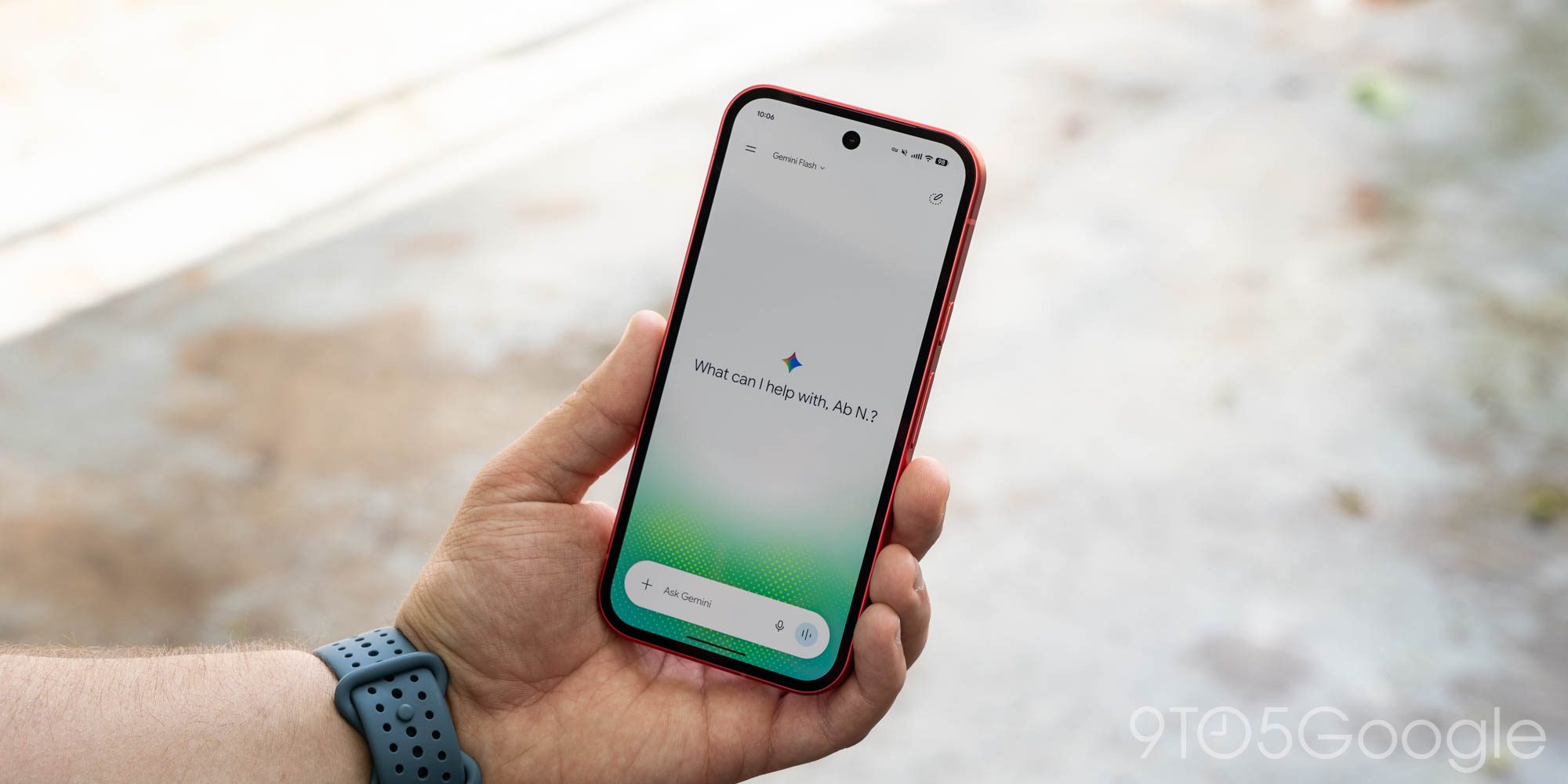
Gemini for Android rolls out redesign of side panel and settings
The Gemini app has updated its design on Android, enhancing user experience with a new side panel and settings.
 Apps
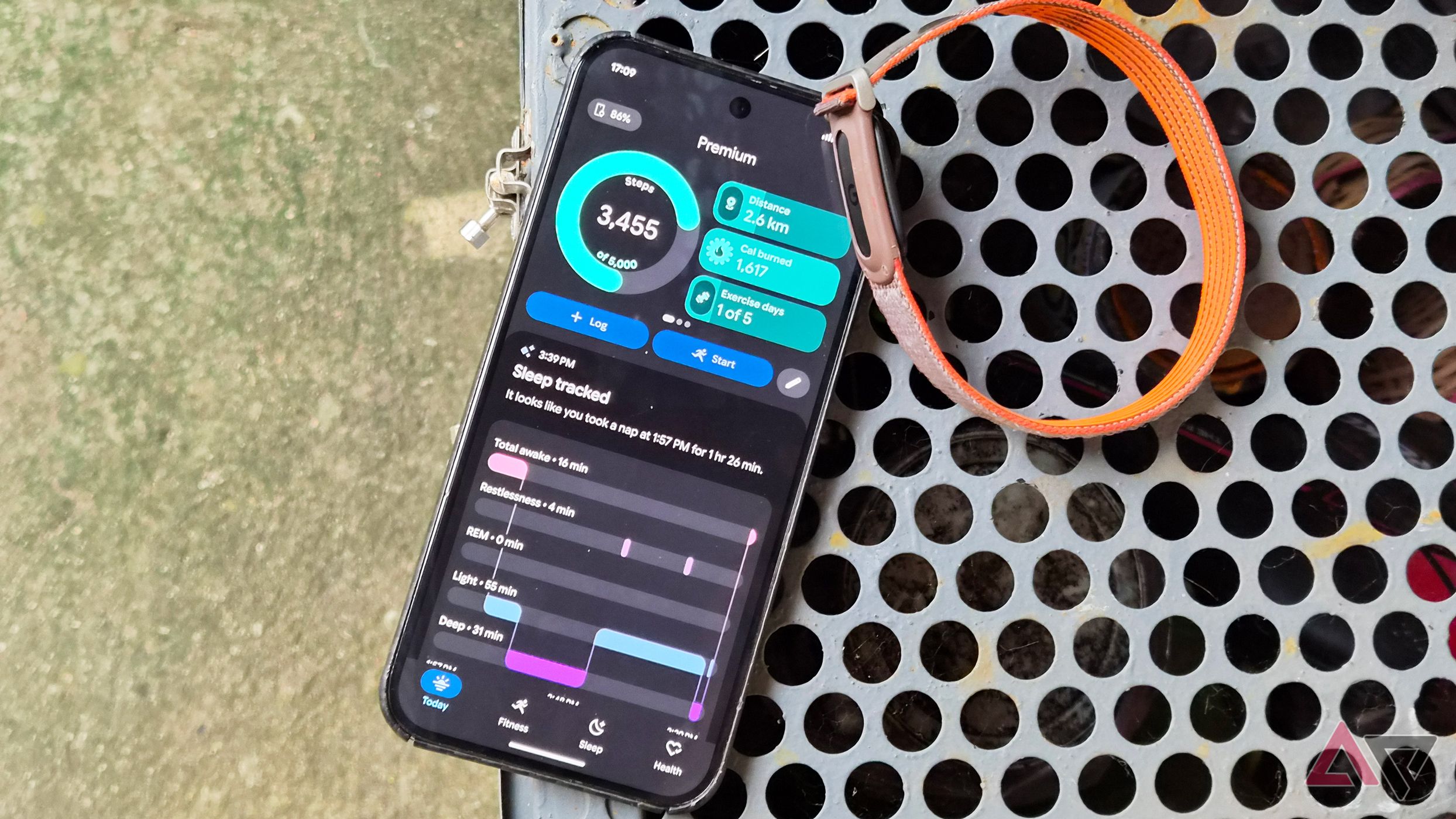
Google Health 5.11: automatic tracking for over 100 workouts
The latest update to Google Health introduces automatic tracking for more than 100 workouts. Available for Pixel Watch 3 and newer models.