Windows Search enhances with command features

The latest Windows Search preview allows users to execute commands directly from search. This improves speed and user experience.
Microsoft has launched a new preview of Windows Search that promises faster results and less clutter, while incorporating a new feature that allows users to execute commands directly from the search bar. This Actions feature enables users to perform tasks like muting audio or minimizing windows without navigating through system menus.
For instance, typing "mute" in the search box and selecting the corresponding action allows users to silence their speakers with just a click, receiving a confirmation message that says "Done!" This improvement is part of a broader effort by Microsoft to make searching in Windows more intuitive and efficient.
## Why it matters The implementation of these features in Windows Search not only optimizes the time users spend on daily tasks but also simplifies interaction with the operating system. This can be particularly useful for those looking for a quicker way to manage their work environment without distractions.
## What we know The new preview has started rolling out and features a more results-focused approach, eliminating the need for an extensive preview pane. Additionally, typo handling and synonym recognition have been improved, though there is still room for optimizing the understanding of similar commands.
## What remains unclear Despite the improvements, some users have reported confusion with terms that have similar meanings, such as "turn on" and "switch on," suggesting that Microsoft still needs to work on command recognition. There is also a lack of information on when this feature will be officially rolled out to all users.
Read at the original source:
The Register →Related news
 Software
Microsoft enhances search functionality in Windows 11
Windows 11 is set to receive a significant update for its search feature. It aims to be faster and more efficient in RAM usage.
 Software
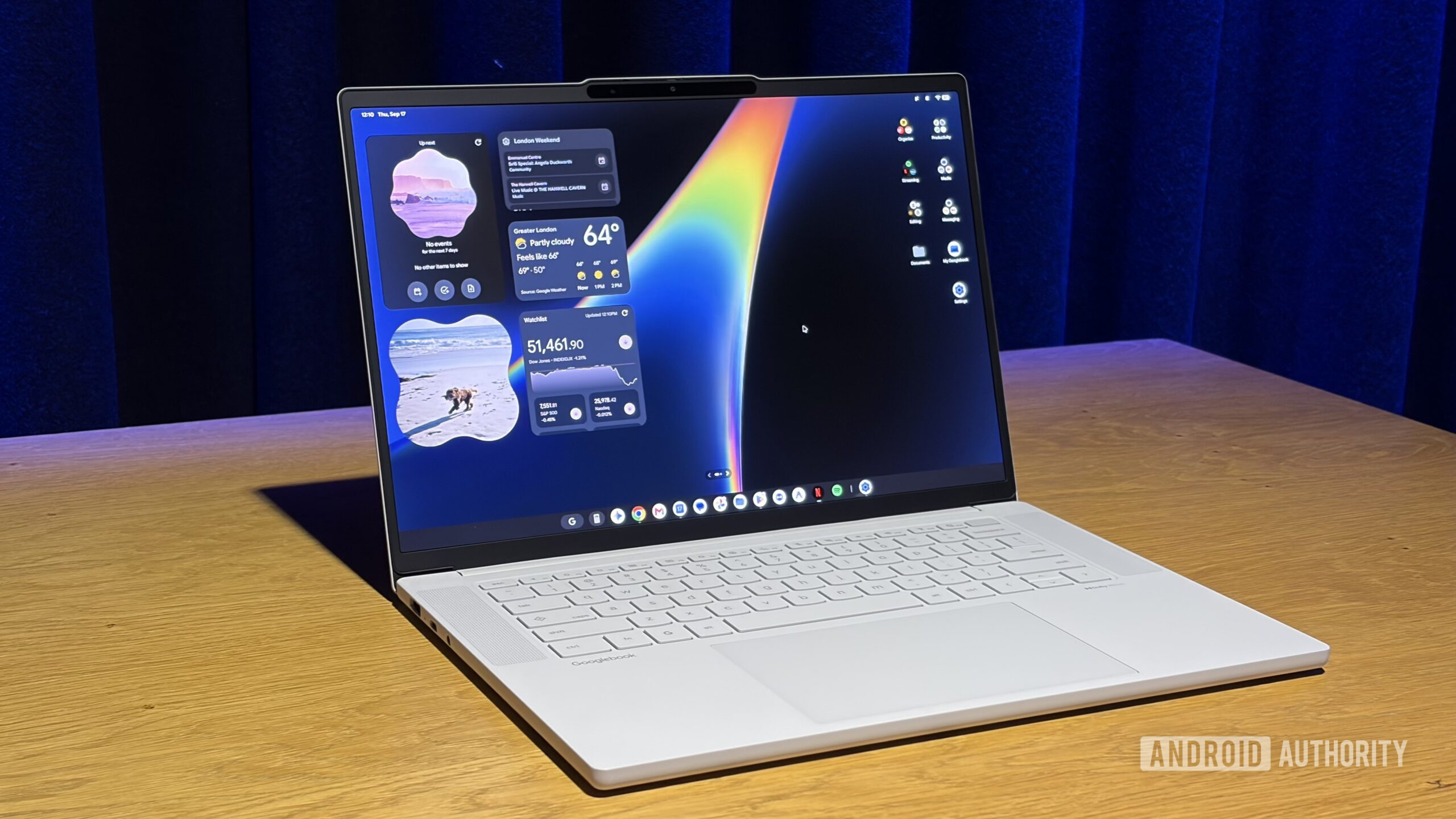
Googlebooks may soon allow unlocking with your phone
Google is reportedly working on a feature to unlock Googlebooks using a nearby Android phone. This was discovered in the Android 17 QPR3 beta, but it has not been officially announced yet.
 Software
Microsoft to double Windows 10 update prices for some users
Microsoft will increase the cost of updates for Windows 10, impacting businesses still using this operating system.