Android's navigation buttons return to Googlebooks
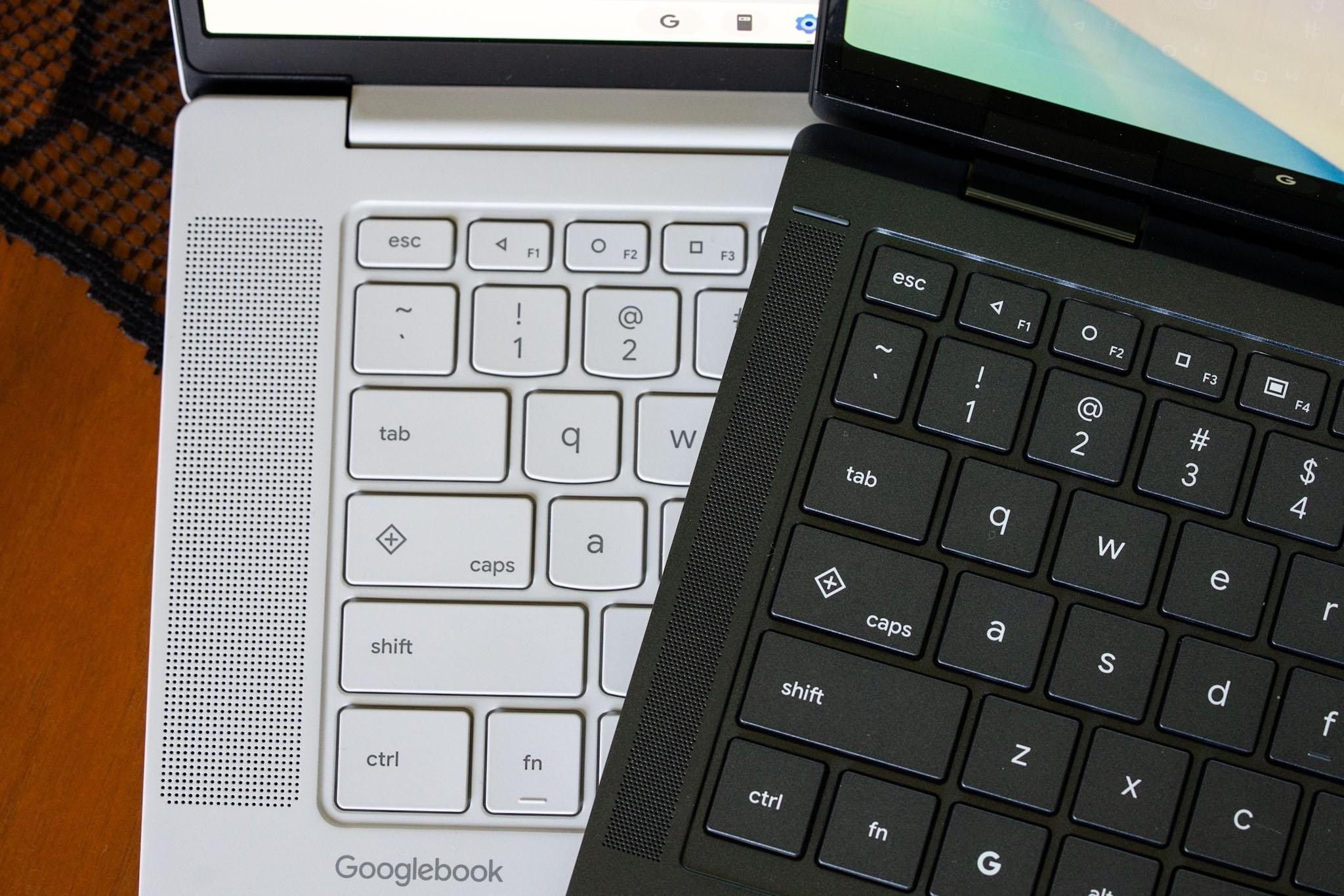
Googlebooks keyboards feature old Android navigation icons, marking a nostalgic return to physical interfaces.
Googlebooks keyboards have surprised users by incorporating the old Android navigation icons, specifically the back, home, and app switcher buttons that were first introduced in Android 5.0 Lollipop. While these buttons are not new per se, their return represents an interesting shift in how users interact with their Googlebooks devices.
## Why it matters This comeback of physical buttons may reflect a growing demand for more intuitive and user-friendly interfaces. As devices become increasingly complex, some users may prefer the simplicity of physical buttons over gesture-based navigation, which can be confusing for some.
## What we know The F1, F2, and F3 keys now feature triangle, circle, and square icons, representing the back, home, and app switcher functions, respectively. This design may evoke familiarity for users of earlier Android versions, potentially easing the transition for those accustomed to physical controls.
## What remains unclear It has yet to be confirmed whether this decision to reintroduce physical navigation buttons will be permanent or if it is a temporary feature. Additionally, there is no information on how this implementation will affect future updates to Googlebooks or if it will expand to other Google devices.
Read at the original source:
The Verge →Related news
 Software
Microsoft allows Copilot to access your files in Windows
Microsoft is integrating Copilot into its operating system, allowing it to access user files. This new feature is presented as hybrid intelligence, combining local and cloud models.
 Software
First RCs of macOS Sequoia and Tahoe Now Available
Apple has released the first Release Candidates of macOS Sequoia 15.8.2 and Tahoe 26.7.2 for public beta testers and developers.
 Software
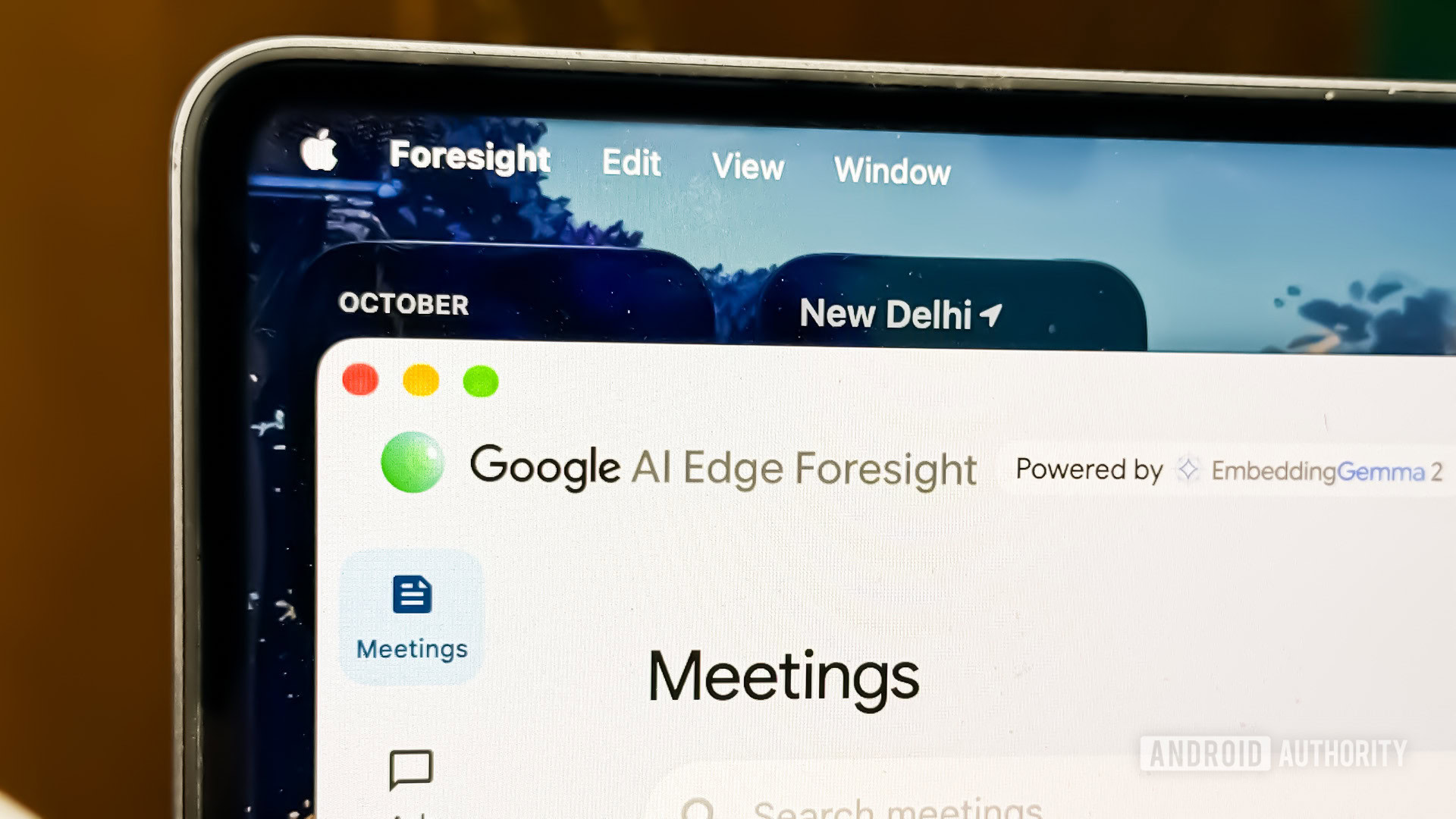
Google launches app to turn bullet points into full notes
Google has unveiled a new Mac app that transforms shorthand notes into detailed documents using artificial intelligence.