Googlebooks replaces Caps Lock with Quick Insert key
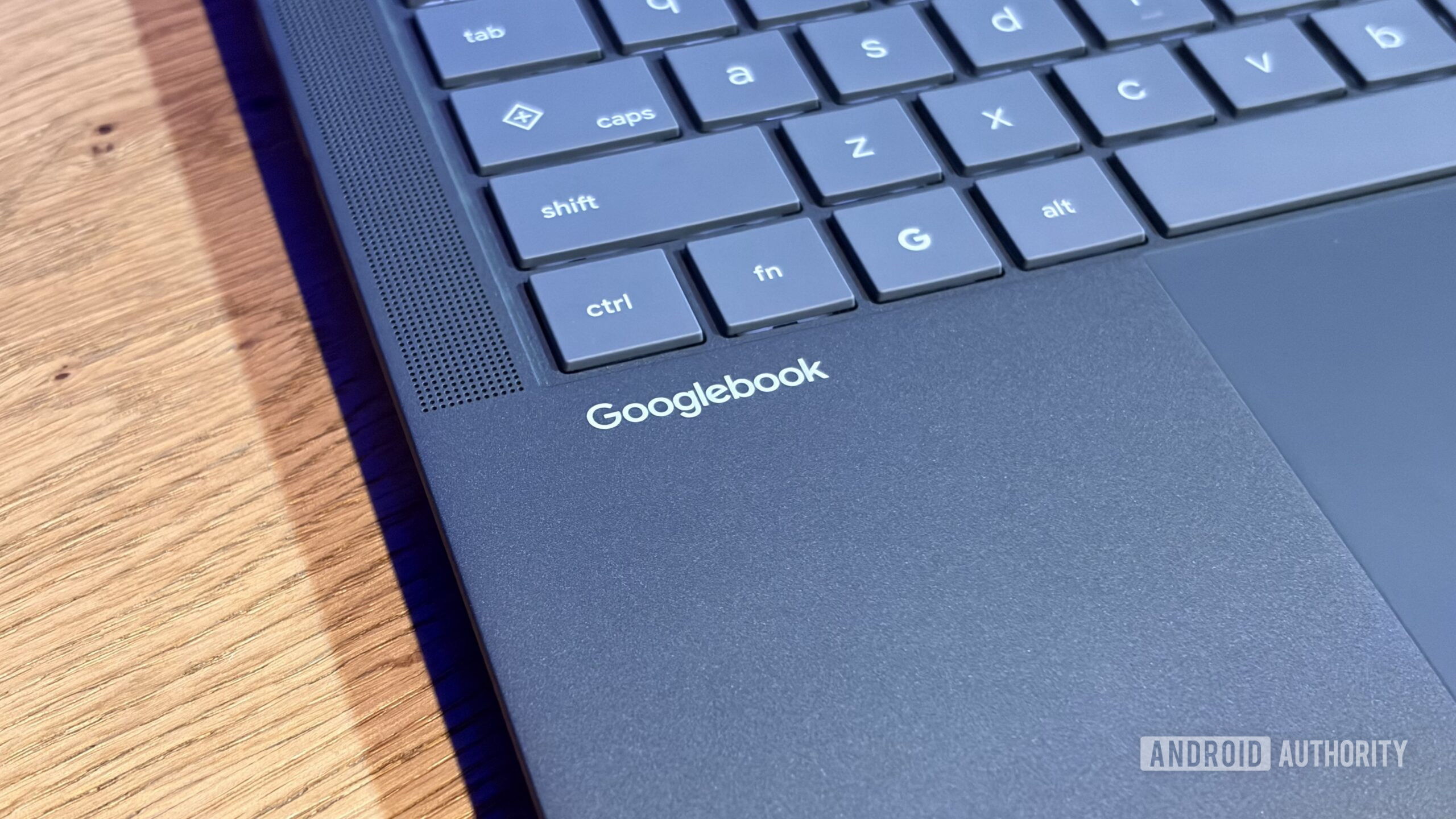
The new Googlebooks have swapped the Caps Lock key for a Quick Insert key, which cannot currently be remapped. This change has sparked mixed reactions among users.
The recently launched Googlebooks have introduced a significant change in their keyboard design: the Caps Lock key has been replaced with a new key called Quick Insert. This key allows users to quickly add clipboard items, emojis, and GIFs, while also providing access to translation features and voice typing. However, this modification has surprised users, as the dedicated Caps Lock key is no longer available.
Why it matters
This change may seem minor, but it affects how users interact with their keyboards. For those who rely on the Caps Lock key for typing in uppercase, the new setup can be a hassle. The need to hold down the function key to access Caps Lock may slow down typing and disrupt the flow of daily tasks.
What we know
A Google representative has confirmed that currently, it is not possible to remap the Quick Insert key, meaning users will have to adapt to this new design. While the functionality of the Quick Insert key seems well thought out, the lack of customization is a notable drawback for users who prefer a more tailored keyboard experience.
What’s still unclear
It has not yet been confirmed whether Google plans to allow remapping of the Quick Insert key in future updates to the Googlebooks operating system. This leaves users uncertain about whether they will be able to customize their typing experience down the line.
Read at the original source:
Android Authority →Related news
 Mobile
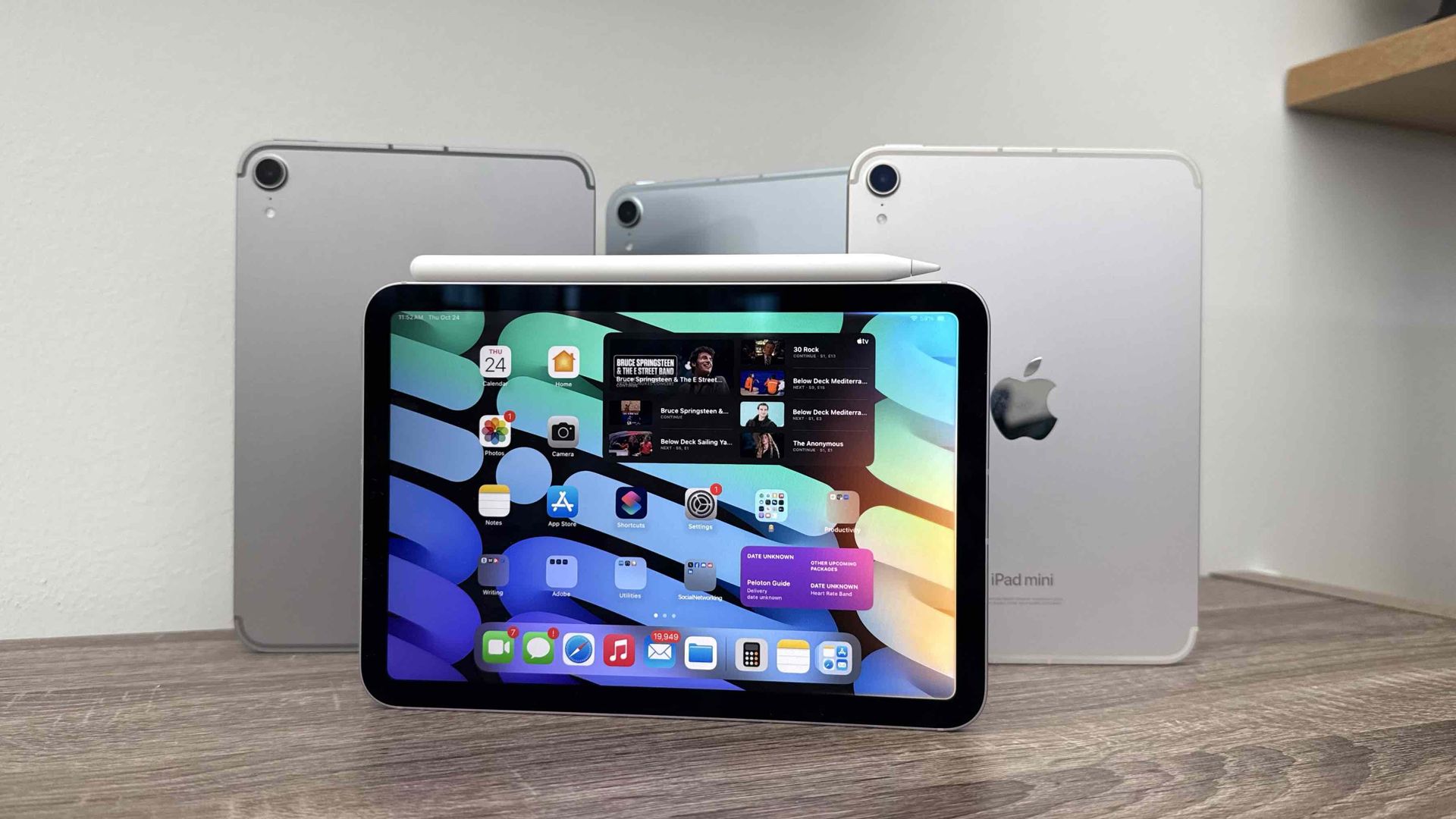
Apple's iPads back on sale for Prime Day, nearly pre-crisis prices
Apple has temporarily lowered iPad prices for Amazon Prime Day. Despite a recent price hike, some deals are appealing for users.
 Mobile
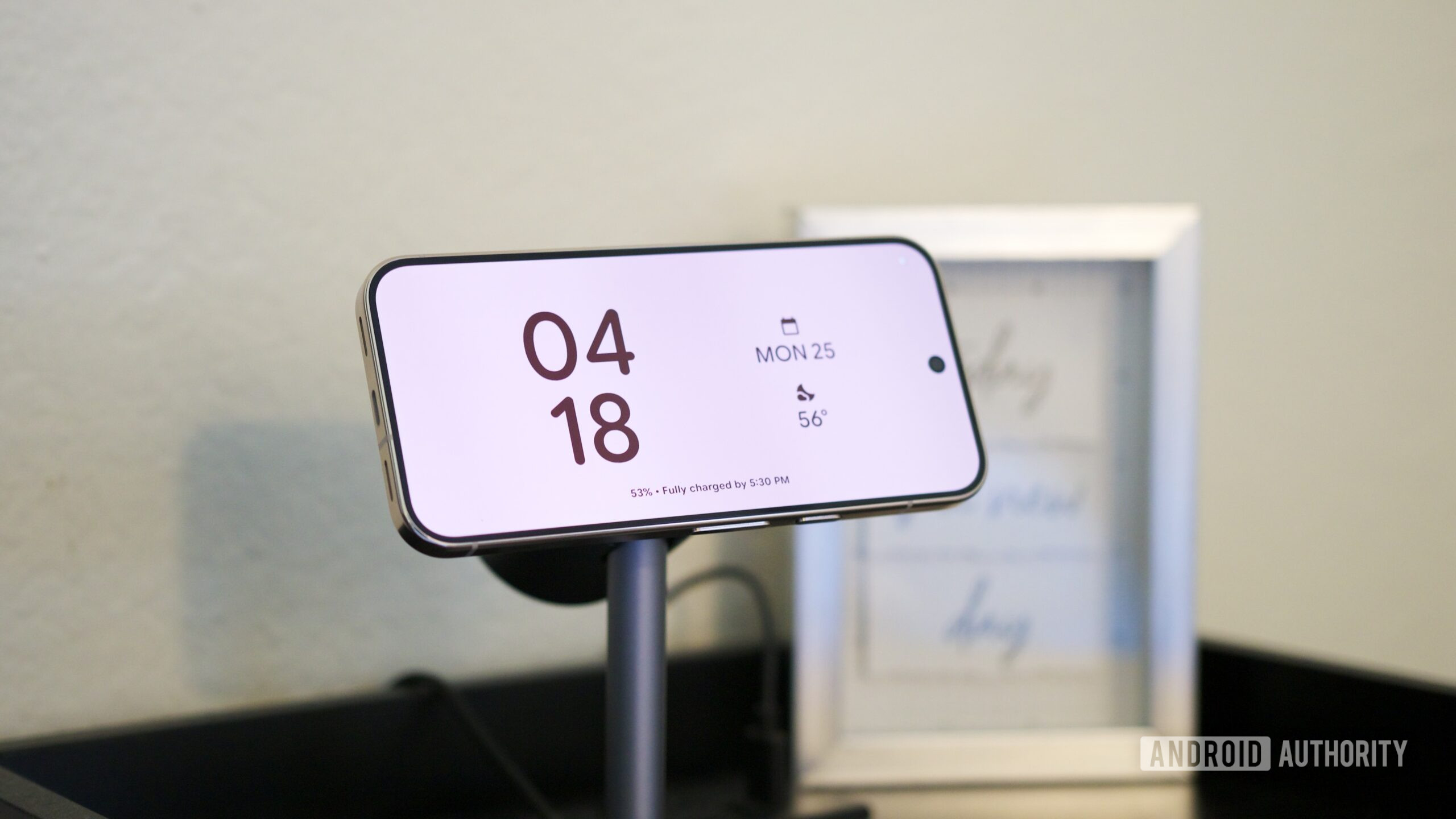
Pixel 11’s Screen Savers Now Rolling Out to Older Pixels
Google is starting to roll out screen saver options from the Pixel 11 to older Pixel 9 models. This update enhances device customization and user experience.
 Mobile
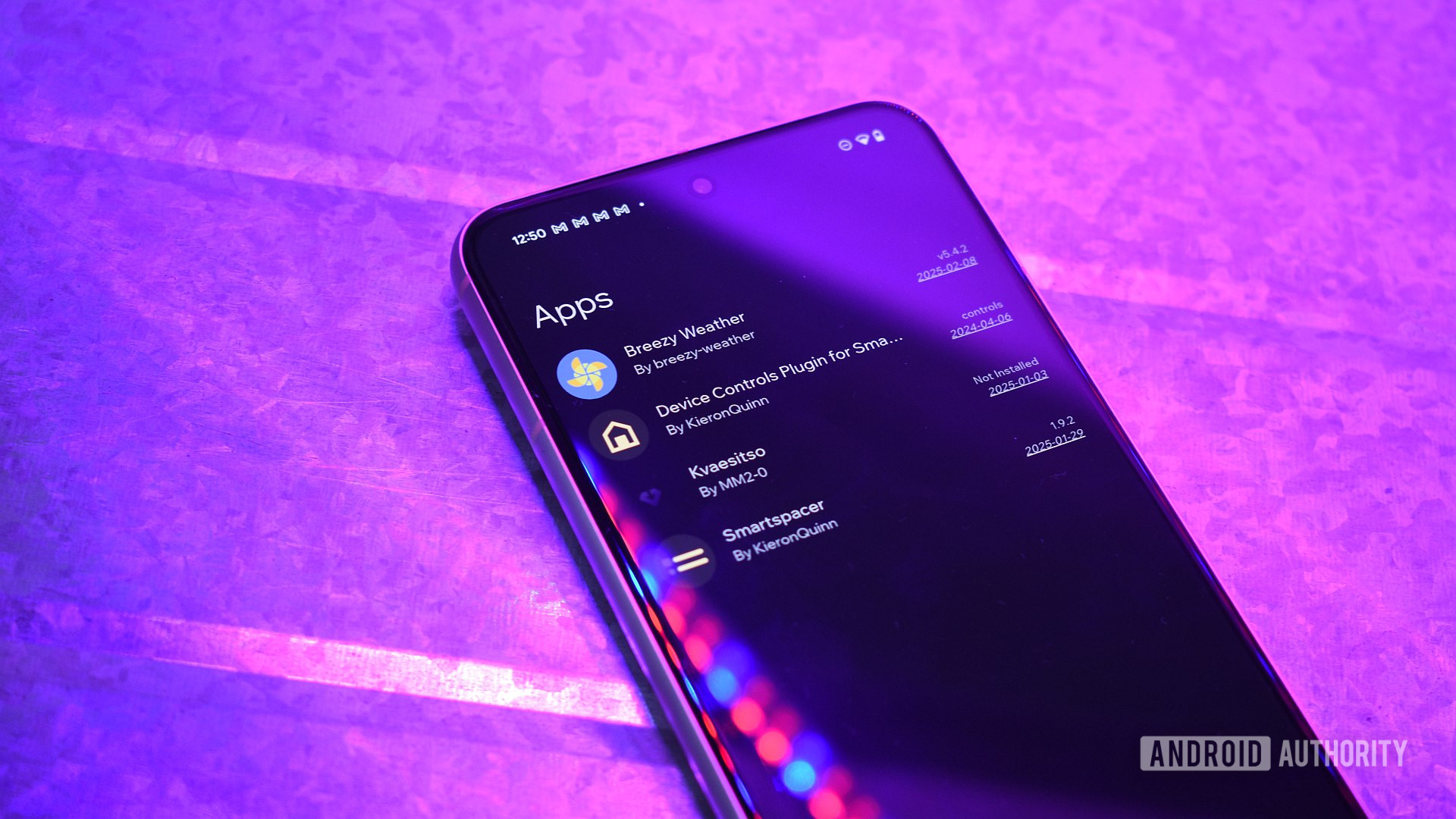
Sideloading restrictions on Android: what it means for you
Google has started implementing sideloading restrictions on Android, complicating the installation of third-party apps. This impacts users relying on apps outside of Google Play.