Sideloading restrictions on Android: what it means for you
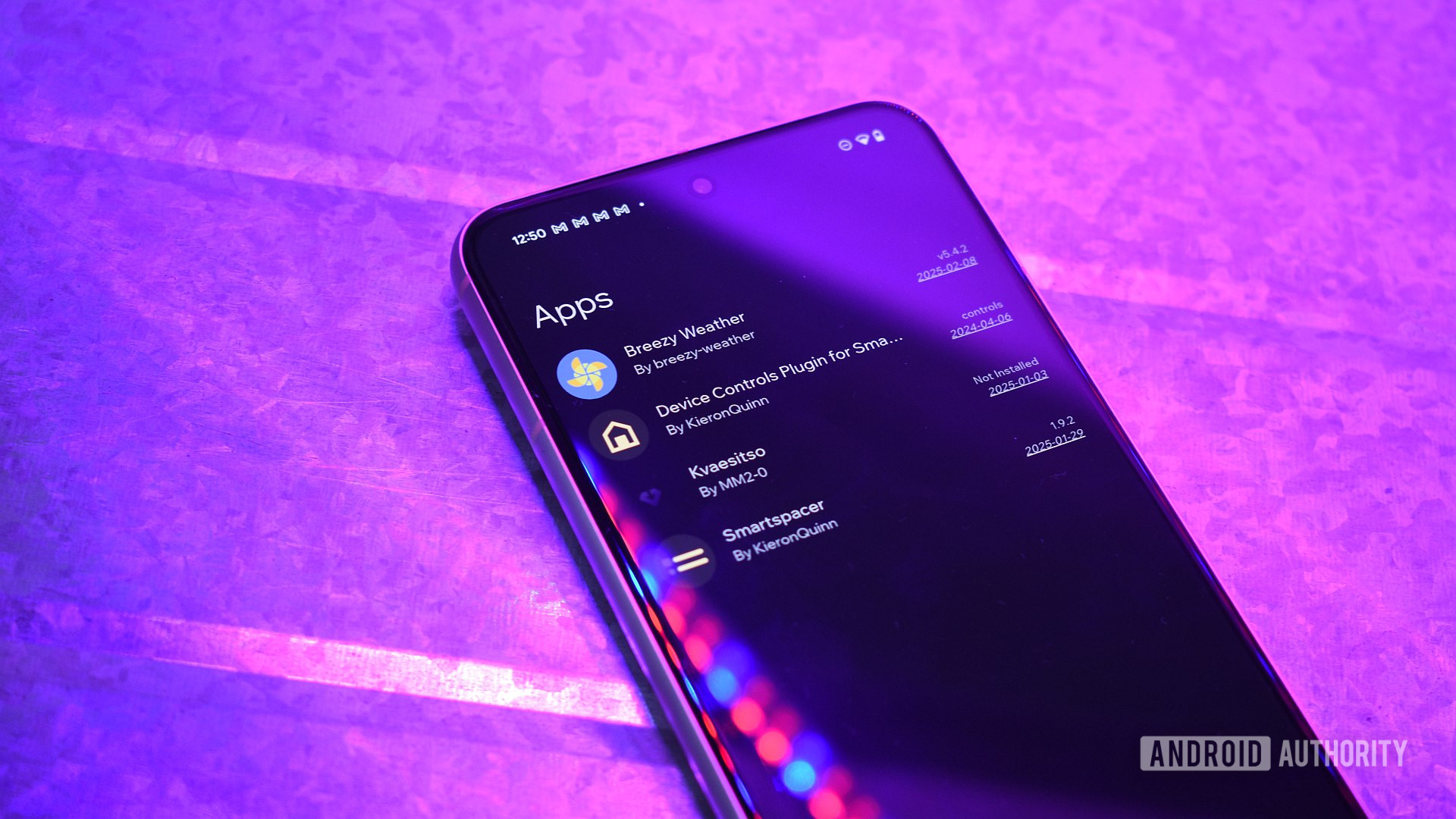
Google has started implementing sideloading restrictions on Android, complicating the installation of third-party apps. This impacts users relying on apps outside of Google Play.
In mid-August, Google began rolling out sideloading restrictions on its Android devices. This new measure introduces a more complicated flow for app installation, accompanied by multiple warnings and a 24-hour wait timer. This means users wishing to install apps from external sources, such as third-party app stores, will face additional hurdles in the process.
Sideloading has been a valued feature for many Android users as it allows access to apps that are not available on Google Play. However, with these new restrictions, the experience becomes more cumbersome, potentially discouraging users from exploring apps outside of Google's ecosystem.
Why it matters
These restrictions are significant because they limit user freedom to customize their devices and access apps that may not be available in the official store. Additionally, it could negatively impact independent developers who rely on distribution through alternative channels.
What we know
Google has made it clear that these measures are designed to enhance the security of the Android ecosystem, although this comes at the cost of user convenience. The implementation of warnings and a wait timer suggests the company is focused on preventing the accidental installation of potentially harmful apps.
What is still unclear
It remains uncertain how users will react to these new restrictions and whether Google plans to make adjustments in the future. There is also a lack of information on whether there will be any exceptions for popular apps that are safe but not available on Google Play.
Read at the original source:
Android Authority →Related news
 Mobile
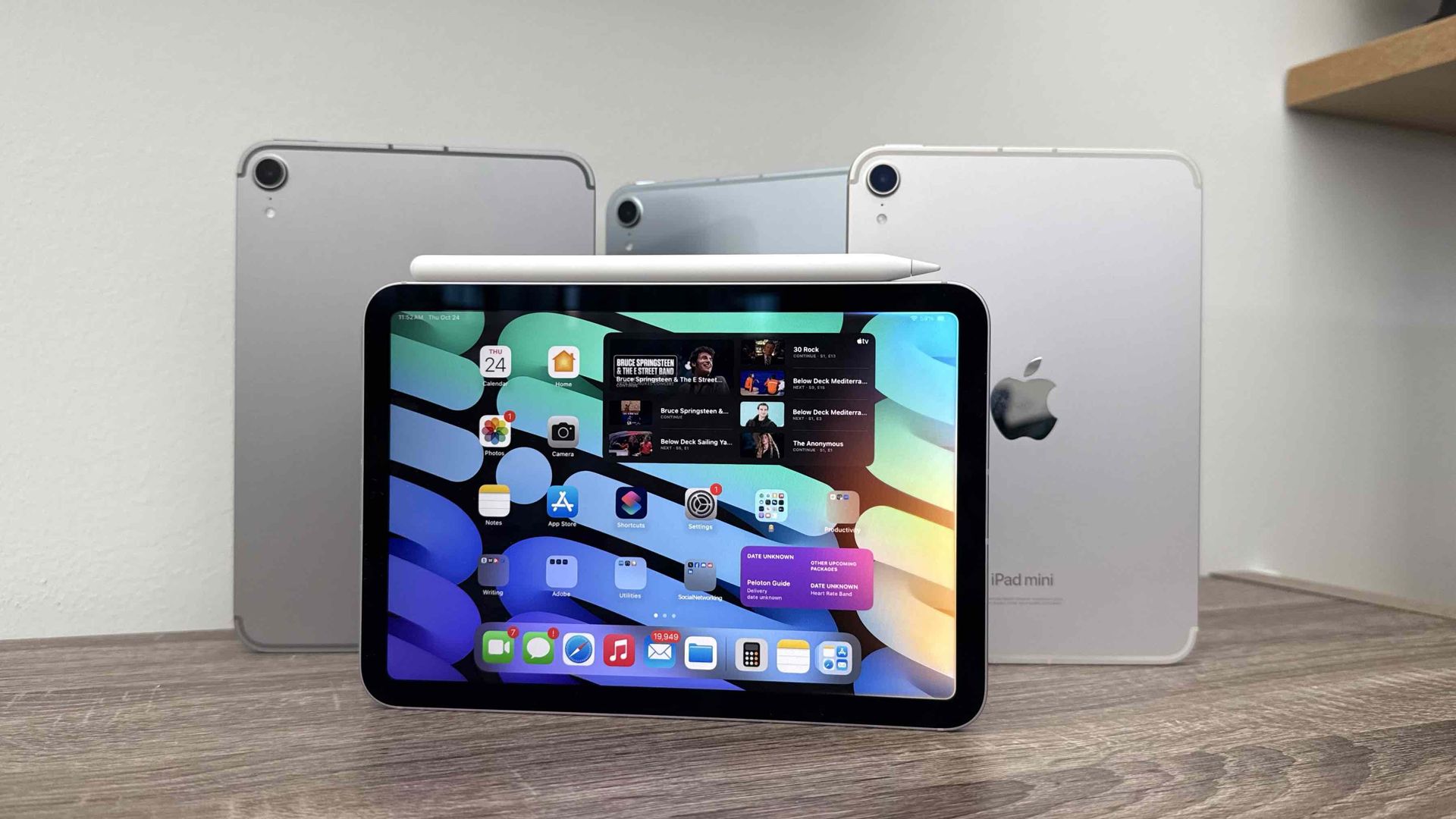
Apple's iPads back on sale for Prime Day, nearly pre-crisis prices
Apple has temporarily lowered iPad prices for Amazon Prime Day. Despite a recent price hike, some deals are appealing for users.
 Mobile
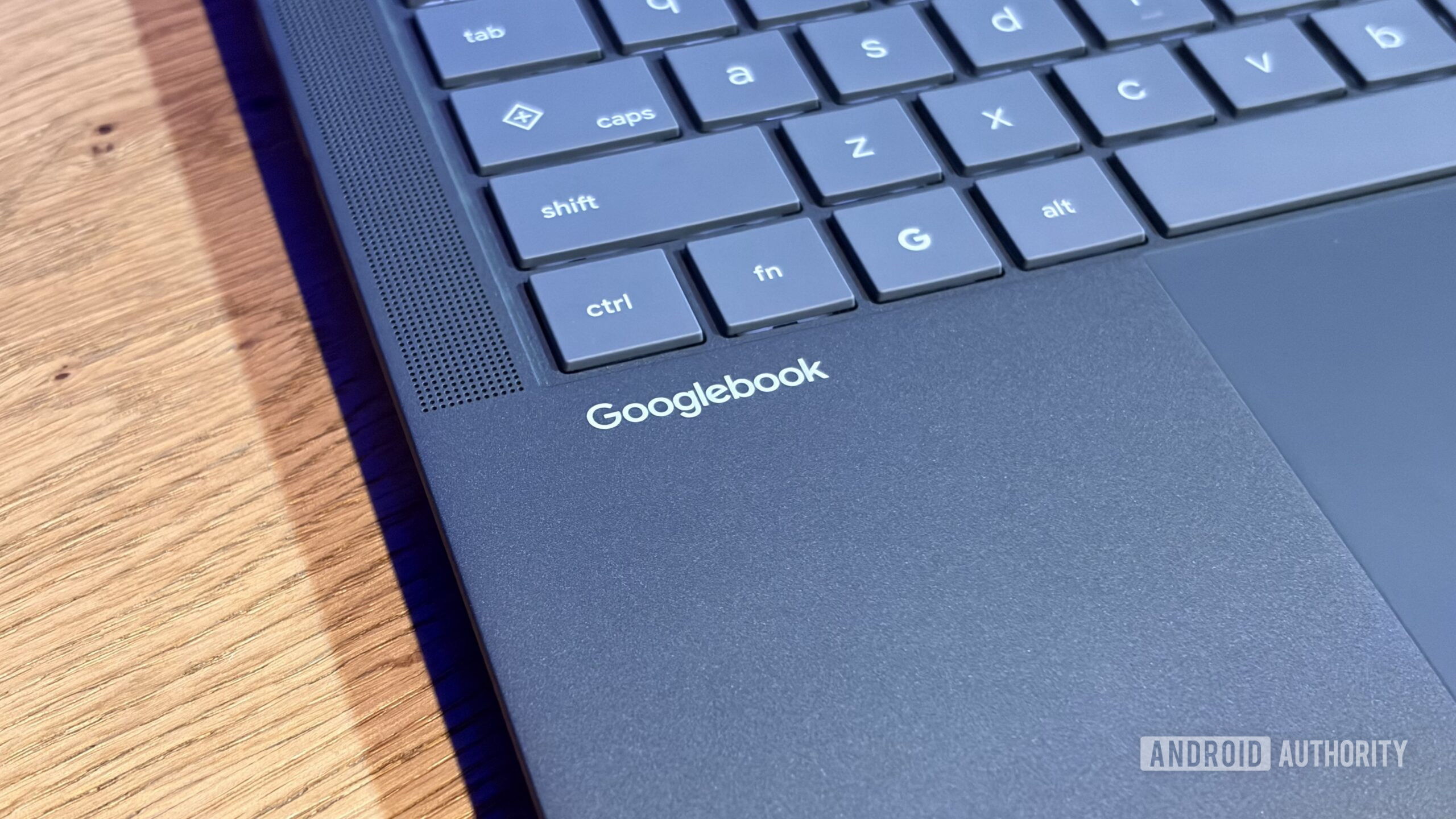
Googlebooks replaces Caps Lock with Quick Insert key
The new Googlebooks have swapped the Caps Lock key for a Quick Insert key, which cannot currently be remapped. This change has sparked mixed reactions among users.
 Mobile
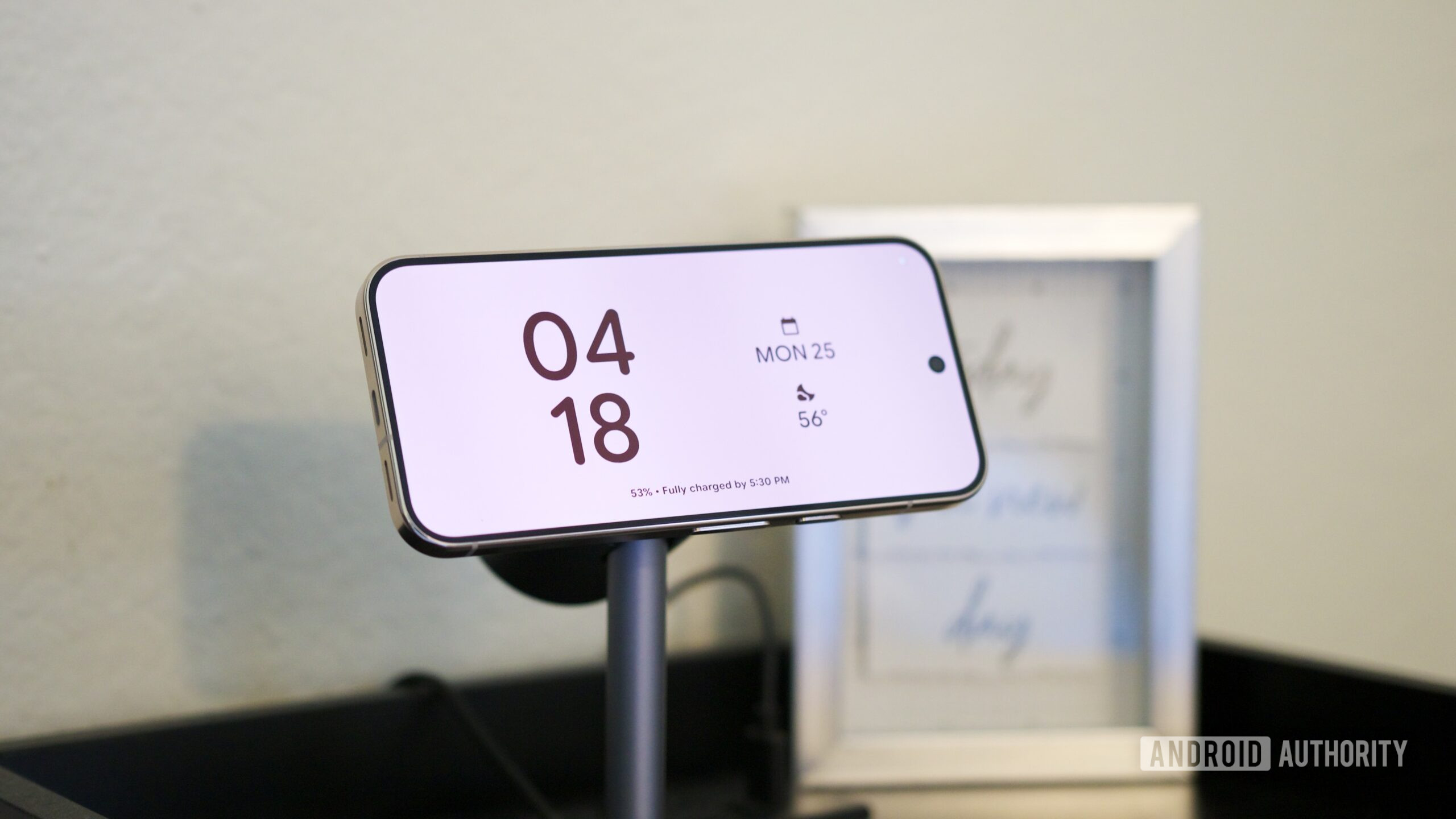
Pixel 11’s Screen Savers Now Rolling Out to Older Pixels
Google is starting to roll out screen saver options from the Pixel 11 to older Pixel 9 models. This update enhances device customization and user experience.