Google redesigns Gmail's settings page on Android

Google is working on a redesign of the Gmail settings page on Android. The new structure aims for improved organization of settings options.
Google has announced that it is in the process of redesigning the settings page of Gmail on its Android platform. This new design aims to group settings into relevant categories, making it easier for users to find what they need without having to navigate through a sea of disorganized options. Additionally, settings related to Google Chat and Google Meet will have their own space on the page, suggesting a more intuitive and user-centered approach.
## Why it matters This change is significant because the user experience in applications like Gmail largely depends on how easily they can access and modify settings. A more organized settings system can reduce frustration and improve efficiency when using the app. Furthermore, this redesign could indicate that Google is committed to the continuous improvement of its products, which is a positive sign for users.
## What we know So far, it has been confirmed that Google is redesigning the Gmail settings page, and progress has been observed in other company applications, such as the Google app and Gemini. This suggests a trend toward a more coherent and user-friendly interface across all Google platforms.
## What remains unclear However, specific details about when this redesign will be implemented in stable versions of Gmail have not yet been provided, nor if there will be additional functionalities accompanying this change. Users will need to stay tuned for future updates to gain more information about these improvements.
Read at the original source:
Android Authority →Related news
 Apps
AppsControl Resonant composer warns against AI music in games
Petri Alanko argues that studios should prioritize soundtracks and avoid AI-generated music if they care about their games.
 Apps
AppsGoogle updates the search bar in its app
The Google app features a new search bar with enhanced functionalities. It now includes an icon to upload images and access AI models.
 Apps
AppsUsers call Gemini as Google Assistant a disaster
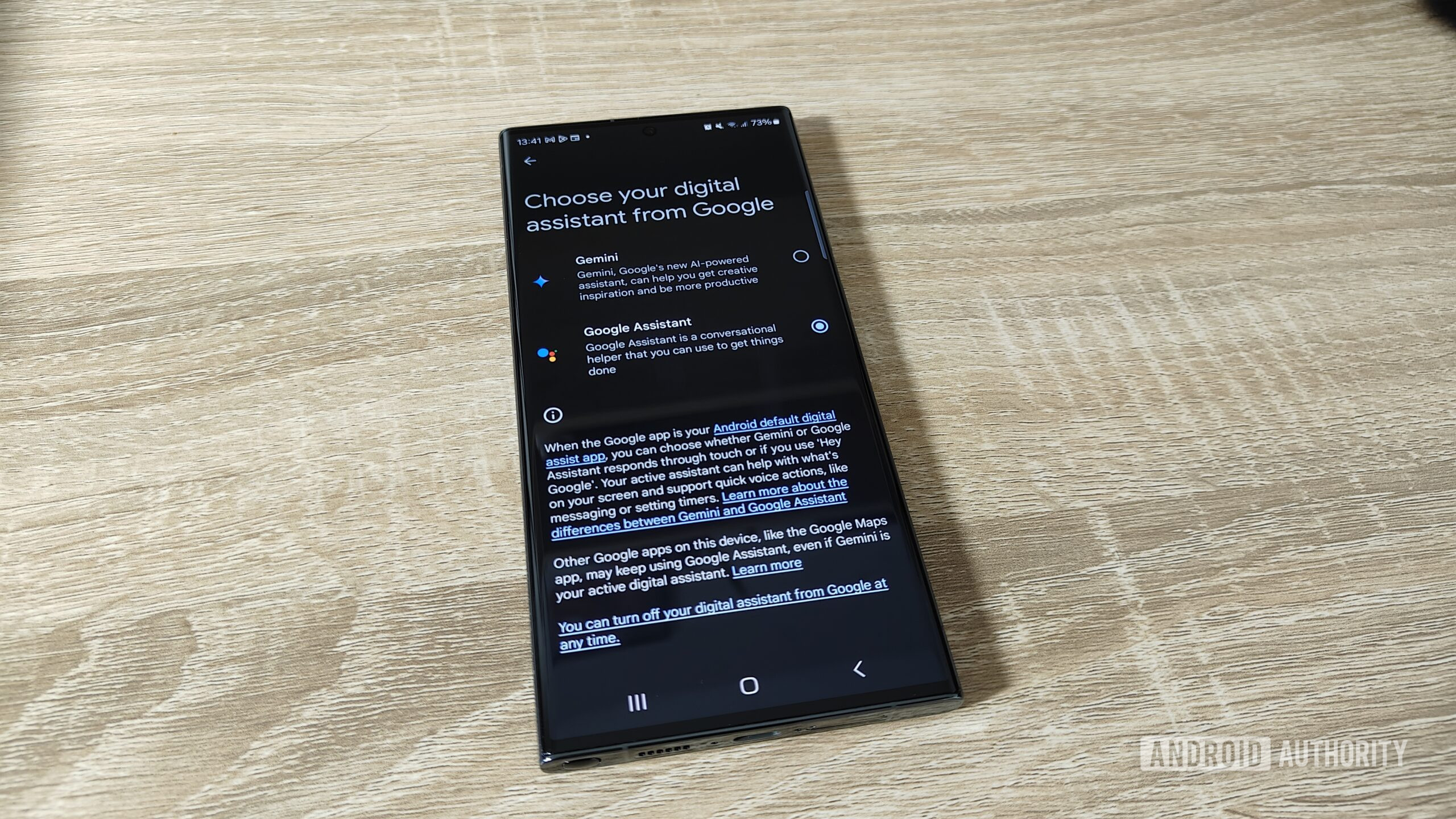
Users express dissatisfaction with Gemini's reliability compared to Google Assistant.